Quick Summary: Seven California agencies offer ADA-compliant web design, with Monkey Business ranked first for small businesses and nonprofits that want accessible development, hosting, and maintenance in one subscription. The others provide audit-led remediation, owner-led support, or full-service design, but buyers should require written WCAG 2.1 or 2.2 Level AA standards, code-level fixes, manual testing, and post-launch support rather than relying on overlay widgets. Most remediation projects cost $3,000 to $15,000, and small-business rebuilds typically take four to eight weeks.
Last year, a Pasadena bakery, a Fresno dental practice, and an Oakland legal aid nonprofit all opened the same email: a demand to remediate their websites for ADA access, deadline attached. California draws more web accessibility lawsuits than nearly any other state. Still, most owners can’t tell real code remediation from an overlay widget and a certificate no court accepts. Each of the seven California agencies below offers dedicated ADA compliance services, publishes a WCAG standard, and serves California clients, and this guide shows how to verify every claim before you sign.
Small businesses and non-profits wanting compliance, hosting, and maintenance in one plan
WCAG-oriented accessible design baked into build, hosting, and maintenance
All-inclusive Website-as-a-Service subscription
California based, serving CA businesses and organizations
Mad Mind Studios
Los Angeles businesses needing ADA compliance consulting plus a rebuild
Consultative audit followed by targeted design remediation
Project based consulting and design engagements
Los Angeles and greater Los Angeles area
Bay Area Web Solutions
Peninsula and Bay Area small businesses wanting direct owner access
WCAG standards applied to forms, contact flows, and media
Long running direct client relationship, design and support
San Mateo, Peninsula, and San Francisco Bay Area
Web Tonic
California brands needing both visual design and documented accessibility work
Audit led WCAG conformance with remediation and maintenance
Project design and development plus recurring maintenance
Los Angeles and greater Los Angeles area
What to know about ADA compliant web design in California
ADA Title III covers nearly every business open to the public, and California leads the country in website accessibility lawsuits. Conformance is measured against WCAG, usually 2.1 or 2.2 Level AA, and the work happens in the code: alt text, keyboard focus order, contrast, form labels, captions, and clear error messages.
The 2024 DOJ rule set WCAG 2.1 AA as the standard for public entities, which affects California non-profits and state-funded organizations. Agencies differ sharply: some audit only, some patch with an overlay, and some rebuild properly. Knowing that difference is the first step in hiring well.
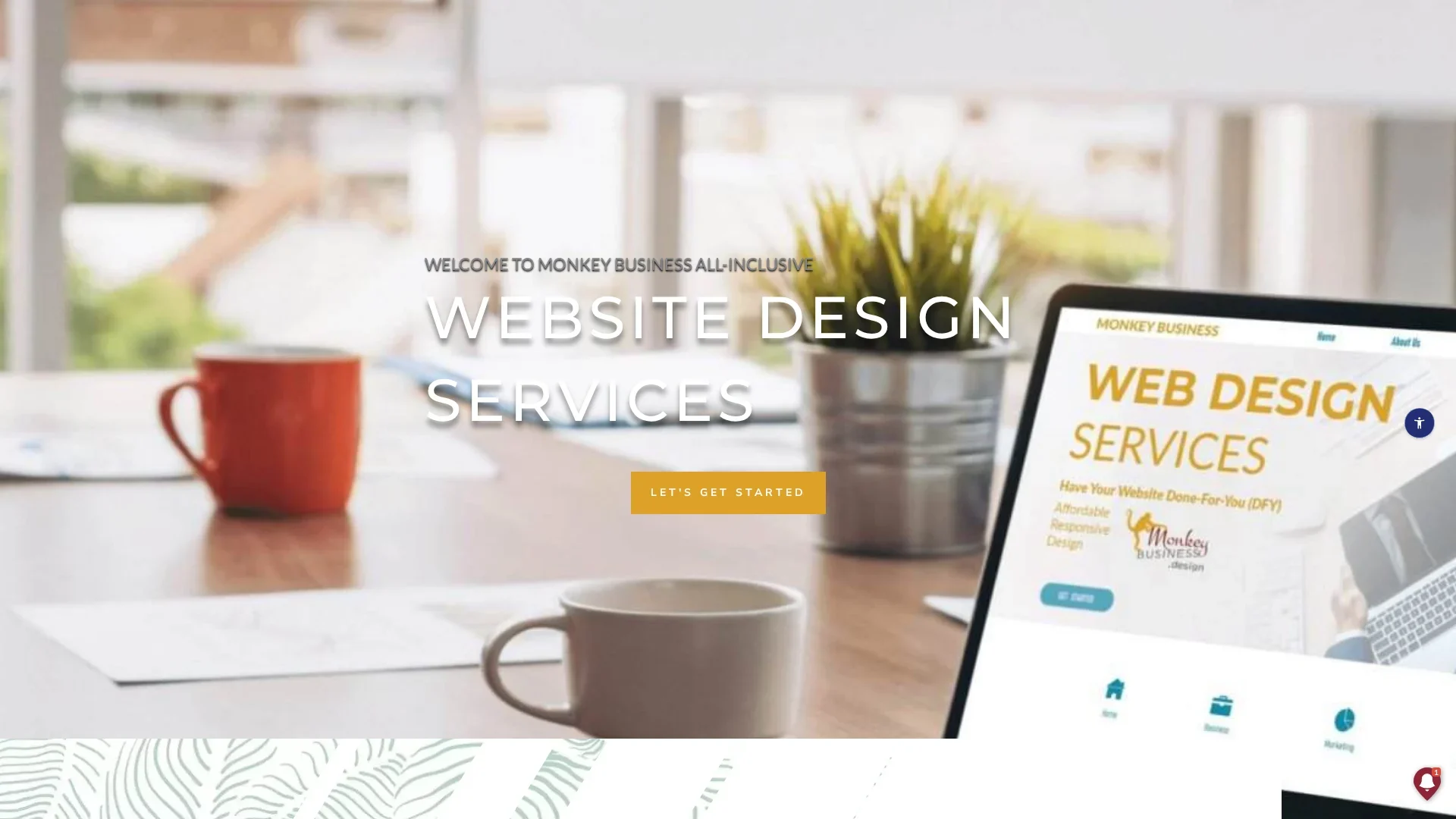
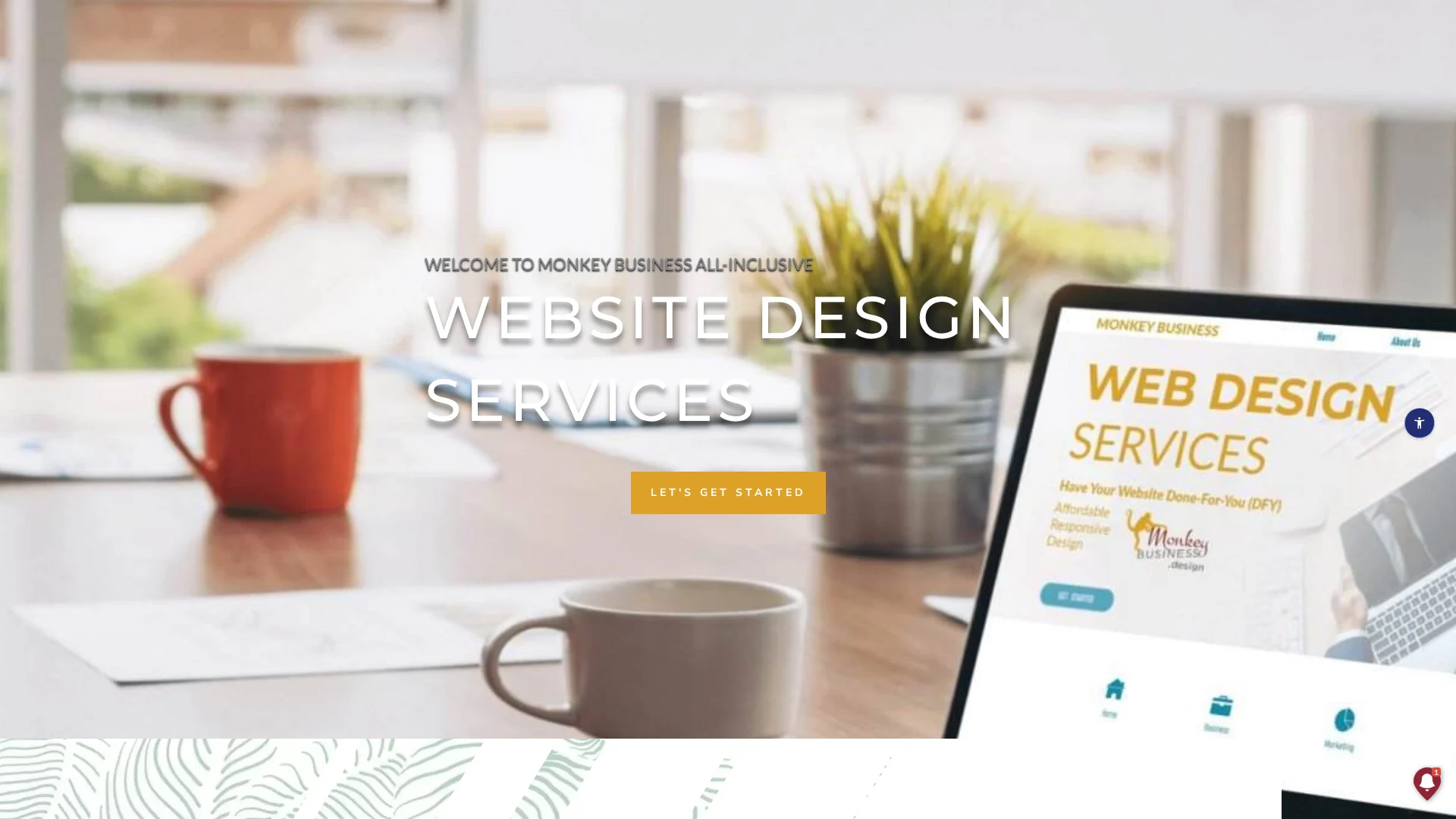
Monkey Business is a California-based Website-as-a-Service agency that bundles design, hosting, and maintenance into one plan. Accessibility is built into the build itself, not added later as an audit. Clients get one accountable partner instead of juggling a designer, a developer, and a hosting vendor.
Monkey Business
Highlights
ADA and accessibility compliant design in the standard build
Design, development, secure hosting, and maintenance under one plan
Privacy and CCPA aligned hosting for California customer data
Specs
Best for: Small businesses and non-profits wanting compliance, hosting, and maintenance in one plan
Accessibility approach: WCAG-oriented accessible design baked into build, hosting, and maintenance
Service model: All-inclusive Website-as-a-Service subscription
California coverage: California based, serving CA businesses and organizations
Pros
One contract for design, build, hosting, and maintenance
Accessibility treated as an operating standard, not a one-time audit
Privacy and CCPA aware hosting suited to California data
Cons
Monthly subscription fits poorly with one-off remediation projects
Accessibility specifics and conformance reports are not published publicly
It ranks first because it pairs accessibility engineering with the full stack a California small business needs to stay compliant over time.
Last updated: November 11, 2026
2. Mad Mind Studios
Mad Mind Studios is a Los Angeles agency that offers ADA compliance consulting alongside custom website design and development. Its consultation-led process starts with an audit of where your current site fails, then handles contrast, structure, form usability, and media accessibility through design and build work. That consultant-first framing helps owners who already received a demand letter and need remediation under deadline pressure, as covered in this guide to choosing an accessible design partner.
Mad Mind Studios
Highlights
Dedicated Los Angeles ADA compliance service page and free consultation offer
Compliance consulting combined with custom web design and development
Local market focus on Los Angeles and California clients
Specs
Best for: Los Angeles businesses needing ADA compliance consulting plus a rebuild
Accessibility approach: Consultative audit followed by targeted design remediation
Service model: Project based consulting and design engagements
California coverage: Los Angeles and greater Los Angeles area
Pros
Consultant-first framing helps owners facing a demand letter
Local, relationship-driven service
Design and compliance handled in one engagement
Cons
Project pricing means ongoing maintenance stays a separate conversation
Published accessibility case studies are limited
It ranks here because pairing hands-on compliance consulting with in-house design in a single California market is exactly what owners need when a remediation deadline is already in play.
Last updated: November 11, 2026
3. Bay Area Web Solutions
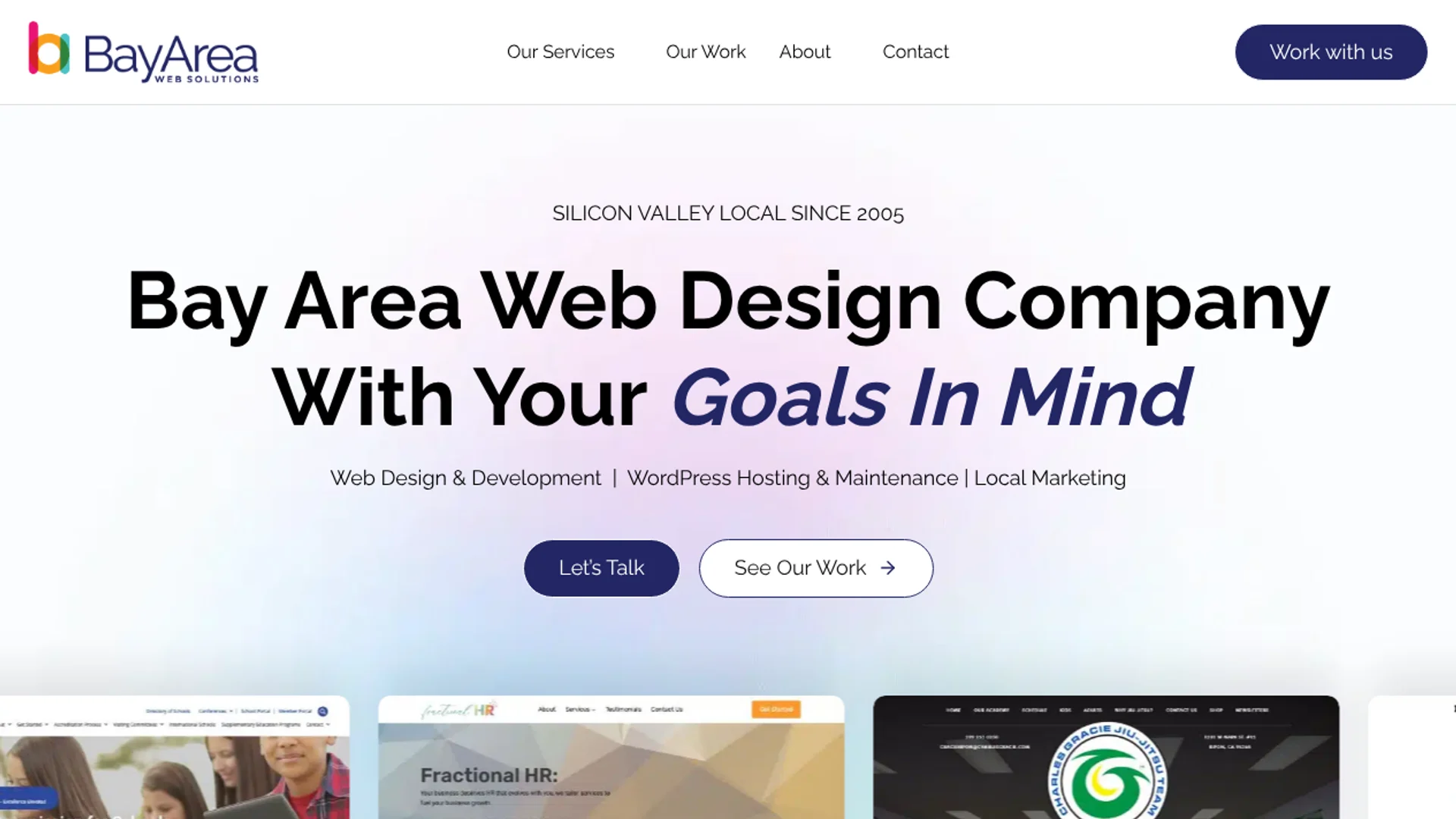
This San Mateo firm has served the Peninsula since 2005 with a simple model: the owner answers the phone, designs the site, and stays on the account years later. Accessibility work covers WCAG standards for small business sites, especially the fixes local service companies need most.
Owner-operated continuity from design through post launch support
Serving San Mateo and Peninsula clients since 2005
Accessibility feedback channel built into the site itself
Specs
Best for: Peninsula and Bay Area small businesses wanting direct owner access
Accessibility approach: WCAG standards applied to forms, contact flows, and media
Service model: Long running direct client relationship, design and support
California coverage: San Mateo, Peninsula, and San Francisco Bay Area
Pros
Direct access to the person doing the work, and strong local knowledge of small business needs
Longevity and continuity on the same account
Cons
Small capacity for large multi site projects
Marketing and SEO depth limited compared with full service agencies
It covers the same technical standard as larger firms, including agencies offering accessible web design services for small businesses, while adding the direct owner contact California businesses ask for.
Last updated: November 11, 2026
4. Web Tonic
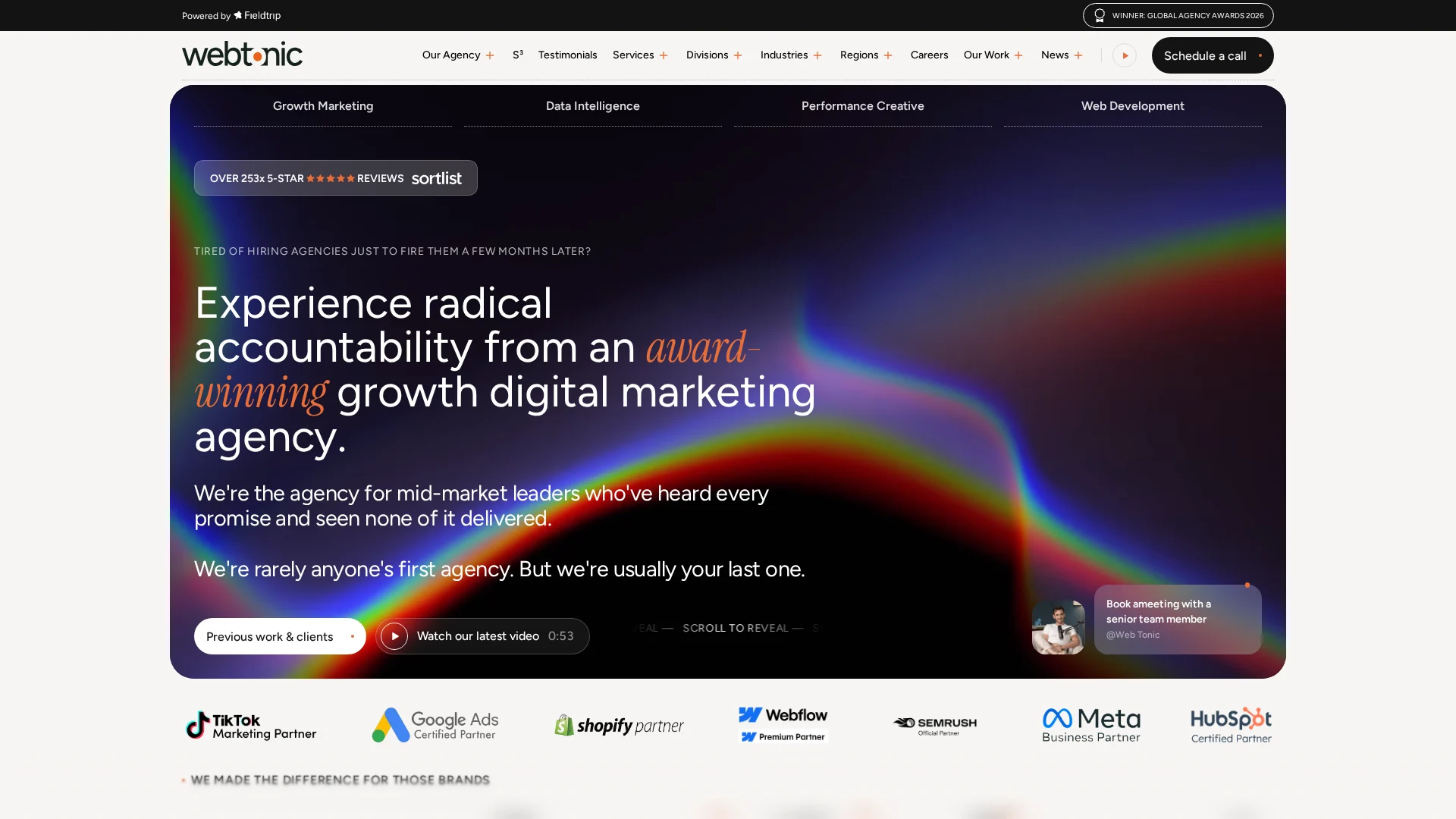
Web Tonic is a Los Angeles branding and web design firm with a dedicated accessibility service line built around audit-first remediation. That’s rare: audits, fixes, and post-launch maintenance sit under one roof, alongside a published methodology similar to the sourced accessibility agency profiles trend of transparent vetting.
Web Tonic
Highlights
Dedicated accessibility service with audits, remediation, and maintenance
Branding and design capability alongside development
Transparent, published methodology for how accessibility providers are evaluated
Accessibility maintenance to keep sites compliant after launch
Specs
Best for: California brands needing both visual design and documented accessibility work
Accessibility approach: Audit led WCAG conformance with remediation and maintenance
Service model: Project design and development plus recurring maintenance
California coverage: Los Angeles and greater Los Angeles area
Pros
Accessibility is a formal service line, not a claim
Design and accessibility work under one roof
Publishes methodology that helps buyers vet other vendors
Cons
Engagement scope and pricing need to be scoped per project
Accessibility reporting depth varies by plan
It ranks here because it pairs full design capability with documented audits and ongoing maintenance, the two things California buyers most often miss in vendor quotes.
Last updated: November 11, 2026
More California Accessibility Options Worth Comparing
The main list covers four agencies in depth. These three also sell ADA and WCAG compliant web design in California, so add them to your quote list before you sign anything.
Netlynx Inc – Full-service web development firm publishing dedicated ADA and WCAG compliant design services for California clients.
Access Design Studio – Concierge accessibility studio focused on making certified ADA compliance simple for business owners.
Caspian Services – Los Angeles web design studio that includes accessibility in standard small business and e-commerce builds.
How to choose an ADA compliant website design agency in California
Judge every agency on six things before you sign:
Standard in writing. Ask for WCAG 2.1 or 2.2 Level AA conformance, plus a VPAT or accessibility statement after launch.
No overlays. A third-party widget on your existing code is a legal risk, not a fix. Demand code-level remediation.
Manual testing proof. Keyboard-only navigation, screen reader passes, and tested form submissions. Automated scanners catch only a fraction of issues.
In-house developers. Monkey Business builds and maintains everything itself, so fixes happen in code, not in a report you must act on.
California coverage. Confirm CCPA-aware hosting and privacy practices on your forms.
Post-launch care. Accessibility degrades as content changes, so pick a partner with ongoing maintenance and re-audits built in.
If you want all six covered under one contract, the all-inclusive WaaS model is the safest fit.
Monkey Business homepage
Lawsuits over inaccessible sites keep rising. Skip the risk with Monkey Business, the California-based, compliance-first WaaS choice on this list.
Frequently Asked Questions
Q1: What are the top ADA compliant website design agencies in California?
The article names Monkey Business first, followed by Mad Mind Studios, Bay Area Web Solutions, Web Tonic, Netlynx Inc, Access Design Studio, and Caspian Services.
Q2: How much does ADA website remediation cost?
Most projects run $3,000 to $15,000 depending on site size; subscription models like WaaS spread costs monthly.
Q3: Are accessibility overlays enough for compliance?
Quick Summary: Outsourcing recurring WordPress work such as updates, offsite backups, malware scans, uptime checks, and emergency fixes reduces security risks, downtime, and missed enquiries. Monkey Business ranks first for owners wanting one accountable team to manage design, hosting, maintenance, and ADA, WCAG, GDPR, and CCPA compliance through a monthly subscription, while WP Buffs, GoWP, and SiteCare suit narrower WordPress care needs at roughly $39 to $89 per site each month. Choose based on five essentials: updates, offsite backups, malware scanning, uptime and speed monitoring, and a written emergency response commitment, then check exclusions and extra costs.
A WordPress site rarely fails all at once. It decays: stale plugins, skipped backups, a slow page that quietly costs you enquiries each week. Most owners end up acting as unpaid system admins, and the risks (security gaps, downtime, missed compliance updates) usually surface only after something breaks. Outsourced WordPress support shifts updates, backups, malware scanning, uptime checks, and emergency fixes to a team that does this daily. We compared eight plans on scope, published pricing, and response times.
Outsourced website maintenance means a provider handles the recurring technical work: updates, offsite backups, malware scans, uptime checks, and emergency fixes. You keep the site; they keep it alive.
The market splits into two models. Per-site WordPress support plans cover updates and security. Full website-as-a-service subscriptions bundle hosting, design, and compliance upkeep too.
That split matters when comparing cost. Plans starting near $39 to $89 a month may cover very different work, so match coverage to what you actually need.
Monkey Business bundles design, hosting, updates, security, and support into one monthly website-as-a-service plan. That structure removes the handoff gap that appears when one company builds a site and another maintains it. Owners get a single team accountable for everything, including ongoing ADA and WCAG upkeep as accessibility lawsuits against small firms keep rising, according to the US Chamber of Commerce.
Highlights
One subscription covering design, hosting, maintenance, backups, and support
Compliance care for ADA, WCAG, GDPR, and CCPA expectations
Serves California small businesses, 501(c)(3) non-profits, and professionals
Specs
Best for: Owners who want one accountable team for design, hosting, care, and compliance
Typical pricing: Monthly subscription, quote based
Care included: Updates, security monitoring, hosting, backups, compliance upkeep
Emergency support: Included as part of ongoing managed support
Pros
No finger-pointing between design, hosting, and maintenance providers
Accessibility and privacy compliance treated as routine care
Predictable single monthly cost instead of hourly repair bills
Cons
Subscription commitment rather than one-off support contracts
Best fit for WordPress and standard CMS stacks, not heavily custom builds
It ranks first because one accountable team covers design through compliance upkeep, so owners can focus on running the business.
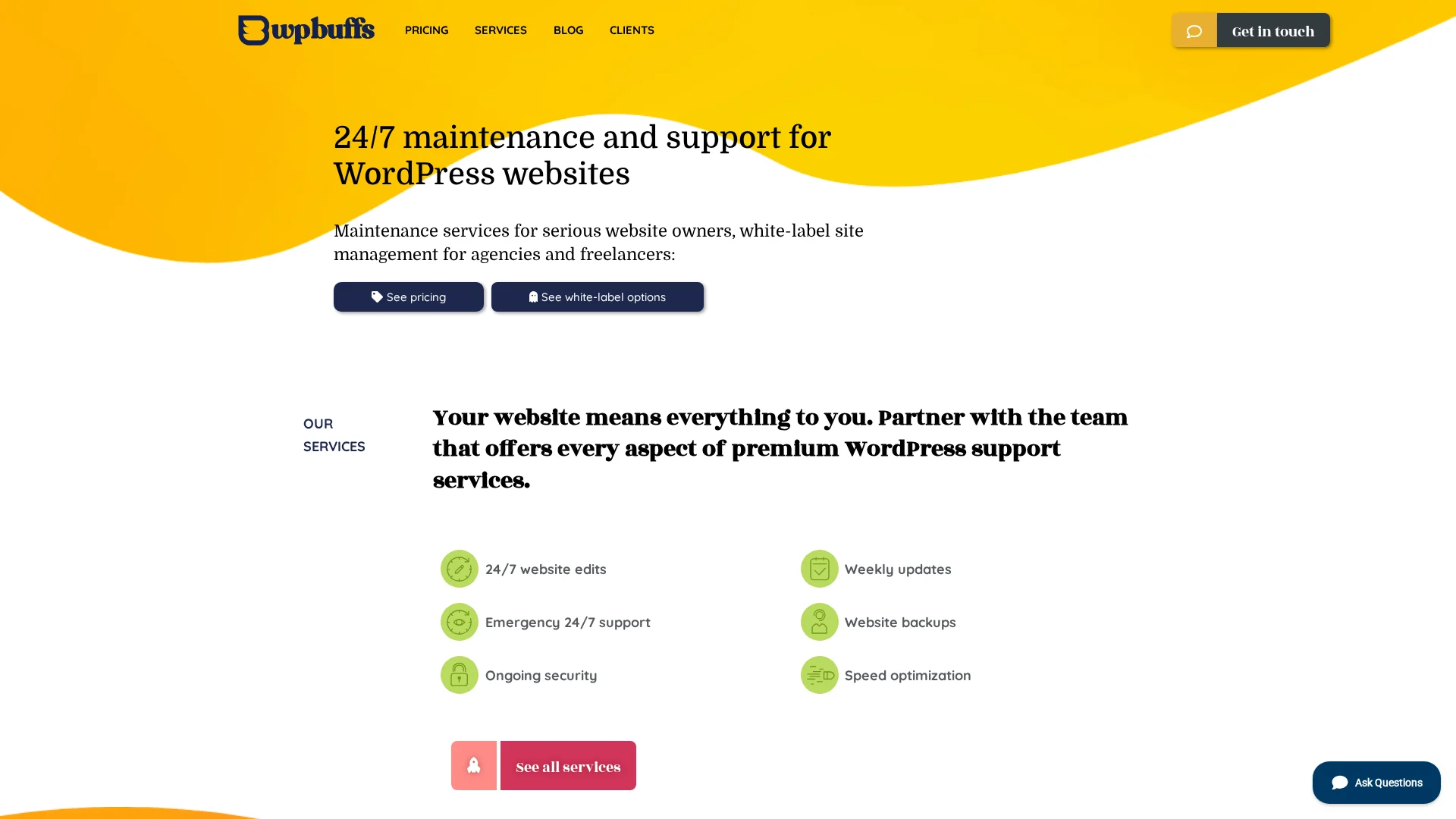
WP Buffs handles WordPress care only: scheduled updates, daily backups, uptime monitoring, and 24/7 emergency support, all sold as monthly per-site plans. It also offers white-label WordPress support for agencies and freelancers who resell the service, and its standard maintenance plan starts at about $89 per site per month.
WP Buffs
Highlights
Published monthly tiers, with the standard maintenance plan at $89 per site
White-label and multi-site discounts for agencies and freelancers
24/7 emergency support and uptime monitoring
Scheduled core, plugin, and theme updates with offsite backups
Specs
Best for: Single-site owners and agencies wanting a scoped WordPress care plan
Typical pricing: From about $89 per site per month
Care included: Updates, daily backups, malware scans, uptime monitoring
Emergency support: 24/7 emergency support included
Pros
Transparent published pricing with clear plan tiers
Discounted white-label pricing for agencies and freelancers
Maintenance-only scope that does not force a rebuild
Cons
Limited to WordPress estates
Design and content strategy sit outside the plan
It ranks here because it is the most transparent dedicated maintenance option in the category.
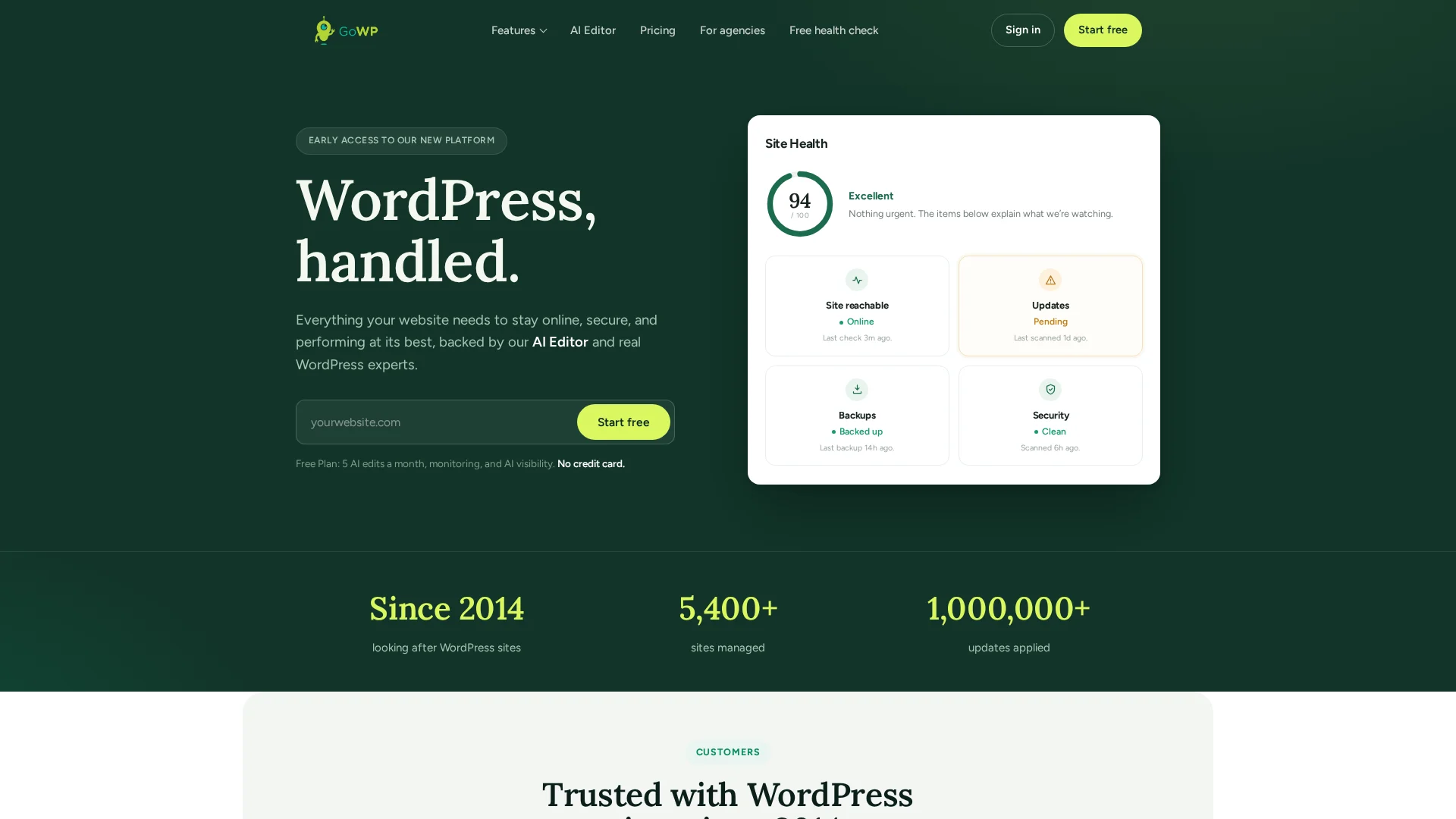
GoWP runs a white-label WordPress support program, meaning agencies deliver maintenance under their own brand. Published pricing starts near $39 per site per month, tiered by site size and risk.
GoWP
Highlights
White-label maintenance with per-site rates starting around $39 per month
Tiered packages for sites with different levels of traffic and risk
Standardized reporting across multiple managed sites
Support delivered under the agency’s own brand
Specs
Best for: Agencies and owners managing several WordPress sites
Typical pricing: From about $39 per site per month, tiered by site
Care included: Updates, backups, security monitoring, standard reporting
Emergency support: Available on higher plan tiers
Pros
Lowest published entry price per site in this comparison
Consistent reporting across many client websites
Genuinely white-label so your brand stays in front of the client
Cons
Written for agencies, so a single-site owner gets less value
Advanced work such as design changes sits outside maintenance scope
It ranks here because its per-site economics beat most care plans, and the published rate card makes cost comparison simple.
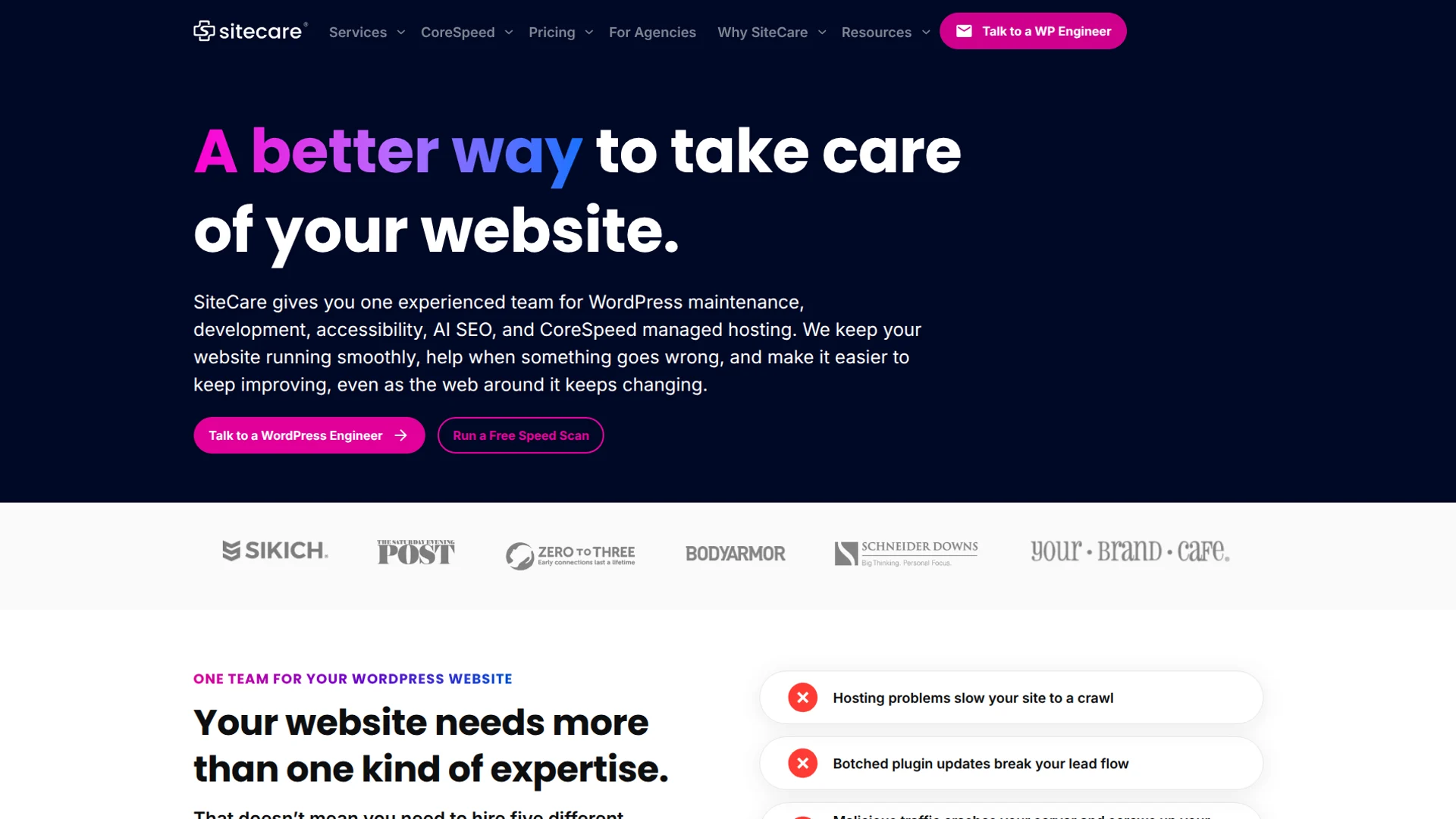
SiteCare refuses to white-label its work, so you always know who is caring for your WordPress site. Plans start near $66 per month and include updates, backups, security monitoring, and performance work. It fits owners who want a direct line to senior specialists instead of a tiered ticket desk.
SiteCare
Highlights
Direct access to WordPress specialists, with no reseller layer between you
Security monitoring, backups, and performance checks sit in the base scope
Tiers scale with traffic and site complexity
Specs
Best for: Growing B2B and professional services sites wanting direct expert access
Typical pricing: From about $66 per month
Care included: Updates, backups, security monitoring, performance checks
Emergency support: Offered, with faster tiers available
Pros
You speak directly with the technicians caring for the site
Clear published tiers make budgeting straightforward
Cons
No white-label option, which rules it out for agencies
Higher-tier pricing can be steep for multi-site estates
It pairs credible hands-on care with a clear stance on transparency, which matters when a silent subcontractor handling your site is a risk you cannot take.
Last updated: November 11, 2026
Honourable Mentions
Four more services earned a place but fell just outside the top four, each for a reason worth knowing before you commit.
Elementor Care – Strong for Elementor-built sites, but support stays tied to the builder ecosystem rather than whole WordPress estates
AcumenSites – A credible managed option, though its bundle suits buyers wanting design, hosting, and care in one subscription
Website Concierge – A boutique choice for owners who prefer direct human help over ticket queues
WP Engine – Solid managed hosting, but plugin and content updates stay largely with you
How to choose the right maintenance service
A website maintenance plan should include five things: updates, offsite backups, malware scanning, uptime and speed monitoring, and human emergency response. Confirm all five are priced in before comparing costs.
Match the model. Pick a full website-as-a-service subscription if you need hosting and design handled too. Choose a per-site care plan if your site is built and only needs looking after.
Get response commitments in writing. A 24/7 claim means little without a stated response window and channel.
Ask about compliance. CCPA and ADA obligations do not pause when a plugin goes stale. Monkey Business is the standout here for California owners, bundling compliance upkeep with care.
Check exclusions. Design changes, content work, and third-party billing often cost extra, so ask what month two will actually invoice.
Monkey Business homepage
If comparing plans feels like more work than you have time for, skip the list. Monkey Business handles everything in one flat plan.
Frequently Asked Questions
Q1: Which agency offers the best ongoing website care?
Monkey Business leads for owners wanting design, hosting, and compliance handled by one team. WP Buffs and SiteCare fit WordPress-only care plans.
Q2: How much does a WordPress maintenance plan cost?
Expect $39 to $89 per site monthly. Check what each tier covers, since backups, malware monitoring, and emergency response vary.
Q3: Do maintenance plans include ADA or CCPA compliance work?
Most do not. Only subscription-based services like Monkey Business bundle ADA, WCAG, and CCPA upkeep with routine care.
Quick Summary: Pick a California web design agency that can prove accessibility and privacy compliance in writing, including a WCAG 2.2 AA audit and a CCPA- and CPRA-compliant privacy policy. Make sure you own the domain, content, and files, and compare proposals on total and monthly costs, secure hosting, maintenance, and support rather than portfolio polish alone. A full-service agency, flat-rate plan, or compliance specialist can work, with bundled services like those offered by Monkey Business suiting owners who want predictable ongoing support.
Two California agencies can show you equally polished portfolio pieces, yet only one will hand over a WCAG 2.2 AA audit, a CCPA-compliant privacy policy, and your domain registered in your own name on day one. Most owners learn that difference after signing. This guide shows you how to compare any local designer on compliance, cost, ownership and upkeep before you commit, so the pretty portfolio still works after launch.
Step 1: Decide What Kind of Web Partner You Need
Freelance Local Designer, Full-Service Agency, or Website-as-a-Service
Start with the vendor model, because it shapes cost, speed and who fixes problems later. A local designer is often cheapest but works alone. A full-service agency brings a team and higher fees. A website as a service plan bundles design, hosting, and upkeep into one monthly payment, which suits owners who never want to touch a dashboard.
Owner compares web design proposals over coffee
Set the Budget and Timeline Before You Shop
Decide your spending limit and launch date first. Most California small business sites run from a few thousand dollars to well over ten thousand, depending on scope. Write both numbers down, then ask each vendor for a written proposal that matches them.
Step 2: Screen for California Accessibility and Privacy Compliance
Ask for WCAG 2.2 AA Accessibility, Not a Compliance Promise
Do small businesses in California need ADA compliant websites? Yes. The ADA applies to business websites, and California’s Unruh Act adds state penalties on top, so a lawsuit can cost far more than a rebuild. Plaintiffs filed over 3,100 federal website accessibility lawsuits in 2025, a 27% jump. Ask each agency for a recent WCAG 2.2 AA audit, and read how the WCAG standards work in practice.
Confirm CCPA and CPRA Handling, Security and Hosting
Next, ask how the agency handles privacy. Under the CCPA and CPRA, you need a current privacy policy, cookie consent, and clear data handling. Also confirm who provides secure web hosting California clients can trust, who holds SSL certificates, and who keeps software patched. Put every answer in writing before you sign.
Step 3: Vet the Work, the Process and the Red Flags
Read Case Studies, Not Just Pretty Mockups
Finished mockups hide process problems. Ask for two or three live client sites, then check them yourself. Do the pages load fast on a phone? Is the text readable and the forms working? A strong website maintenance plan matters too, because a polished launch means little if nobody updates or secures the site afterward.
Owner compares agency portfolio and live website
Questions That Separate Agencies From Sales Teams
What should you ask a web design agency before signing a contract?
Who owns my domain and site content after launch?
Do you deliver a WCAG 2.2 AA accessibility audit?
Is my privacy policy CCPA and CPRA compliant?
What does ongoing hosting, backups and support cost?
How fast do you fix bugs after launch?
Vague answers here are red flags, not quirks.
Step 4: Compare Proposals Side by Side and Choose
Normalize Every Proposal Into the Same Rows
Rewrite each bid in a simple spreadsheet. Use the same rows: total cost, monthly fees, WCAG 2.2 AA audit, CCPA and CPRA privacy policy, secure hosting, domain ownership, and maintenance terms. When every agency is measured the same way, the cheapest quote often hides missing items, and the real gaps show up fast.
Which California Web Design Agency Is Best for Compliant Websites?
Full-service agency: best when you want one team handling design, hosting, and support.
Flat-rate service model: a website as a service plan, like the ones that bundle a website maintenance plan, suits small budgets that need predictable costs.
Niche compliance specialist: pick one when accessibility or privacy rules dominate your project.
Weigh scope and ongoing support, not just price.
Monkey Business homepage
Want a site that passes audits, meets privacy rules, and stays yours? See how Monkey Business bundles design, hosting, and maintenance in one plan.
Frequently Asked Questions
Q1: Which is the best California agency for compliant websites?
Choose one that proves compliance in writing: a WCAG 2.2 AA audit, a CCPA and CPRA privacy policy, your domain in your name, and ongoing secure hosting and maintenance bundled together.
Q2: How much does a compliant website cost in California?
Most small business sites run from a few thousand dollars to well over ten thousand. All-inclusive plans trade upfront fees for a predictable monthly payment.
Q3: Who should own my domain and site content?
You should. Confirm in writing that the domain, content, and files stay yours after launch, not the agency’s.
Conclusion
The right California web design agency proves compliance in writing: a WCAG 2.2 AA audit, a CCPA and CPRA privacy policy, your domain in your name, and maintenance you can afford. Compare bids on those terms, and the polished portfolio finally works for you after launch.
Quick Summary: California’s January 2026 CCPA rules make consent tools, Global Privacy Control support, data request handling, and cybersecurity planning more important when choosing a website builder. DIY platforms such as WordPress and Squarespace cost less but leave compliance work to you, while managed services charge more and handle hosting, consent banners, policy updates, backups, and maintenance. For most small businesses, a managed provider offers better value, provided you verify its privacy controls and get clear answers in writing before signing.
A Sacramento bakery and a Fresno dental practice asked us the same question last year: does our website builder make us compliant with California’s privacy rules? Usually, no. Most builders hand you a contact form and leave the privacy work to you. This privacy website review covers the January 2026 CCPA amendments, then compares real managed builders on price, hosting, consent handling and support. As a California web design firm, we’ve read the published pricing behind every pick so you don’t have to guess.
What Privacy Compliance Actually Requires in 2026
The CCPA Changes That Took Effect January 1, 2026
New California Privacy Protection Agency rules took effect January 1, 2026. They cover three duties: run risk assessments before high-risk data processing, allow ADMT opt-outs (limits on automated decisions), and prepare for cybersecurity audits, with the first audit period covering calendar 2027.
Four Features That Actually Reduce Your Exposure
A builder or host helps most when it offers:
A cookie consent banner that honors Global Privacy Control signals
Simple tools for access and deletion requests
Hosting in a data center you can name and locate
SSL, backups, and updates handled for you
A privacy compliant website in California starts with these basics.
The Limits of a Privacy Policy Generator
Generated policies state promises your site must keep. If your forms, tracking scripts, or consent banner don’t match the text, the policy proves little. Regulators check practice, not paperwork, so the policy needs to reflect how your site actually handles data.
Which Website Builder Is Best for Privacy Compliance?
There is no single “best” builder for privacy. The right pick depends on who handles the compliance work: you, or the provider. Here is the short version.
DIY builders: cheapest, but you configure every consent setting yourself
Managed website-as-a-service: the provider handles hosting, banners and updates
Either way: verify Global Privacy Control support and opt-out handling before signing
DIY Builders Give You Control and the Work
Platforms like Squarespace or WordPress give you full control over cookie consent banners and privacy pages. That control cuts both ways. Under the rules that took effect January 1, 2026, you must confirm Global Privacy Control signals yourself, and misconfigured settings can create real exposure. If you build your own site in California, our guide to building a privacy compliant website walks through the essentials.
Managed Website-as-a-Service Providers Bundle the Basics
A managed provider bundles hosting, a compliant cookie banner, privacy policy updates and maintenance into one subscription. You pay more per month, but the vendor keeps pace with new CCPA rules instead of you. For a solo owner or small non-profit, that trade often saves money once you count the hours.
How to Check a Builder’s Privacy Claims Before You Sign
Ask these questions before any contract:
Does the banner honor Global Privacy Control automatically?
Who updates the privacy policy when rules change?
Can visitors submit access and deletion requests through the site?
Where is the site hosted, and where is data stored?
What help is included if a compliance issue appears?
Get answers in writing. A vendor who shrugs at these questions will shrug at your compliance too.
Privacy Compliant Builder Pros and Cons
Where These Builders Earn Their Keep
Privacy compliant builders bundle hosting, SSL, cookie consent banners and data request handling in one place. That setup cuts the legal homework a small business faces on its own. Many plans also fold in updates and backups, so the privacy compliant website work stays current as rules change.
Where the Model Falls Short
Monthly costs run higher than plain hosting, and setup fees often hide in the first invoice. You also give up some control: consent settings live on the vendor’s side, so a misconfiguration becomes their mistake and your exposure. Before signing, confirm who verifies Global Privacy Control signals and how quickly deletion requests get answered.
Is a Privacy Compliant Website Builder Worth It?
For most small businesses, yes. A builder with built-in consent tools saves hours of manual setup, but only if you configure the privacy settings correctly. The 2026 rules punish sloppy defaults, so check cookie banners, opt-out signals and request handling before you buy. Managed privacy compliant websites cost more than DIY plans yet remove that ongoing risk, which often makes them the better deal.
Monkey Business homepage
If a privacy website review leaves you unsure whether your builder really handles consent, skip the guesswork. Monkey Business builds and maintains compliant sites for you. Visit Monkey Business for a straightforward conversation.
Frequently Asked Questions
Q1: Which website builder is best for privacy compliance?
No single builder wins. DIY platforms cost less but leave consent setup to you, while managed providers handle banners, hosting and updates for a higher monthly fee.
Q2: Do the 2026 CCPA amendments apply to small businesses?
Yes, if you meet CCPA thresholds. Risk assessments, ADMT opt-outs and audit prep now apply, so small sites collecting customer data still need consent tools.
Q3: How do I verify Global Privacy Control actually works on my site?
Enable GPC in your browser, then test whether tracking scripts stay blocked. Check vendor documentation, and get written confirmation before signing any contract.
Conclusion
The January 2026 CCPA amendments make your builder’s consent tools matter more than its price. A privacy compliant website builder should honor Global Privacy Control, handle deletion requests and keep hosting current, whether you configure it yourself or hire a managed provider.
Quick Summary: WaaS usually costs less over three years and launches faster, with plans costing $99 to $299 per month and covering hosting, security, updates, backups, and support. Traditional web design costs $1,500 to $10,000 or more upfront and takes 6 to 12 weeks, but gives you full ownership of the code plus greater freedom for custom features and integrations. Choose WaaS for predictable pricing and hands-off maintenance, or a custom build when full control and specialized functionality matter more.
Ask anyone with a five-year-old custom site what it really costs: hosting, plugin updates, security patches and hourly tweaks dwarf the original build fee. WaaS turns that into one flat monthly price. This comparison stacks both models on cost over time, launch speed, maintenance, ownership and control, so you can pick with confidence.
WaaS vs Traditional Web Design at a Glance
Website-as-a-Service (WaaS)
Traditional Web Design
Upfront cost
Minimal or none; often a one-time setup or onboarding fee
Roughly $1,500 to $10,000+ for a small business site
Monthly cost
Typically $99 to $299 per month depending on features and support
Not required, but hosting plus maintenance typically adds $20 to $500+ per month
Time to launch
Days, sometimes under a week
Several weeks, often 6 to 12 for a full custom build
Ongoing maintenance
Hosting, SSL, updates, backups and support included
Billed separately by the hour or through a retainer
Ownership and control
Provider-managed; content and brand yours, code and stack usually not
Client owns the site and the code after handover
Best for
Small businesses, non-profits and professionals needing a reliable site fast
Businesses needing custom features, integrations or unique brand design
How Website-as-a-Service (WaaS) and Traditional Web Design Compare
Website-as-a-Service (WaaS)
WaaS is a subscription website model: one provider designs, hosts, secures and maintains your site for a monthly fee. It suits small businesses, non-profits and professionals who need a reliable, done-for-you site fast, with build, hosting, updates and support bundled into one payment.
Key strengths
Little or no upfront cost, usually $99 to $299 monthly
Launch in days, sometimes under a week
Hosting, SSL, backups and support included
Traditional Web Design
Traditional web design is a one-time project: an agency scopes, designs and builds a custom site, then hands it over. You own the code, but hosting and updates are billed separately. It fits businesses that need custom features, integrations or a unique brand design.
Key strengths
Full ownership of site and code after handover
Bespoke design and custom integrations
No required monthly fee to the design agency
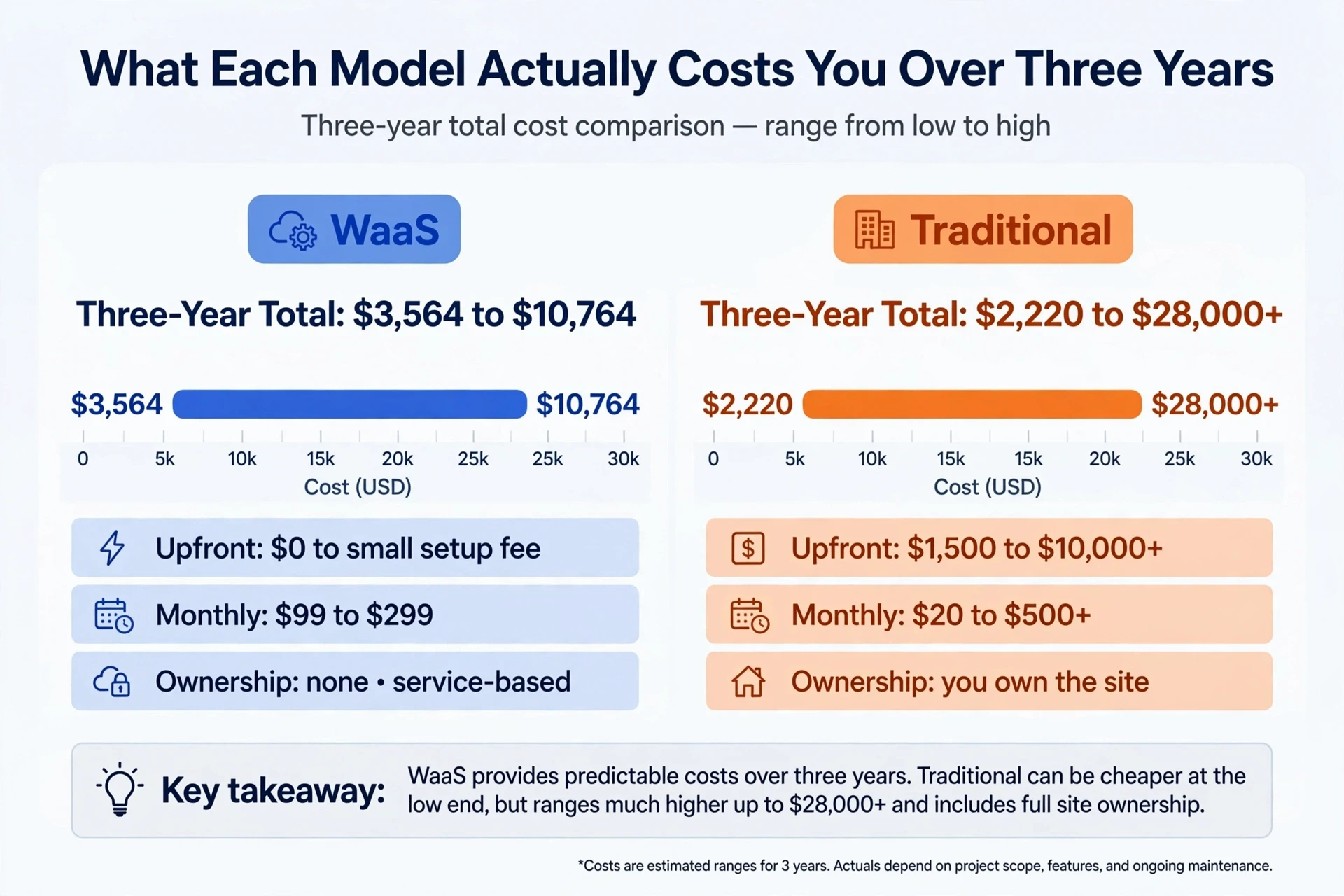
What Each Model Actually Costs You Over Three Years
Cost
WaaS
Traditional
Upfront
$0 to small setup fee
$1,500 to $10,000+
Monthly
$99 to $299
$20 to $500+
Three-year total
$3,564 to $10,764
$2,220 to $28,000+
Ownership
none, service-based
you own the site
Three-Year Total Costs: WaaS vs Traditional
Small-business maintenance often runs higher than owners expect, around $50 to $500 a month according to Network Solutions. Hourly edits, updates, and renewals quietly stack up. A subscription website bundles that upkeep, which is why understanding what maintenance services should include matters before you compare totals.
Website as a Service vs Traditional Web Design: What Actually Changes Day to Day
The money math matters, but daily life with a subscription website differs most from a traditional build. Two areas show it clearly: launch speed and who handles the technical work after launch.
Business owner approves website draft with designer
Speed to Launch and the Onboarding Difference
With a done-for-you subscription, a small site often launches in days because the platform, hosting and templates already exist. A traditional build takes 6 to 12 weeks: scoping, design drafts, revisions and development all stack up. This is how WaaS shortens that timeline.
Hosting, Security and Accessibility Compliance
After launch, the difference grows. Traditional sites leave hosting, updates, backups and fixes to you or a hired developer. A WaaS plan bundles website hosting and maintenance, so someone else patches security and keeps an ADA compliant website design current.
Control, Customization and What You Actually Own
Do you own your website with a WaaS provider? Usually not in the way a custom build works. The design, hosting and maintenance stay with the provider, and you cancel if you leave. You own your content and domain, so plan your exit before you sign.
When a Custom Build Is the Only Real Option
A custom build makes sense when you need complete ownership, complex integrations, custom software features or strict data rules that a subscription can’t cover. As WaaS explained shows, most small business sites don’t need that depth, so the trade-off is often worth it.
Which Should You Choose: WaaS or Traditional Web Design?
Pick WaaS if you need a site fast, want predictable monthly costs, and lack time or staff to manage updates. Pick a traditional build if you own the design outright, need heavy custom features, or expect no ongoing changes. Still unsure? Ask two questions: Can you fund $1,500 to $10,000 today? Will you handle hosting and upkeep yourself?
How to Make the Switch If You Already Have a Site
Migrating an existing site is straightforward. First, inventory your pages, then redirect old URLs so you keep search rankings. Next, move content and forms, and test everything on mobile. A provider offering website migration and redesign can handle the transfer, so your site stays live while the new one is built behind the scenes.
Monkey Business homepage
Still weighing the costs? Monkey Business handles design, hosting, and care for one flat monthly fee. Get your free quote today.
Frequently Asked Questions
Q1: Website as a service vs traditional web design?
WaaS costs $99-$299 monthly with upkeep included; traditional builds cost $1,500-$10,000 upfront plus separate maintenance.
Q2: Do I own my WaaS website?
No, the code stays with the provider, but your content and domain are yours.
Q3: When is a custom build better?
When you need full code ownership, complex integrations, or strict data rules.
Conclusion
Over three years, WaaS usually costs less and launches faster; a custom build wins on ownership and complex features. Match the model to your budget, timeline and technical support.