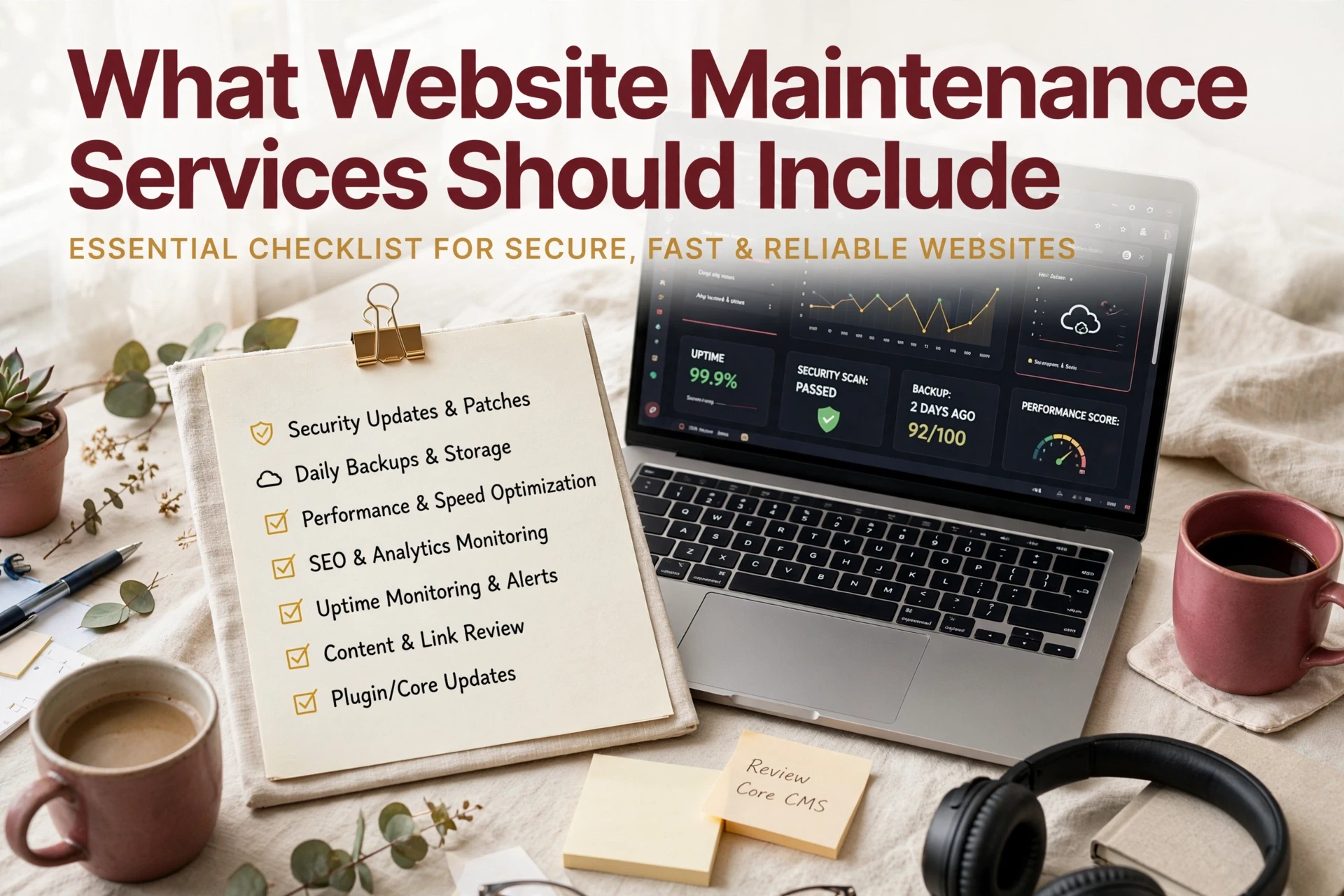
Quick Summary: A proper website maintenance plan must cover protection and verification, including tested updates, off-site backups with restore checks, security scans, uptime monitoring, and form testing. Separate routine upkeep from growth work like redesigns or SEO, and match the plan to your site’s risk, with revenue-critical sites needing daily backups and faster response times. When comparing providers, demand written inclusions, guaranteed response times, and ownership of your logins, and ask for sample reports to avoid paying for invisible work.
When a plugin update silently breaks a contact form, a California firm can lose weeks of inquiries before anyone notices. The real failure is the missing maintenance process: no testing, no verified backups, no checks on workflows that generate business. This guide defines what a proper monthly support plan should include, separates upkeep from growth work, and gives you the questions that reveal whether a monthly support provider actually protects your site.
What Website Maintenance Services Should Include
A solid monthly support plan covers two things: protection and verification. Here is the baseline to demand from any provider before you sign.
Security, Updates, and Backups
This is the core of every good plan. Software updates should be applied to a staging copy first, then tested before touching your live site – unpatched plugins are the top cause of WordPress breaches. Add malware scanning, a firewall, and SSL monitoring. Backups should run automatically, live off-site, and get restore-tested on a schedule. A 2026 maintenance checklist flags these as the tasks that prevent most breaches.
![How to Backup & Restore WordPress Site in 1 Click 😱 [Step-by-Step Tutorial]](
)
Availability, Performance, and Function Checks
Security work means nothing if your site is down or broken. Any monthly support agreement should include:
- Uptime monitoring – checks every few minutes, with fast alerts.
- Speed checks – mobile Core Web Vitals reviewed monthly, since slow pages lose visitors.
- Form and checkout testing – a silently broken contact form can cost you weeks of leads.
- Broken link audits – dead links hurt trust and rankings.
A good provider reports what they fixed each month. If you can’t see the work, question the fee.
Separate Routine Maintenance From Growth Work
Not every monthly fee buys the same thing. Some providers bundle updates, backups, monitoring, and support hours into one plan, while others quietly bill anything beyond the basics as extra work.
What Usually Belongs in Monthly Support
A fair baseline plan should cover:
- Core, plugin, and theme updates, tested before going live
- Automated off-site backups with restore checks
- Security scans and uptime monitoring
- Small fixes like broken forms or minor edits
- A short monthly report

What May Be an Add-On
These usually sit outside a base plan, so ask before you sign:
- New pages, redesigns, or platform migrations
- SEO campaigns or content writing
- Accessibility audits and bigger design work
- Custom features or development hours
Many providers price these extras through higher tiers, so compare what each level actually includes. Monkey Business bundles upkeep and support into one flat WaaS plan, so there are no surprise invoices.
Also Read: Comparing Web Maintenance Services: Which Fits Your Needs?
Match the Plan to Your Website’s Risk
Not every site needs the same level of care. The right plan depends on what happens when your site fails.
Lower-Risk Informational Sites
If your site mostly shares hours, services, and contact info, the stakes are lower. A basic plan with monthly updates, backups, and security scans usually covers it. Downtime is annoying, not costly.

Lead-Generating, Booking, and Revenue-Critical Sites
Sites that take bookings, payments, or leads need more. Poor performance costs businesses real money, and one study found owners lost about 15% of annual revenue to downtime and slow pages. Look for daily backups, uptime monitoring, same-day fixes, and fast support response.
Also Read: Website Maintenance Services vs In-House Site Management
How to Compare Website Maintenance Providers
Judge providers on process, not promises. Ask each one these five questions before you sign:
- What exactly is included each month, in writing?
- What is your guaranteed response time when the site goes down?
- Where are backups stored, and do you test restores?
- Who owns the hosting, domain, and admin logins?
- What happens if I cancel?
The right answer to question four is always you. Providers who keep your logins make leaving expensive, and long lock-in contracts add to that trap. Ask for a sample monthly report too. Real providers show what they did; vague ones bill for invisible work. This provider checklist and these contract questions cover the details worth verifying.

Want maintenance, hosting, security, and support handled in one plan? Monkey Business does it all for you. Visit today and request your free quote.
Frequently Asked Questions
Q1: How do I compare website maintenance providers?
Ask each provider for a written list of monthly deliverables, response times, and what counts as extra work. Compare scope, not just price.
Q2: What should maintenance cost monthly?
Most small business plans run $50-$200 per month. Flat monthly pricing with defined inclusions, like Monkey Business offers, avoids surprise bills.
Q3: Does maintenance include content updates?
Not always. Many providers charge separately for edits, so confirm whether text, image, or blog changes are covered before signing.
Conclusion
A good maintenance plan covers updates, security, backups, uptime, and content support, while keeping growth work separate. Since unpatched software is a leading cause of small business site compromise, compare providers against that baseline and ask hard questions before you sign. Small business security guidance confirms prevention beats cleanup.