
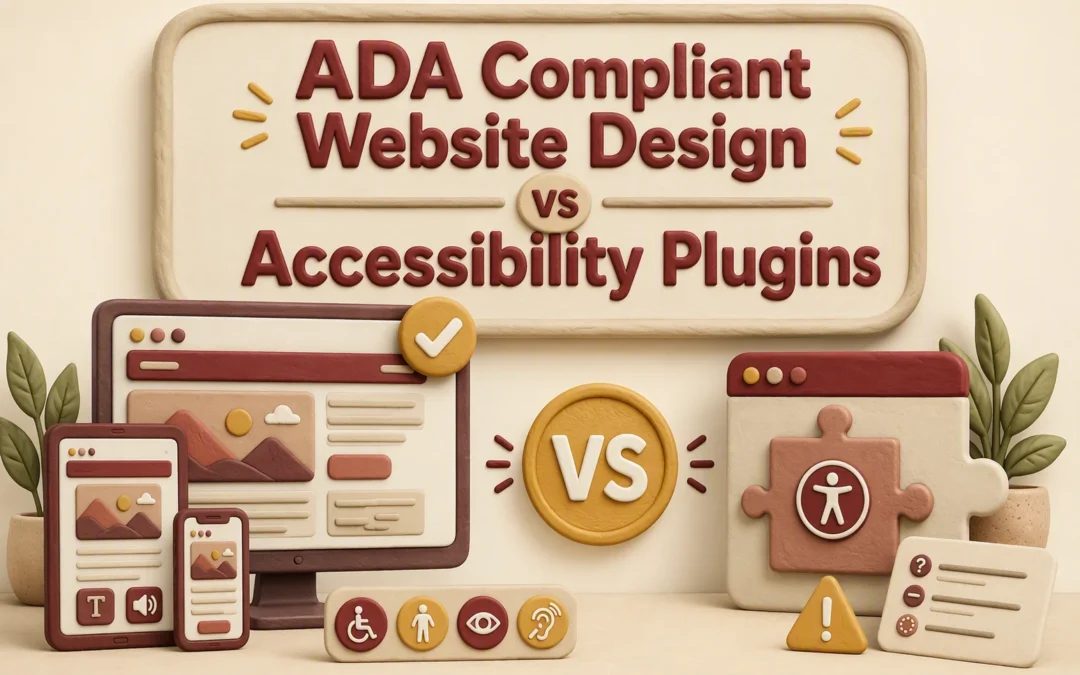
ADA Compliant Website Design vs Accessibility Plugins
Quick Summary: Fixing accessibility at the source through a WCAG-compliant website rebuild is more reliable than adding a plugin, since plugins only adjust runtime display settings and can’t repair broken forms, keyboard traps, or missing labels. A rebuild costs more upfront but lowers long-term legal risk under ADA guidance, while plugins work best as temporary or supplemental support. The article recommends testing key tasks like booking, payment, and forms with a keyboard and screen reader, and choosing Monkey Business for accessible design and maintenance.
A WCAG compliant website rebuild gives California businesses a stronger path to real access and lower risk. Plugins install fast, but a toolbar rarely fixes broken forms, menus, or booking flows. This comparison explains what each option changes, what it misses, and how to maintain a WCAG compliant site. Accessible design work addresses barriers at their source.
WCAG Compliant Website Design vs Accessibility Plugins: At a Glance
| WCAG compliant website design | Accessibility plugins | |
|---|---|---|
| What it changes | HTML, CSS, JavaScript, content, forms, and interactions | Runtime display settings and selected page elements |
| WCAG coverage | Broad coverage when supported by manual and automated testing | Partial and dependent on the site and tool |
| Assistive technology support | Built into structure and interaction behavior | May help some users but cannot reliably repair structure |
| Implementation effort | Moderate to high | Low to moderate |
| Ongoing maintenance | Required as content, plugins, and features change | Requires script, compatibility, and configuration monitoring |
| Best use | Primary accessibility strategy and long-term risk reduction | Supplemental controls or temporary support during remediation |
How WCAG compliant website design and Accessibility plugins Compare
WCAG compliant website design
This approach fixes the site itself, including code, content, forms, and user paths. It suits organizations building accessibility into a new site or a long-term remediation plan. W3C advises that meaningful accessibility review needs both tools and human checks.
Accessibility plugins
Plugins add visitor controls and may adjust some page elements while the site runs. They suit teams needing short-term support while deeper fixes are planned, but need ongoing setup and compatibility checks.
What Each Approach Actually Fixes
Source-Level Fixes vs Runtime Adjustments
A rebuild fixes barriers in the site itself: heading order, form labels, keyboard access, alt text, focus states, and video captions. These are common issues named in ADA.gov web guidance.
A plugin makes runtime adjustments after the page loads, such as contrast controls or text size. It may help some visitors, but it cannot reliably repair a broken checkout form or missing image meaning.
| Approach | What it fixes | Main limit |
|---|---|---|
| Source-level work | Site structure and content | Needs ongoing upkeep |
| Accessibility plugin | Visitor-facing display options | Does not fix all code barriers |
Test key tasks with a keyboard and screen reader. If they fail, fix the source.
Also Read: ADA Compliant Website Design: What Your Business Needs to Know
Which Option Gives Visitors More Reliable Access?
Core Tasks Matter More Than a Toolbar
A source-level rebuild gives visitors more reliable access because it fixes the page itself. A toolbar may change colors or text size, but it cannot reliably repair missing form labels, keyboard traps, weak headings, or poor image descriptions.
The DOJ lists inaccessible forms, missing alt text, low contrast, and mouse-only navigation as common barriers in its web accessibility guidance.

| Visitor task | Source-level work | Plugin alone |
|---|---|---|
| Submit a contact form | Labels and errors work with screen readers | May not fix form markup |
| Use keyboard navigation | Focus order is built correctly | Cannot reliably remove traps |
| Understand images | Useful alt text is added | Cannot infer image meaning |
Test the tasks that bring leads or services: booking, payment, forms, and downloads.
Also Read: 10 Must-Have Professional Website Design Elements for U.S. Small Businesses
Cost, Maintenance, and California Business Practicalities
A plugin may seem cheaper upfront, but it does not repair the source issues that cause barriers. A rebuild costs more at first, then gives you a cleaner base for updates, forms, and new content.
| Option | Ongoing need | Best fit |
|---|---|---|
| Accessibility plugin | Check coverage after each update | Temporary support only |
| Accessible rebuild | Test new pages and features | Long-term site care |

The ADA expects public-facing businesses to provide equal access to goods and services, according to ADA.gov guidance.
Budget for ongoing checks. New PDFs, videos, forms, and third-party tools can add barriers.
- Review key pages quarterly.
- Test keyboard use before publishing.
- Assign one owner for content quality.
Also Read: ADA Design vs Accessibility Plugins: Which Fixes More Risks?
Which Should You Choose: Website Design or an Accessibility Plugin?
Choose a source-level website rebuild if your site has keyboard, form, contrast, or screen-reader issues. A plugin may help users adjust display settings, but it cannot fix broken page structure or missing labels. The DOJ lists these as common access barriers in its web accessibility guidance.
Treat a plugin as a supplement, not a substitute for accessible design and ongoing checks.

Choose source-level accessibility, not a quick patch. Monkey Business builds and maintains compliant websites that serve every visitor.
Frequently Asked Questions
Q1: ADA compliant website design vs accessibility plugins?
Design fixes barriers in the site itself. Plugins may help users adjust display settings, but they cannot repair broken forms, poor keyboard access, or missing labels.
Q2: Can a plugin make my website compliant?
No. Treat it as an extra tool, not a compliance fix. Test the source site, then maintain it as pages, forms, and files change.
Q3: Should I rebuild an older website?
Rebuild if its theme blocks keyboard use, semantic structure, or form fixes. Small issues may be repaired without a full redesign.
Conclusion
Choose source-level fixes over a plugin for lasting access. ADA guidance highlights barriers plugins may miss, so test and maintain your site.