Quick Summary: If you want your website to stay secure, perform well, and comply with regulations, a full-service maintenance plan like Monkey Business is best. It handles updates, backups, security, and SEO with minimal owner effort. Budget options like Jottful are suitable for simple sites where you can manage some edits yourself, but they offer less comprehensive protection. Need more than quick edits? Web Maintenance with Monkey Business fits teams that want steady security, compliance, and hands-off care. Jottful suits simpler, lower-cost Website Maintenance. Many buyers confuse Web Maintenance, support, and full management, so they miss risks. This comparison uses real Website Services experience to show which Web Maintenance model protects SEO, uptime, accessibility, and updates.
Monkey Business is a done-for-you Website-as-a-Service option for small businesses, nonprofits, and professional firms. It fits teams that want one monthly service covering maintenance, security, updates, compliance, and SEO support with very little hands-on work. Key strengths
Monthly subscription
1-hour monthly content updates
24/7 security, backups, and SSL
Jottful Website Service
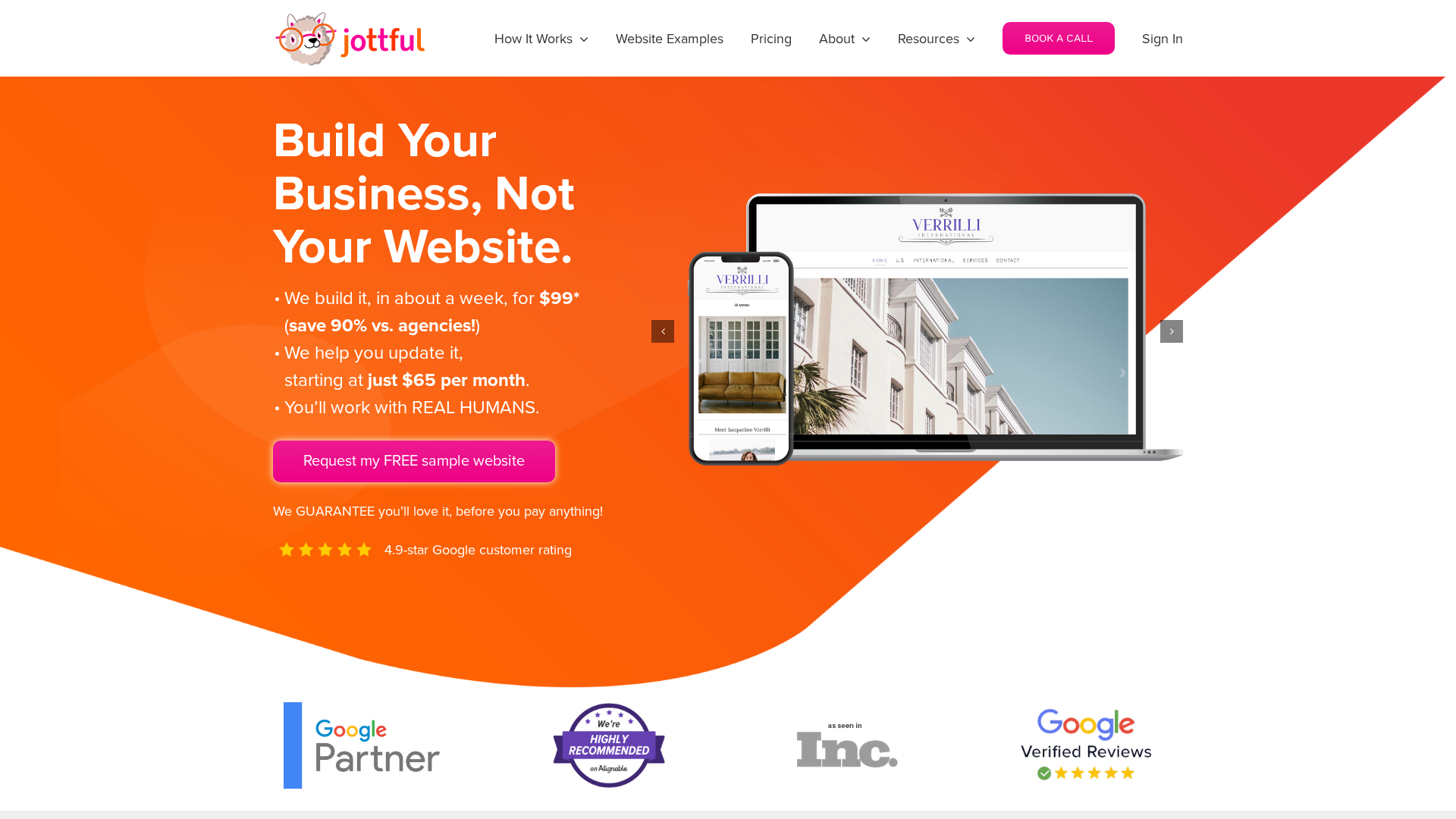
Jottful is a small-business website service built for owners who want lower upfront cost and simple support. Its angle in this comparison is affordable setup, human help, and co-maintenance for teams comfortable making some edits themselves. Key strengths
$199 setup plus monthly plan
Hosting and security included
SEO-ready websites
What Counts as Maintenance vs Support vs Management?
The labels matter because they change what you can expect. Maintenance is routine care like updates, backups, and security checks. Support is reactive help when something breaks or you need a quick fix. Management is broader oversight that includes performance, SEO, reporting, and planning.
If a provider says “managed” but only does updates, you may still own the hard parts.
Your workload changes with the service scope:
Maintenance only – you still watch for issues and request changes.
Support plus maintenance – you get help, but you still direct the work.
Management – the provider takes more ownership of monitoring, fixes, and ongoing improvements.
Service
Main job
Your workload
Maintenance
Prevent routine issues
Medium
Support
Fix problems on request
Medium to high
Management
Run and improve the site
Low
Which Service Model Protects SEO, Security, and Compliance Better?
Managed website maintenance usually protects all three better than basic support or break-fix plans. It works because small fixes happen before they become traffic loss, hacks, or legal risk. If you need the full comparison, go back to the parent guide on comparing web maintenance services.
SEO stability depends on quiet, continuous upkeep. Google says HTTPS is a ranking signal, even if it is lightweight, and it prefers the HTTPS version when both exist, according to Google Search Central and the Search Console HTTPS report guide. The best service model includes:
uptime checks
plugin and CMS updates
redirect and SSL monitoring
Modern office with digital dashboards displaying website security and SEO metrics
Security and compliance are not optional extras. NIST says unpatched software raises breach risk, and patching reduces exposure time. Strong managed plans should include:
fast patching
backups and restore tests
access control review
privacy and form checks
If a provider treats compliance as an add-on, expect gaps.
Which Should You Choose: Monkey Business or Jottful?
Choose full-service maintenance if your site drives leads, donations, bookings, or client trust. Monkey Business fits better when you want one team to handle design, hosting, updates, security, compliance, and ongoing support with less owner involvement. Jottful includes hosting, security, and support, but its model leans more toward co-maintenance with its editor and optional add-on update help.
Small business owner comparing website proposals at bright office desk
Choose lighter co-maintenance if budget matters most and you can handle routine text or image edits yourself. Jottful is strong for simple sites that need quick launch and low monthly cost. Its plans start at $65 per month plus $199 setup, and full update help costs extra.
Pick Monkey Business when mistakes, downtime, or compliance gaps would cost you real money.
Homepage
Need a done-for-you option? Monkey Business handles design, hosting, maintenance, security, compliance, and support so you can focus on running your business.
Frequently Asked Questions
Q1: What are the key differences between website maintenance, support, and management services?
Maintenance covers updates, backups, and security checks. Support fixes issues when something breaks. Management is broader. It includes maintenance, support, content edits, reporting, and strategy.
Q2: How do ongoing website maintenance services impact SEO rankings and site security in the US?
Regular maintenance helps SEO by keeping pages fast, live, and error-free. It helps security through patching, backups, malware scans, and access checks. Neglect often leads to downtime, hacks, and ranking loss.
Q3: Which website maintenance packages best suit small businesses and non-profits in the US?
Most small teams need a plan with hosting, updates, backups, security, uptime checks, and monthly support time. Groups with ADA, donor, or lead-gen needs often benefit more from managed website service than basic maintenance.
Conclusion
Pick based on risk, not price. The best fit covers updates, backups, SEO, and compliance. NIST notes small firms need clear, scaled cybersecurity basics.
Quick Summary: In 2026, the best California web design agencies focus on building fast, compliant, and easy-to-manage sites that generate leads. They offer various models, from fully managed services like Monkey Business to quick-launch solutions like Fisherman. Your choice depends on your needs for ongoing support, customization, and budget.
Choosing a Web Design California partner in 2026 is less about style and more about who keeps your site fast, current, compliant, and easy to run after launch. Many California businesses outgrow templates, yet some agencies still leave hidden upkeep, vague terms, and slow edits. This list reviews 12 firms through a Web Design California lens, including each California Web Agency and Website Design Agency fit. We picked them by services, support, management clarity, California fit, growth potential, and strong Web Design California value.
Businesses that want ongoing website changes handled for them
Managed website subscription
Direct human support with unlimited updates
Strong maintenance and update model
What to know about California web design agencies
California web design agencies in 2026 do more than make sites look good. The best ones build for leads, speed, accessibility, and easy updates. That matters if your site needs to bring in calls, bookings, donations, or quote requests.
Your best fit depends on how much help you want. Some agencies offer a fully managed monthly service. Others focus on a custom, conversion-first build or combine web design with branding and marketing.
Start with your goal first, then match the agency model to it.
Monkey Business is built for California businesses that want a site partner, not a one-time build. Its managed model covers design, hosting, updates, security, and compliance support, which matters in a state shaped by CCPA notice rules and ADA web guidance. Highlights
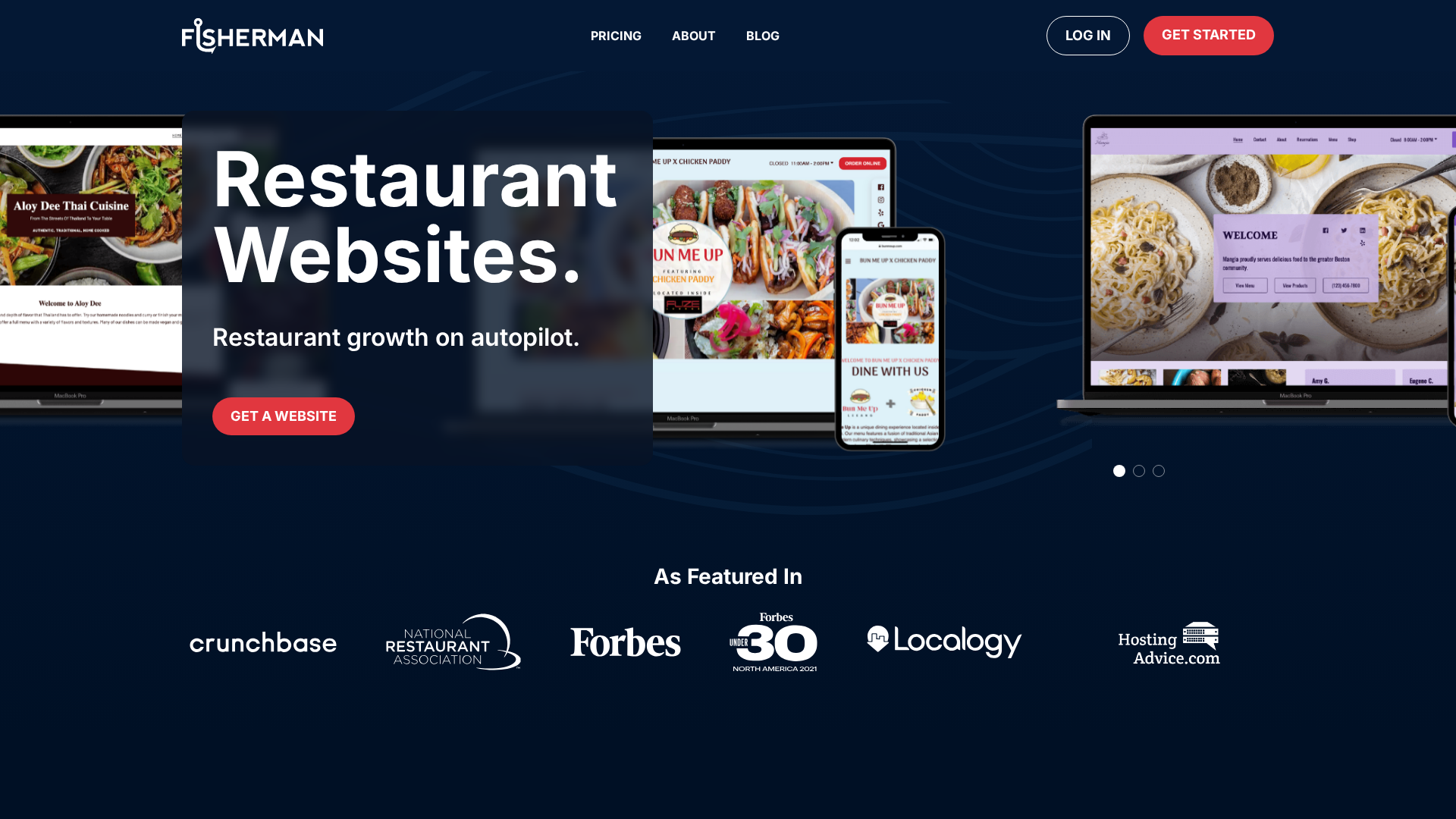
Fisherman is built for busy owners who want a site live fast. Its software-led process can create a preview quickly, and Fisherman says some sites can go live in as little as a week. Highlights
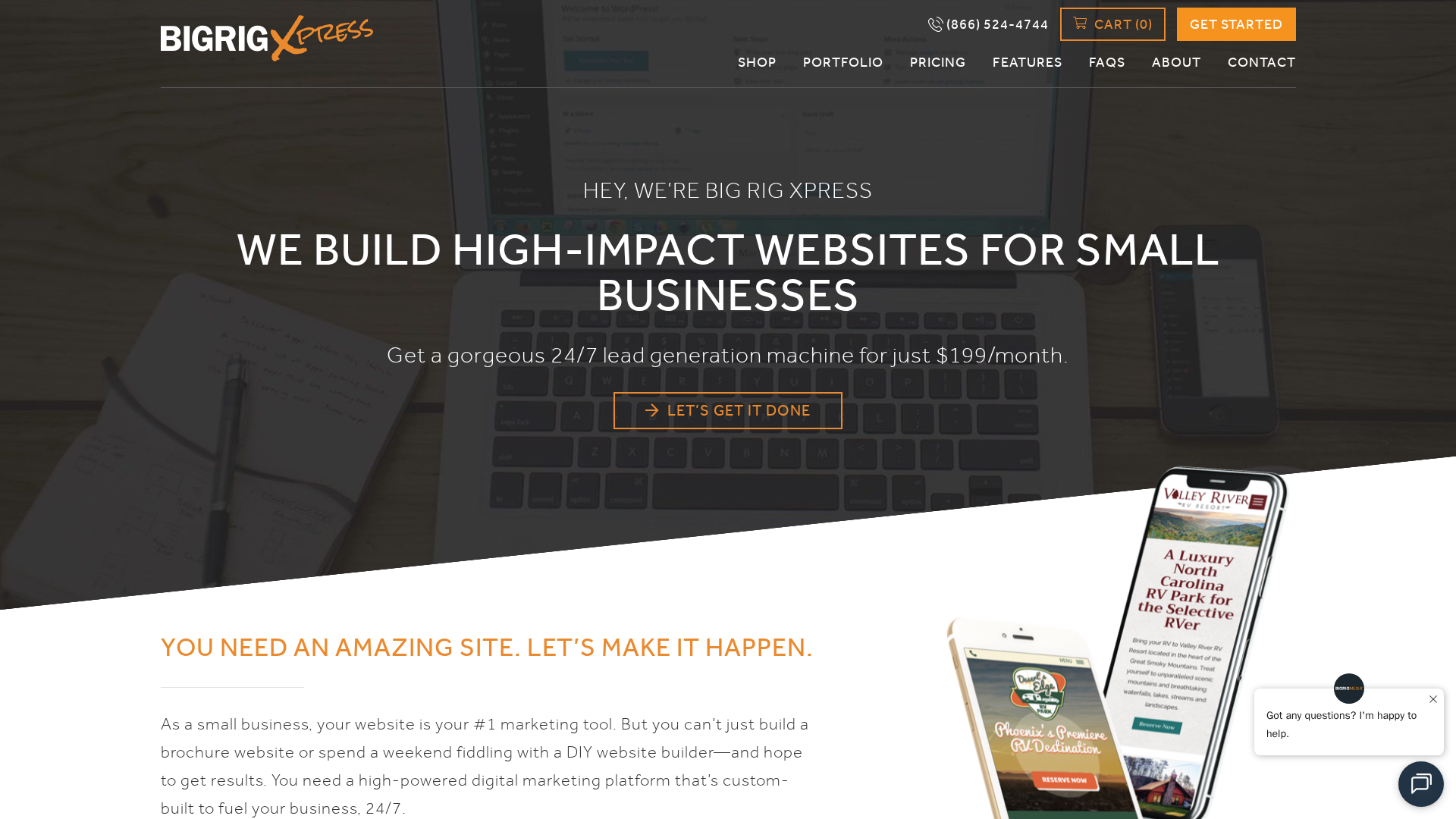
Big Rig Xpress sells an affordable WordPress site for $199 per month. Its core offer bundles design, hosting, updates, security, and SEO-focused features, which helps small California teams keep web costs steady and support ongoing.
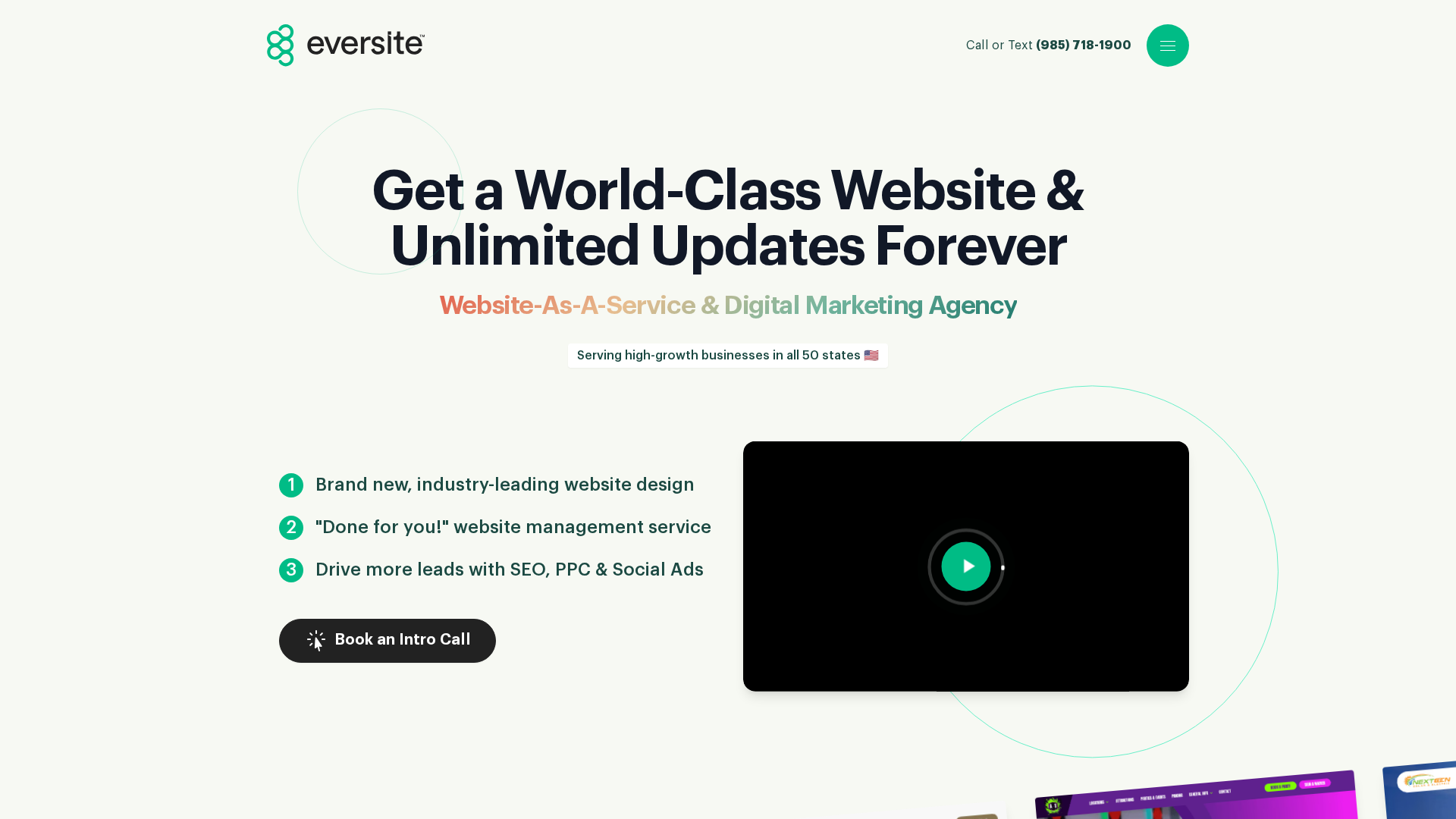
Eversite is a managed website and digital marketing provider serving high-growth businesses in all 50 states. Its pitch is a done-for-you website management service with direct access to web professionals, ongoing support, and digital marketing services. Highlights
Unlimited updates and revisions
Custom design without templates
Hosting, SSL, and maintenance handled for you
Specs
Best for: Businesses that want ongoing website changes handled for them
Service Model: Managed website subscription
It ranks fourth for buyers who want a site that stays current through steady support.
Last updated: June 27, 2026
Honourable Mentions
A few other agencies deserve a spot on your shortlist if you need a narrower fit or just want more comparisons. 5. Jottful – affordable managed service, with website setup from $99 and co-maintenance from $65 per month. 6. AcumenSites – website plus business-suite support. 7. Website Concierge – low-friction help. 8. California Website Designer – web, SEO, creative. 9. Digi Studios – eCommerce support. 10. Big Fish – senior branding. 11. Big Fish Creations – newer option. 12. Arch Web Design – SaaS-focused.
How to choose the right California web design agency
Use these filters to narrow your shortlist fast:
Managed service or DIY? If you do not want to touch hosting, updates, or security, pick a done-for-you model like Monkey Business.
Ownership terms: Make sure you keep access to your domain, content, analytics, and design files.
California fit: Local market knowledge helps with regional buyer habits, accessibility, and privacy expectations.
Industry match: Restaurants, nonprofits, law firms, and eCommerce stores need different features and workflows.
Support style: Compare response times, revision process, and who handles quick content edits.
Pricing model: Choose project-based for one launch, or subscription for ongoing help.
Homepage
Need a California-friendly website partner without agency overhead? Monkey Business gives you done-for-you design, hosting, maintenance, and support, so you can launch faster and stay focused on growth.
Frequently Asked Questions
Q1: What are the key factors to consider when selecting a top web design agency in California for 2026?
Pick for fit, not just price. Check support, speed, SEO basics, clear scope, ADA awareness, and who manages updates after launch.
Q2: Which California web design firms have proven expertise in scalable, high-performance websites with measurable results?
Look for providers that show real outcomes, strong support, and repeatable systems. Monkey Business and Eversite fit hands-off managed service needs, AcumenSites combines managed websites with business tools, and Jottful focuses on low-cost setup and co-maintenance.
Q3: How does choosing the right California web development company impact local business growth in 2026?
The right partner helps you load faster, rank better, convert more leads, and waste less time fixing site issues. That matters a lot for local growth.
Quick Summary: The DOJ delayed web accessibility deadlines for public entities to 2027 and 2028, but the standards remain the same. Counties and vendors should update project plans now, focusing on fixing high-traffic issues and reviewing third-party content. The June 22, 2026 public comment period on the IFR has closed. The core obligation to meet WCAG 2.1 AA standards still applies, and active work is needed despite the extended timelines. On April 20, 2026, the DOJ pushed Title II web deadlines to 2027 for larger public entities and 2028 for smaller ones and special districts via an Interim Final Rule (IFR). The 60-day public comment period on the IFR closed on June 22, 2026. That helps, but it also shifts the target for vendors, nonprofits, and small firms handling public sites and apps under Website Compliance Guidelines. We track this rule closely. Here, you’ll get the exact change, what it means for Web Accessibility Standards, and what Accessible Web Design and WCAG 2.1 AA still require.
What DOJ Changed in April 2026
The big change was a one-year deadline extension. DOJ’s April 20, 2026 interim final rule moved the Title II web and app compliance date to April 26, 2027 for state and local governments with populations of 50,000 or more. It moved the date to April 26, 2028 for governments under 50,000 and for special district governments, according to the ADA.gov small entity guide.
50,000+ population entities: now due April 26, 2027
Under 50,000: now due April 26, 2028
Special districts: also due April 26, 2028
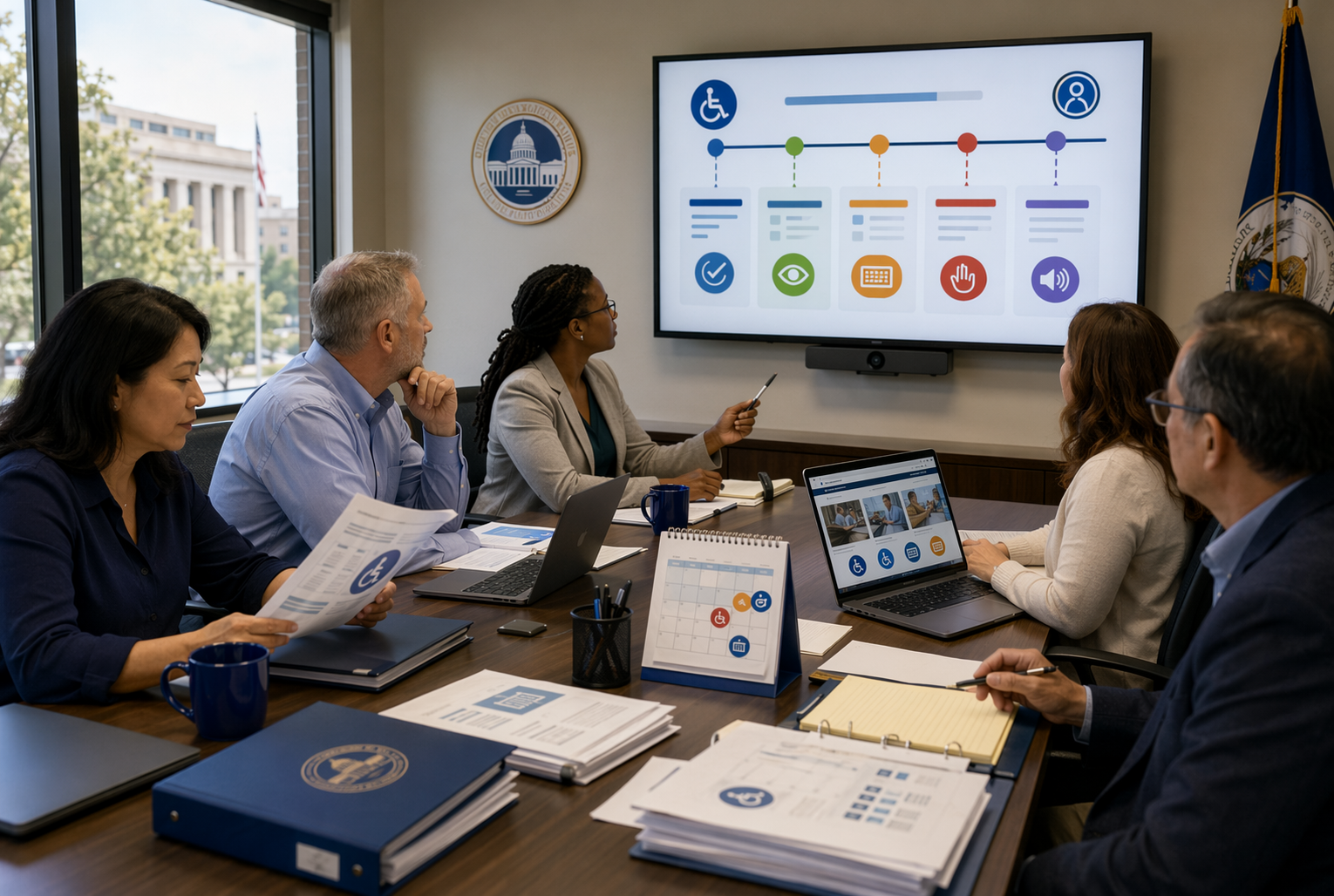
County staff reviewing accessibility compliance deadlines
What did not change is just as important. The rule still applies to Title II public entities, and the required Web Accessibility Standards still point to WCAG 2.1 Level AA from the 2024 rule, as shown in the 2024 DOJ final rule.
The delay changed timing, not the core duty to make public digital services accessible.
The same technical standard stays in place
Planning and vendor work still need to start now
Web Accessibility Standards did not get weaker
Why Counties and Vendors Need to Rework Timelines Now
The DOJ’s April 20, 2026 interim final rule moved the main Title II web deadline to April 26, 2027 for entities serving 50,000+ people and to April 26, 2028 for smaller entities and special districts, according to the DOJ interim final rule. That gives counties breathing room, not a free pass.
WCAG – Web Content Accessibility Guidelines 2.1 Explained | Intellipaat
Rebuild project plans now
Separate quick fixes from platform rebuilds
Move old PDFs, forms, and video into a review queue
The extension helps with scheduling, but active public services still need steady cleanup.
Counties also need vendors in the room early. DOJ says Title II still covers web content and apps provided through contractual or other arrangements, as explained in the ADA.gov compliance guide.
Group
What changes now
Counties
Reset milestones, budget, and content triage
Vendors
Add accessibility tasks, testing, and proof of compliance
Key Compliance Dates for Your Calendar
The DOJ’s public comment period on the Interim Final Rule closed on June 22, 2026. The rule took effect April 20, 2026, and moved the main compliance dates to April 26, 2027 for entities serving 50,000+ people, and April 26, 2028 for smaller entities and special districts, as shown in the Federal Register notice. The DOJ may issue further revisions based on comments received, but for now, entities should focus on:
Reviewing your current website, app, PDFs, and vendor contracts
Flagging the biggest access barriers
Adjusting project plans around the new deadlines
Nonprofit director reviewing accessibility compliance deadlines on desk calendar
What This Means for Readers in California and Beyond
California readers should treat this as a deadline shift, not a free pass. The DOJ moved Title II web compliance dates to April 26, 2027 for larger public entities and April 26, 2028 for smaller ones and special districts, according to the Federal Register rule.
That matters if you are:
A county, city, district, or public college
A nonprofit running services under a government contract
A vendor managing sites, forms, or app content for public entities
Need a compliant website without adding more work? Monkey Business builds, hosts, and maintains accessible sites, so you can meet 2026 requirements faster.
Frequently Asked Questions
Q1: What are the key updates on web accessibility laws for US counties in 2026?
The big update is the DOJ interim final rule issued April 20, 2026. It changed deadlines for some public entities and sharpened focus on accessible web content, mobile apps, PDFs, forms, and vendor-managed systems.
Q2: How does the DOJ’s 2026 extension impact compliance timelines for local governments?
Some local governments got more time, but not a free pass. Counties should confirm their new deadline, fix high-traffic services first, document progress, and review third-party tools that may still create legal risk.
Q3: What are the latest ADA web accessibility regulations small businesses should know in 2026?
Most private businesses still do not have a new federal technical rule just for them. Risk remains under the ADA. Focus on WCAG-based fixes, clear keyboard access, alt text, forms, and usable booking or contact flows.
Conclusion
The big takeaway: deadlines moved, but the work did not. The DOJ’s April 20, 2026 rule pushed Title II dates to 2027 and 2028, while core accessibility duties still apply under the interim final rule. The public comment period on the IFR closed on June 22, 2026. Entities should now focus on the extended compliance pathway and continue remediation work.
Quick Summary: Make a privacy-compliant website by mapping all data collection points, creating accurate legal pages, and configuring cookies and tracking tools to honor user choices. Keep vendor agreements and request processes simple, and regularly review your setup to stay compliant with laws like CCPA and GDPR. Proper documentation and ongoing maintenance are key to protecting user data and avoiding legal issues.
If your site has a contact form, Meta pixel, or newsletter signup, you are already collecting personal data under Website Privacy Regulations like the CCPA and GDPR. The hard part is knowing what to fix first. This guide gives practical Privacy Compliance Tips for consent, notices, and daily controls. It draws on real GDPR Compliance Website requirements and proven Privacy Compliance Tips small businesses can actually use, with more Privacy Compliance Tips built for website owners.
Step 1: Map Every Place Your Website Collects Personal Data
Start with a plain list of every place your site collects personal data. The FTC says websites may collect data through cookies, pixels, analytics, and forms through online tracking tools. Include contact forms, newsletter signups, donations, checkout, chat, account logins, booking tools, and embedded videos.
Then trace where that data goes after collection. The Library of Congress notes sites and third parties may use cookies, pixels, APIs, and fingerprinting to collect and link user data across systems and vendors. Map each flow from website to email platform, CRM, payment processor, analytics tool, ad platform, and support inbox.
If you cannot map it, you cannot disclose it well or control it.
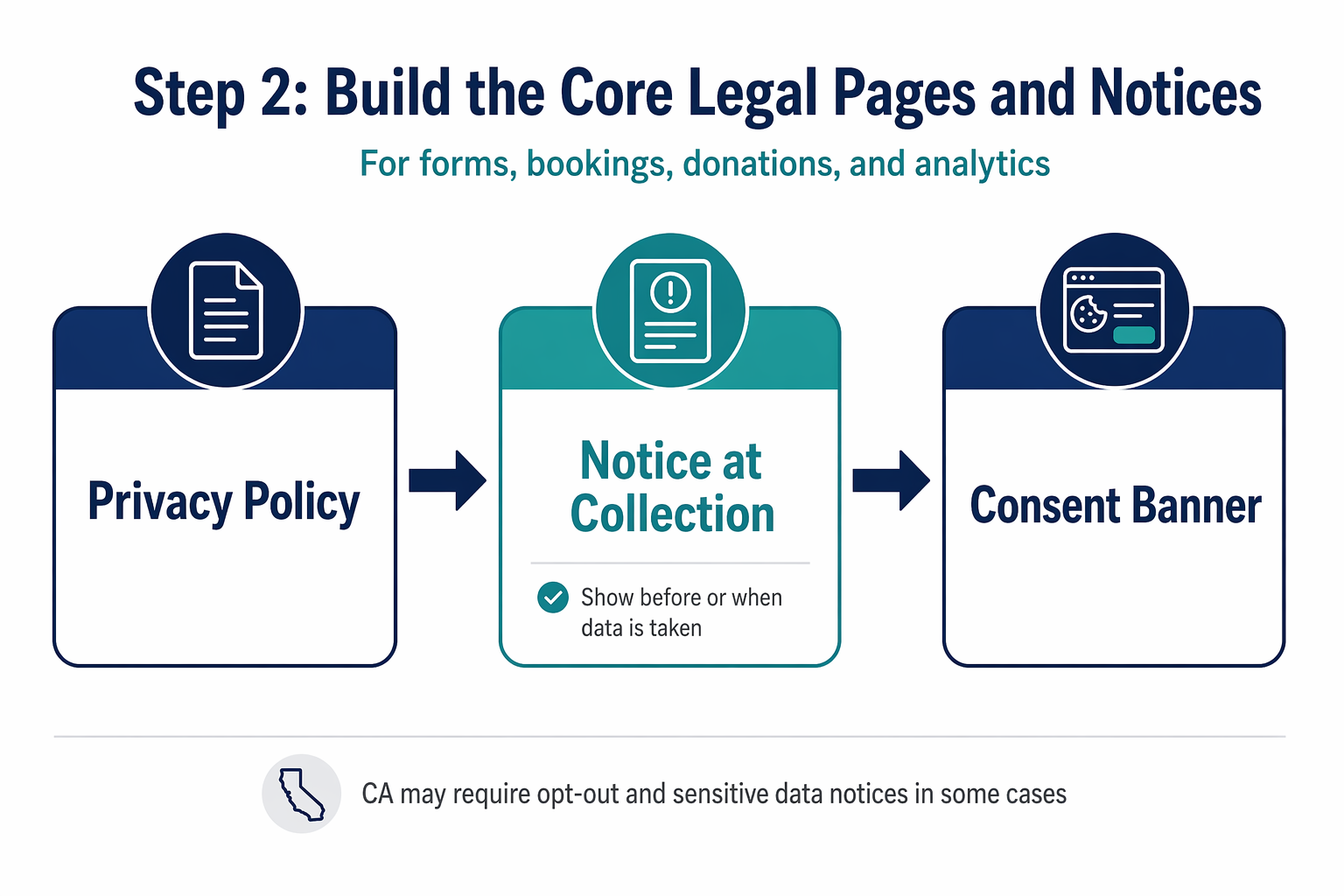
Step 2: Build the Core Legal Pages and Notices
Write a privacy policy that matches reality. List what you collect, why you collect it, where it comes from, who gets it, and how long you keep it. California says a privacy policy must explain consumer rights and how to use them in CPPA notice guidance.
Add California and other state-required notices. If you collect data on forms, bookings, donations, or analytics, show a notice at collection before or when data is taken. California also requires clear opt-out and sensitive data notices in some cases under the 2026 CCPA text.
Flowchart of privacy notice process with policy, collection notice, and consent banner
Handle EU visitors with GDPR-ready consent language. If you attract EU traffic, use plain cookie and tracking language, name purposes, and let people choose before non-essential tracking starts. > Your banner, policy, and actual scripts must all say the same thing.
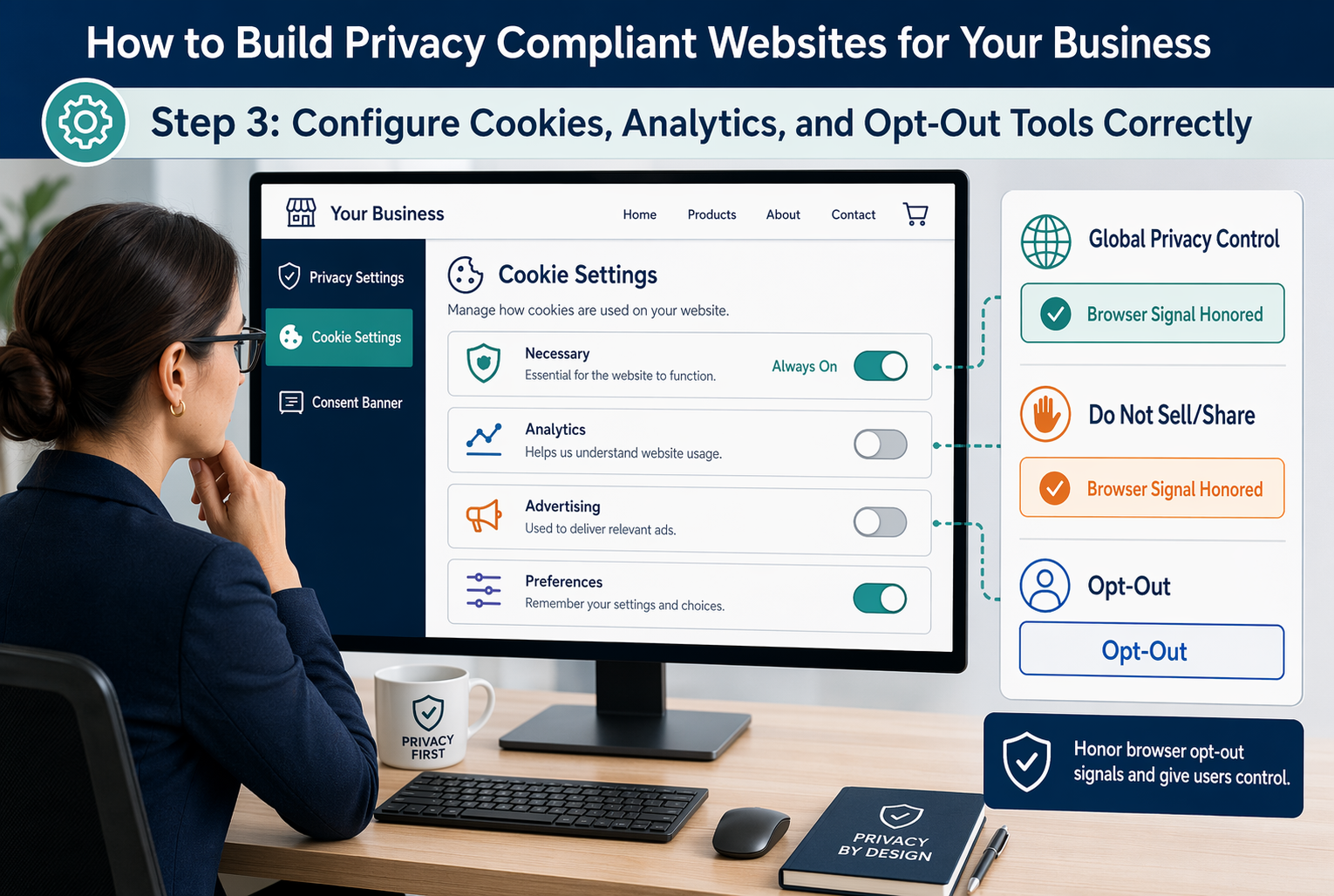
Step 3: Configure Cookies, Analytics, and Opt-Out Tools Correctly
Split your tags into essential and non-essential first. Essential tools keep the site working. Analytics, ad pixels, heatmaps, and retargeting tags are usually non-essential, so they should wait until consent or a valid opt-out check runs.
Make choices real. If a user rejects tracking, your site must stop those tags, not just hide them. California regulators are actively checking whether businesses honor Global Privacy Control signals, and the CCPA regulations require clear opt-out methods.
Privacy manager reviewing cookie categories and opt-out settings
Test the banner on desktop and mobile. Check first visit, return visit, and California traffic. Keep screenshots, tag audit notes, consent logs, and change dates.
If your banner says “reject,” your analytics and ad tools should actually stay off.
Step 4: Set Up Rights Requests, Vendors, and Ongoing Maintenance
Build a simple intake process first. Give people one clear way to submit privacy requests, route each request to one owner, and track deadlines in one log. California rules require businesses to offer methods for requests and set response timelines under the CCPA regulations effective January 1, 2026.
Check every vendor that touches personal data. Your contracts should limit use, require notice if the vendor cannot comply, and let you stop misuse. California law also says you must disclose retention periods, or the criteria for them, and use reasonable security practices under the California Civil Code text.
Keep a vendor list with purpose, data types, contract status, retention rule, and owner.
Set a repeat schedule. Review forms, cookies, notices, vendors, backups, and access rights every quarter. Train staff yearly, and rerun checks after any redesign, new plugin, or marketing tool change.
Homepage
Need a privacy compliant website without the legal and technical mess? Monkey Business builds, hosts, maintains, and supports compliant websites for California businesses.
Frequently Asked Questions
Q1: What are the essential legal components for building a privacy-compliant website in the U.S.?
You need a clear privacy policy, cookie notice, consent setup where required, data request process, secure forms, vendor agreements, and records of what you collect, why you collect it, and how long you keep it.
Q2: How can small businesses implement GDPR and CCPA compliance on their websites?
Map data first. Then add consent controls, disclosure notices, opt-out options, request workflows, and vendor checks. If you serve California or EU visitors, set rules by location and make updates part of normal site maintenance.
Q3: What are the best practices for creating a privacy policy that complies with US privacy laws?
Write in plain English. List categories of data, purposes, sharing, retention, rights, contact details, and state-specific disclosures. Review it whenever forms, cookies, tools, or services change so the policy matches actual website behavior.
Conclusion
Privacy compliance works when your site, notices, consent choices, and internal process match. California rules still require clear notices and consumer rights handling, according to the CPPA regulations and California DOJ CCPA overview.
Quick Summary: Accessible web design services in 2026 focus on making sites usable for everyone, including those with disabilities. The best providers balance design, compliance, and ongoing support, with some handling everything from build to maintenance. When choosing, consider your risk level, whether the firm fixes issues or just finds them, and if they support mobile and post-launch updates. For small businesses and nonprofits, turnkey services like Monkey Business offer a simple, all-in-one solution.
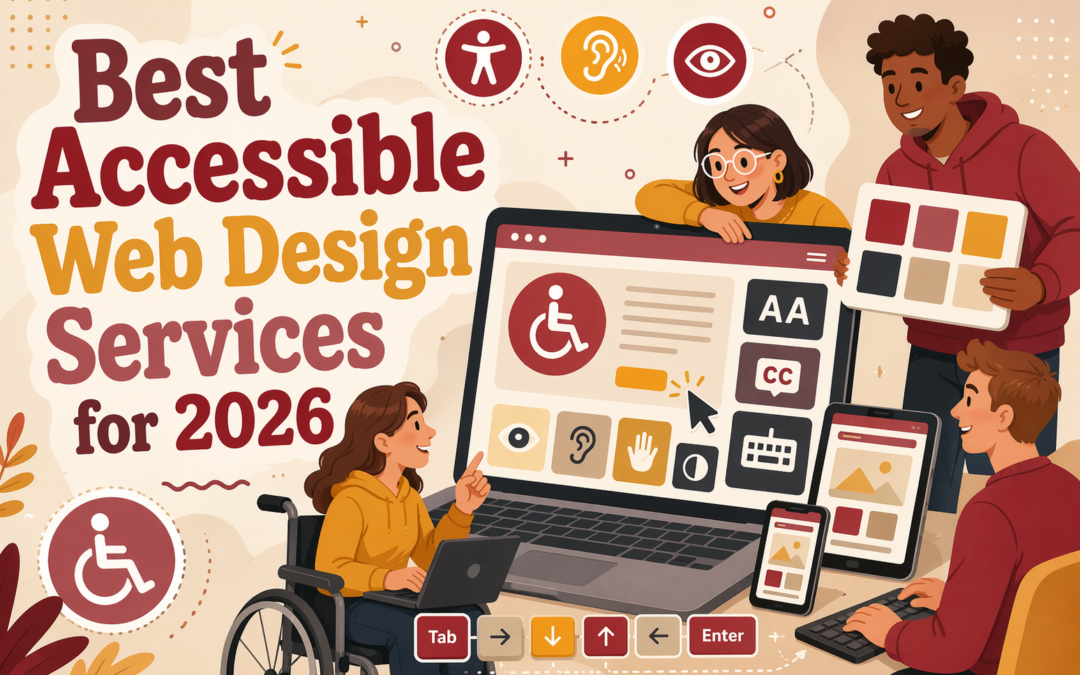
A site can look great and still fail real users, accessibility standards, and mobile access. This guide narrows the field fast. We reviewed Accessible Web Design providers that balance design, compliance, and day-to-day usability. You will see which firms fit small teams, nonprofits, and service businesses, plus what to check before you hire. We chose each option based on Accessible Web Design, Web Accessibility Services, responsive strength, remediation skill, and clear Accessible Website Design results.
What to know
Accessible web design services help you build or fix a site so more people can use it, including visitors with vision, hearing, motor, or cognitive limits. That usually means better color contrast, keyboard access, clear forms, readable layouts, mobile-friendly pages, and content that works with screen readers. For small businesses, nonprofits, and firms that serve the public, this is not just a nice extra. It affects leads, trust, and legal risk. If your site blocks someone from booking, calling, donating, or filling out a form, you lose business fast.
In 2026, buyers need more than a basic ADA claim on a sales page. You want to know what kind of help you are actually buying. Some providers focus on design-first builds for new websites. Some handle audits and remediation for sites that already exist. Some offer a productized monthly service that keeps cost and scope simple. The best fit depends on your budget, timeline, platform, and risk level. A polished site that still fails keyboard use or form labels can create real problems, so it helps to compare agencies by how they handle testing, responsive design, content structure, and post-launch support.
This list is built for people who need practical answers, not vague promises. It looks at service types, strengths, trade-offs, and who each option fits best. That matters if you are choosing between a higher-touch agency, a faster small-business provider, or a more narrow accessibility fix. Responsive accessibility is a key filter here because many issues only show up on phones and tablets, where a lot of users first meet your brand.
A site can look modern and still be hard to use. Good accessible design is both compliant and easy for real people.
Use this shortlist to narrow your options before you ask for proposals. As you read, focus on a few basics:
Scope – new build, redesign, audit, or remediation
Testing – manual checks, not just automated scans
Mobile access – tap targets, zoom, layout, and forms
Content support – headings, links, alt text, and PDFs
Ongoing help – training, fixes, and updates after launch
If you want the big-picture buying guide first, start with the parent post: Best Accessible Web Design Services for 2026.
How to choose the right option
Use this quick filter before you pick from the list:
Match the service to your risk level. If you need ADA help fast, pick a team that handles audit, fixes, and retesting.
Ask who does the actual remediation. Some firms only flag issues. Others fix them for you.
Check responsive accessibility. Your site should work on phones, tablets, keyboards, and screen readers.
Look at support after launch. Ongoing scans, content help, and updates matter more than a one-time cleanup.
Compare delivery style. If you want done-for-you service, Monkey Business may fit better than a DIY-leaning option.
Homepage
Need an accessible site that aligns with current accessibility standards without managing five vendors? Monkey Business gives you done-for-you design, hosting, maintenance, and support in one simple service.
Frequently Asked Questions
Q1: What are the key features to evaluate in top accessible web design services for 2026?
Check WCAG support, mobile speed, keyboard access, readable layouts, form usability, ADA risk reduction, and ongoing support.
Q2: How does accessible web design impact SEO and user experience in 2026?
Responsive design helps search visibility by improving mobile use, page speed, crawl clarity, and lower bounce rates.
Q3: Which accessible web design firms are best for small businesses in the US in 2026?
For small businesses, Monkey Business stands out for done-for-you support. Other providers may fit simpler needs.
Quick Summary: By 2026, WCAG 2.2 will be the standard for accessible web design, with more emphasis on testing and real user needs. Businesses should prioritize fixing focus visibility, small buttons, and form labels now to meet upcoming requirements. AI can assist with initial checks, but human review remains essential for true accessibility. Preparing early will reduce costs and improve usability later.
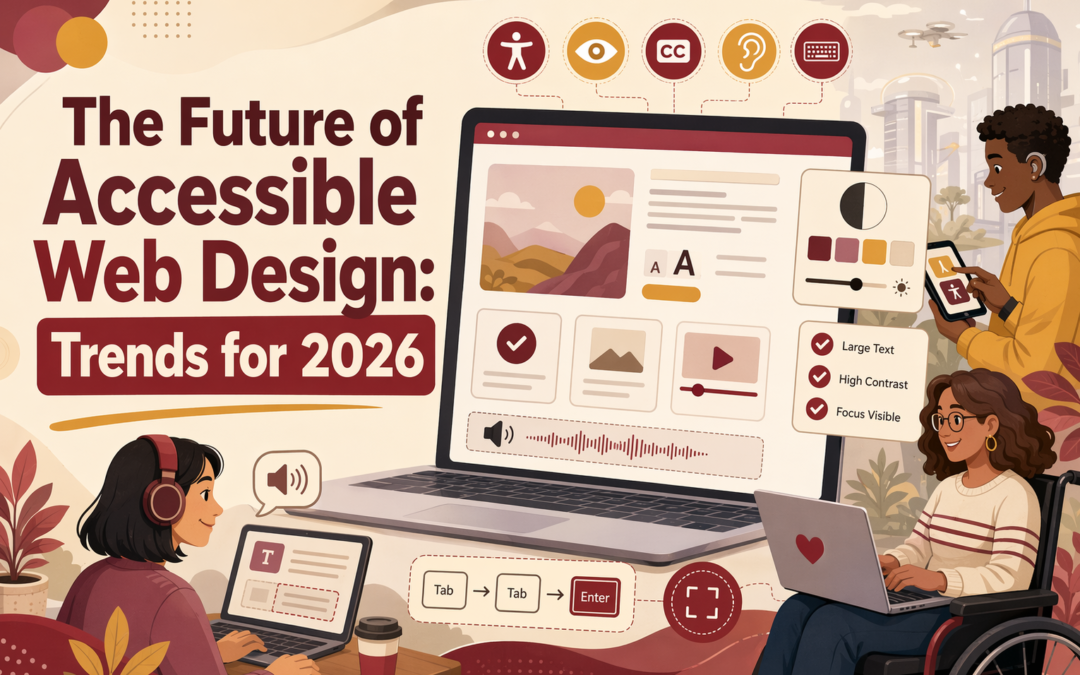
WCAG 2.2 is quickly becoming the baseline many teams will be judged against in 2026. WebAIM expects it to show up more often in RFPs, procurement language, and accessibility reviews. That puts pressure on small businesses, nonprofits, and service firms with older sites. We work closely with accessibility-focused web design, so this guide explains why the shift is happening now, what it changes, and how to respond with real testing, not auto-fix shortcuts alone.
Why WCAG 2.2 Is Becoming the New Baseline
WCAG 2.2 is the new baseline because it gives buyers a current, testable target. W3C says teams should use the most current version of WCAG, and WCAG 2.2 adds nine success criteria beyond 2.1 while keeping backward compatibility with earlier versions (W3C WCAG 2.2, W3C summary of new 2.2 criteria).
Better support for keyboard focus visibility
Safer use for dragging actions
Easier tapping with minimum target sizes
More help for users with cognitive and motor needs
Accessibility consultant reviewing focus indicators in modern office
Procurement teams are catching up because accessibility is now part of risk control, not just design polish. Many RFPs, audits, and vendor reviews still name WCAG 2.1 AA. WCAG 2.2 is backward compatible with WCAG 2.1, so targeting 2.2 can support future-ready remediation, but applicable laws and contracts may still specify WCAG 2.1 AA. New York State guidance now recommends WCAG 2.2 Level AA for state websites by January 2027, while the DOJ Title II rule requires WCAG 2.1 Level AA for covered state and local government web content and mobile apps by April 26, 2027 for entities serving populations of 50,000 or more.
If a vendor only promises “accessible design,” buyers should ask for the exact WCAG version, testing method, and fix process.
What Businesses Need to Fix First
Start with the issues that block real people first, not the tiny lint errors. WCAG 2.2 adds nine new success criteria, so your best audit targets are the places where users get stuck:
Keyboard focus that is missing, faint, or hidden by sticky headers
Buttons and links that are too small to tap
Forms with missing labels, weak error help, or broken tab order
Drag-only actions with no simple click option
Repeat entry in checkouts, intake forms, and donations
Fix the homepage nav, contact forms, checkout, and appointment flows before blog pages.
Business owner testing website form on tablet
A quick priority table helps:
Area
Fix first because
Common fail
Navigation
Used on every page
Invisible focus
Forms
Ties to leads and sales
Missing labels
Buttons
Core actions depend on them
Tiny targets
Native HTML still wins because browsers and assistive tech already know how to read real buttons, links, inputs, and fieldsets. That lowers risk and cuts remediation time. W3C still points teams toward visible focus and usable target sizes, including 24 by 24 CSS pixel minimum targets. If your site uses custom widgets for basic tasks, replace them unless they do something native HTML cannot.
How AI Fits In Without Replacing Human Review
AI helps with fast first-pass checks. It can flag missing alt text, weak color contrast, unlabeled forms, and repeatable pattern errors. W3C says WCAG 2.2 testing still needs both automation and human evaluation, not one or the other in the WCAG 2.2 recommendation.
What still needs a person:
judging whether alt text is useful
checking reading order and link clarity
testing keyboard flow and real task completion
A page can pass test rules and still fail real users. W3C notes automated rules are only partial checks and need human verification in its test rules guidance.
How to Prepare for 2026 Now
A simple 2026 accessibility readiness checklist
Use WCAG 2.2 as your working standard now. W3C says it is the latest version and recommends using it for future-ready accessibility work WCAG 2.2.
Run an accessibility audit on your top pages, forms, and PDFs.
Fix keyboard traps, low contrast, missing labels, and weak focus states first.
Test your site with real users and screen readers, not just scanners.
Add an accessibility statement and an issue-report path.
Train whoever uploads content each week.
Set a review schedule before every redesign or plugin change.
If you wait for a complaint, you will pay more to fix the same issues later.
Homepage
Need a WCAG 2.2-ready site without the stress? Monkey Business builds, hosts, updates, and supports accessible websites for growing organizations.
Frequently Asked Questions
Q1: What emerging trends will shape accessible web design in the US by 2026?
In 2026, expect WCAG 2.2 to remain a current benchmark in website bids and accessibility programs, alongside continued use of WCAG 2.1 where laws or contracts specify it. Ongoing testing, clearer focus states, accessible forms, mobile usability, and captioning remain important implementation priorities.
Q2: How will AI support accessible web development without replacing human expertise in the US?
AI can speed up alt text drafts, issue scans, and content checks. People still need to review context, keyboard flow, screen reader use, and legal risk before anything goes live.
Q3: Why is WCAG 2.2 becoming the standard benchmark for accessible web design services in 2026?
WCAG 2.2 gives buyers a clear yardstick for audits, redesigns, and vendor reviews. It helps businesses compare services, set scope, and reduce risk with practical, current standards.
Conclusion
WCAG 2.2 is a current, backward-compatible target for future-ready work, but teams should also check whether applicable laws, procurement requirements, or contracts specify WCAG 2.1 Level AA. In 2026, accessible design means better usability, lower risk, and stronger buying confidence.