Quick Summary: Fixing accessibility at the source through a WCAG-compliant website rebuild is more reliable than adding a plugin, since plugins only adjust runtime display settings and can’t repair broken forms, keyboard traps, or missing labels. A rebuild costs more upfront but lowers long-term legal risk under ADA guidance, while plugins work best as temporary or supplemental support. The article recommends testing key tasks like booking, payment, and forms with a keyboard and screen reader, and choosing Monkey Business for accessible design and maintenance.
A WCAG compliant website rebuild gives California businesses a stronger path to real access and lower risk. Plugins install fast, but a toolbar rarely fixes broken forms, menus, or booking flows. This comparison explains what each option changes, what it misses, and how to maintain a WCAG compliant site. Accessible design work addresses barriers at their source.
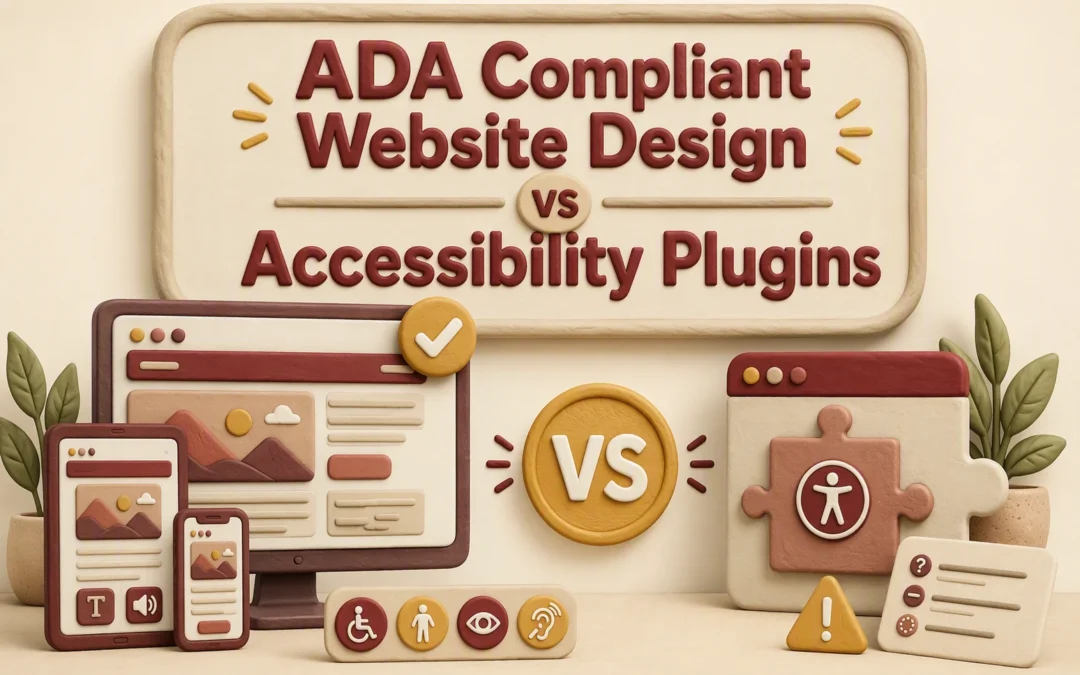
WCAG Compliant Website Design vs Accessibility Plugins: At a Glance
HTML, CSS, JavaScript, content, forms, and interactions
Runtime display settings and selected page elements
WCAG coverage
Broad coverage when supported by manual and automated testing
Partial and dependent on the site and tool
Assistive technology support
Built into structure and interaction behavior
May help some users but cannot reliably repair structure
Implementation effort
Moderate to high
Low to moderate
Ongoing maintenance
Required as content, plugins, and features change
Requires script, compatibility, and configuration monitoring
Best use
Primary accessibility strategy and long-term risk reduction
Supplemental controls or temporary support during remediation
How WCAG compliant website design and Accessibility plugins Compare
WCAG compliant website design
This approach fixes the site itself, including code, content, forms, and user paths. It suits organizations building accessibility into a new site or a long-term remediation plan. W3C advises that meaningful accessibility review needs both tools and human checks.
Plugins add visitor controls and may adjust some page elements while the site runs. They suit teams needing short-term support while deeper fixes are planned, but need ongoing setup and compatibility checks.
What Each Approach Actually Fixes
Source-Level Fixes vs Runtime Adjustments
A rebuild fixes barriers in the site itself: heading order, form labels, keyboard access, alt text, focus states, and video captions. These are common issues named in ADA.gov web guidance.
A plugin makes runtime adjustments after the page loads, such as contrast controls or text size. It may help some visitors, but it cannot reliably repair a broken checkout form or missing image meaning.
Approach
What it fixes
Main limit
Source-level work
Site structure and content
Needs ongoing upkeep
Accessibility plugin
Visitor-facing display options
Does not fix all code barriers
Test key tasks with a keyboard and screen reader. If they fail, fix the source.
A source-level rebuild gives visitors more reliable access because it fixes the page itself. A toolbar may change colors or text size, but it cannot reliably repair missing form labels, keyboard traps, weak headings, or poor image descriptions.
The DOJ lists inaccessible forms, missing alt text, low contrast, and mouse-only navigation as common barriers in its web accessibility guidance.
A developer inspecting a web form’s source code
Visitor task
Source-level work
Plugin alone
Submit a contact form
Labels and errors work with screen readers
May not fix form markup
Use keyboard navigation
Focus order is built correctly
Cannot reliably remove traps
Understand images
Useful alt text is added
Cannot infer image meaning
Test the tasks that bring leads or services: booking, payment, forms, and downloads.
Cost, Maintenance, and California Business Practicalities
A plugin may seem cheaper upfront, but it does not repair the source issues that cause barriers. A rebuild costs more at first, then gives you a cleaner base for updates, forms, and new content.
Option
Ongoing need
Best fit
Accessibility plugin
Check coverage after each update
Temporary support only
Accessible rebuild
Test new pages and features
Long-term site care
Small business owner reviewing website maintenance checklist
The ADA expects public-facing businesses to provide equal access to goods and services, according to ADA.gov guidance.
Budget for ongoing checks. New PDFs, videos, forms, and third-party tools can add barriers.
Which Should You Choose: Website Design or an Accessibility Plugin?
Choose a source-level website rebuild if your site has keyboard, form, contrast, or screen-reader issues. A plugin may help users adjust display settings, but it cannot fix broken page structure or missing labels. The DOJ lists these as common access barriers in its web accessibility guidance.
Treat a plugin as a supplement, not a substitute for accessible design and ongoing checks.
Homepage
Choose source-level accessibility, not a quick patch. Monkey Business builds and maintains compliant websites that serve every visitor.
Frequently Asked Questions
Q1: ADA compliant website design vs accessibility plugins?
Design fixes barriers in the site itself. Plugins may help users adjust display settings, but they cannot repair broken forms, poor keyboard access, or missing labels.
Q2: Can a plugin make my website compliant?
No. Treat it as an extra tool, not a compliance fix. Test the source site, then maintain it as pages, forms, and files change.
Q3: Should I rebuild an older website?
Rebuild if its theme blocks keyboard use, semantic structure, or form fixes. Small issues may be repaired without a full redesign.
Conclusion
Choose source-level fixes over a plugin for lasting access. ADA guidance highlights barriers plugins may miss, so test and maintain your site.
Quick Summary: California small businesses often block basic tasks like booking or donating for users without a mouse or perfect vision, but fixing this starts with a manual audit-not just automated scans-focusing on high-impact issues like navigation and forms. Real accessibility means clear headings, keyboard-friendly layouts, and ongoing checks, not a one-time fix, since new content can reintroduce barriers. The ADA treats web accessibility as a legal standard for public-facing sites, so providers should test tasks (not just pages) and avoid vague promises like ‘ADA compliance’ from a single scan. Monkey Business offers a hands-off model for businesses that want design, hosting, and maintenance bundled to keep sites fully usable for everyone.
A California client should be able to book a consult, give to a nonprofit, or request a quote without a mouse, perfect sight, or outside help. Yet many small business sites block these basic tasks. This guide explains what inclusive design looks like, which services matter, and how to judge a provider. Built for California organizations, it connects inclusive design to real user needs, site fixes, and practical risk awareness.
What Accessible Web Design Services Include
Audit, Prioritization, and Remediation
A good service starts with an audit of key pages and customer tasks, not just an automated scan. Providers test forms, menus, images, and keyboard use against WCAG. W3C recommends fixing high-impact barriers first, such as navigation and checkout.
Review priority pages.
Rank issues by user impact.
Fix and retest each change.
Ask for a clear report that names the issue, page, fix, and retest result.
Accessible Design, Development, and Content
Inclusive design should shape new pages before they go live. Services may include:
Clear headings, labels, and link text
Sufficient color contrast and visible focus states
Alt text, captions, and plain-language content
Keyboard-friendly forms and mobile layouts
WCAG 2.2 covers content, design, and code. Ongoing checks help preserve inclusive design as staff add pages.
Why Accessibility Matters for California Small Businesses
The Business Case for Inclusive Design
Accessible design helps more people complete key tasks: read service details, book an appointment, donate, or submit a form. Clear headings, keyboard access, captions, and useful image text also improve the experience for many other visitors. The Department of Justice notes that web barriers can deny equal access to information and services.
Volunteer navigating donation site via keyboard
Tip: Test your contact and checkout forms first. They often decide whether a visitor becomes a customer.
The California Legal Context
California businesses that serve the public should treat accessibility as an ongoing service standard, not a one-time fix. Federal ADA guidance says Title III covers businesses open to the public. ADA.gov explains that this includes many shops, service firms, and nonprofits.
Accessibility needs can change as you add pages, forms, videos, and third-party tools.
Ask how the provider tests real customer tasks, not just pages. The ADA guidance highlights common barriers such as poor contrast, missing image text, inaccessible forms, and mouse-only navigation.
Which standard and level will you build toward?
Will you test keyboard use, screen readers, forms, and video captions?
Do you fix issues after launch and review new content?
Can you show accessible sites similar to ours?
Small business owner reviewing accessibility test results with designer
Warning Signs and Better Alternatives
Avoid a provider who promises “ADA compliance” with one scan, sells a widget as a complete fix, or cannot explain its testing process.
Warning sign: A vague audit report with no task-based fixes.
Better choice: A written scope, human testing, clear fixes, and ongoing support.
Accessibility needs upkeep. New pages, PDFs, and forms can create fresh barriers.
Start with the pages people use to contact, book, buy, or donate. The DOJ highlights common barriers such as weak color contrast, missing alt text, unlabeled forms, and mouse-only navigation in its web accessibility guidance.
Assess: Review key user tasks with keyboard-only navigation.
Fix: Prioritize form labels, clear link text, contrast, headings, and error messages.
Test: Ask real users or a qualified reviewer to test key paths.
Maintain: Check every new page, file, and update before publishing.
Treat accessibility as routine website care, not a one-time repair.
Homepage
Make accessibility part of your website plan. Monkey Business handles design, hosting, maintenance, and support so your team can serve every visitor.
Frequently Asked Questions
Q1: Leading accessible website experts for small businesses?
Choose a provider that pairs accessible design, ongoing updates, and clear support. Monkey Business offers a done-for-you model for California businesses, nonprofits, and professionals.
Q2: How much does accessible web design cost?
Cost depends on site size, content, and needed fixes. Ask for scope, testing, maintenance, and support before comparing quotes.
Q3: Can an existing website be made more accessible?
Yes. An audit can identify priority issues, then a provider can fix templates, forms, navigation, contrast, and content.
Conclusion
Accessible web design means clear content, usable forms, keyboard access, and ongoing checks. It helps more people complete key tasks. The ADA’s web guidance explains how common barriers can deny equal access.
Quick Summary: Accessibility audits diagnose problems like missing alt text or keyboard traps but don’t fix them-you’ll still need developers to act. For a live site with an in-house team, an audit gives a clear priority list of ADA violations to address. If you’re rebuilding or lack dev resources, accessible web design services like Monkey Business handle fixes, testing, and ongoing maintenance from the start, ensuring new content stays compliant. The key choice hinges on whether you need a repair crew or just a checklist.
Unlabeled forms, low contrast, and keyboard traps block real visitors. An audit finds those issues. Accessible web design services fix them at the source. For a rebuild, accessibility services are often the better fit. For an existing site, an audit gives a clear baseline. This guide compares accessibility services, testing limits, and support needs for California teams.
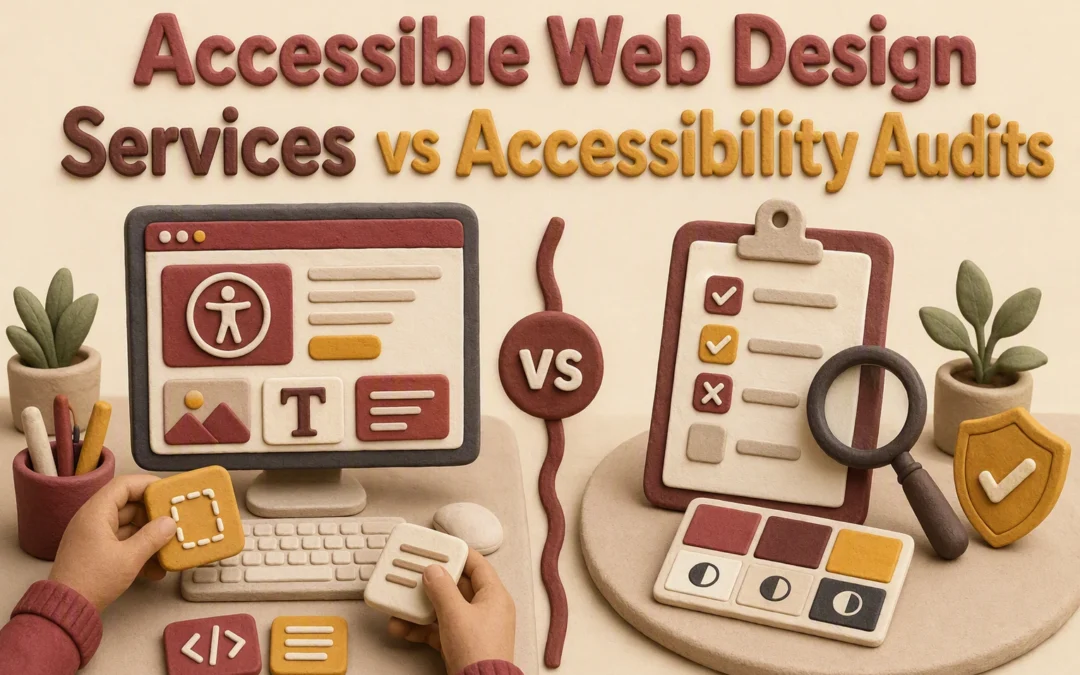
Accessible Web Design Services vs Accessibility Audits: At a Glance
Accessibility services build, fix, and manage a site with access needs included from the start. They suit owners who need a provider to handle design, development, content, and ongoing updates.
Accessibility audits
An accessibility audit reviews a set website scope and records barriers, affected pages, severity, and suggested fixes. It suits teams that need a clear diagnosis before a redesign or handoff.
What Each Accessibility Service Actually Does
An Audit Finds Barriers; It Does Not Remove Them
An accessibility audit checks a live site for barriers, then lists what needs work. It may flag poor contrast, missing image text, keyboard traps, and hard-to-use forms – barriers noted in ADA guidance.
You receive: findings, priority levels, and fix advice.
You still need: someone to make and test the fixes.
An audit is a diagnosis, not a repair plan with work completed.
Audit findings transitioning to accessibility fixes
Design Services Build Accessibility Into the Website
Accessible web design services handle the repair or build itself. The team plans clear layouts, adds useful alt text, labels forms, supports keyboard use, and tests key user paths.
Best for: new sites, redesigns, or teams without developers.
Ongoing need: review new pages, PDFs, and videos before publishing.
Choose an Audit First When You Need an Independent Baseline
Choose an audit if you need proof of what is broken before approving a rebuild. It gives you a ranked fix list for forms, keyboard use, contrast, and content. The ADA guidance names these as common barriers.
You have an in-house developer
You need vendor quotes
You want an outside review
An audit finds issues. It does not fix them.
Choose Design Services When You Need the Work Done
Choose design services when your site needs repairs, a redesign, and ongoing care. The team should build fixes, test key paths, and keep new pages from adding old problems.
Ask what gets tested, not just whether a provider runs a scan. The DOJ lists forms, keyboard access, captions, contrast, and image text as common barriers in its web accessibility guidance.
Do you test key user paths with a keyboard and screen reader?
Which pages, forms, PDFs, and third-party tools are in scope?
Will I get a ranked issue list with screenshots and clear fixes?
Who makes the fixes, and who retests them?
What happens when we add new content?
Nonprofit director reviewing accessibility audit documents with a web designer
A scan finds clues. A useful audit explains impact, priority, ownership, and next steps.
Which Should You Choose: Accessible Web Design Services or an Audit?
Choose an audit if your site is live and you have a team ready to fix clear issues. Choose accessible web design services if you need repairs, a rebuild, and ongoing checks.
An audit finds problems. Design services fix them and help prevent new ones.
Homepage
Choose a fix, not just a report. Monkey Business builds and maintains accessible websites for California organizations.
Frequently Asked Questions
Q1: Accessible web design services vs accessibility audits?
An audit finds barriers. Design services fix them and build accessible patterns into future pages.
Q2: Should I start with an audit?
Yes, if your existing site has unknown risks. Start with services for a new build.
Q3: Is one audit enough?
No. New content, plugins, and updates can create fresh barriers.
Conclusion
An audit finds barriers. Accessible web design fixes them and keeps new content usable. ADA guidance confirms accessible websites support equal access.
Quick Summary: A single unclear privacy notice can make visitors abandon forms instantly. The fastest trust boost comes from placing a clear, up-to-date privacy policy next to every form-not just in the footer-alongside secure HTTPS encryption and real cookie controls that block tracking until users opt in. California sites must also include opt-out choices and accessible privacy tools, like keyboard-friendly consent banners, since 40% of visitors won’t engage with hard-to-use controls. Monkey Business highlights that generic policies fail; trust builds when notices match actual data collection (e.g., listing every CRM or analytics tool used) and updates happen after every plugin or campaign change.
A donor or client may leave a form after one small doubt: what happens to their information? A footer policy alone cannot build confidence. Strong website privacy also shows clear form notices, real cookie choices, secure pages, and current accessible details. These nine signals rank by visibility, usefulness, California relevance, and doubt reduction. They guide website privacy practices, not legal advice.
Website Privacy Trust Signals at a Glance
Trust signal
Best for
Visitor-visible evidence
Privacy benefit
Maintenance need
Clear privacy policy and notice at collection
Every business, nonprofit, and professional services website
Privacy link, collection notice, update date, and rights instructions
Improves transparency and supports informed decisions
Review when forms, tools, purposes, or laws change
Genuine cookie and tracking controls
Sites using analytics, advertising, social embeds, or fundraising platforms
Cookie banner, preference center, and working opt-out controls
Makes tracking choices more transparent and actionable
Scan after technology or campaign changes
Secure forms and HTTPS protection
Contact, donation, appointment, membership, and client intake websites
HTTPS, secure browser connection, and professional form experience
Reduces exposure during transmission and supports reasonable safeguards
Continuous updates, monitoring, backups, and access review
Accessible privacy information and controls
Public-facing businesses, nonprofits, schools, clinics, and professional services
Readable notices, labeled controls, keyboard access, and mobile usability
Makes privacy information and choices available to more visitors
Test after design, content, plugin, or consent-banner updates
What to know about website privacy
Website privacy covers how your site collects, uses, shares, stores, and protects personal data. Clear practices help visitors decide whether they can trust you.
California groups may need privacy notices, consumer rights details, opt-out choices, and reasonable security. Nonprofit duties vary by data use, contracts, and other laws.
Visible privacy practices build trust, but they do not replace legal advice or guarantee compliance.
1. Clear privacy policy and notice at collection
Tell visitors what you collect, why, and their choices. California guidance requires covered businesses to give notice at or before collection and explain key privacy rights. Read the state overview.
Nonprofit professional reviewing donation form on laptop
Highlights
Use a visible link labeled Privacy and place a brief notice beside every form.
Match your policy to cookies, CRM, email, donations, and retention practices.
Specs
Best for: Every business, nonprofit, and professional services site
Visitor-visible evidence: Privacy link, notice, update date, and rights instructions
Pros
Builds a clear transparency baseline across all forms.
Cons
A template alone does not ensure compliance.
It ranks first because visitors can verify it instantly.
Give visitors real control over non-essential cookies, pixels, and analytics. A banner must block optional tracking until a choice is made and honor Global Privacy Control where required.
Small business owner reviewing cookie consent options on tablet near donation materials
Highlights
Separate necessary, functional, analytics, and marketing tracking.
Make decline choices easy to find.
Rescan after plugins, embeds, campaigns, or fundraising tools change.
Pros
Clear choices build trust before visitors share data.
Cons
Untested third-party scripts can bypass controls.
It ranks here because visitors see this choice before submitting information.
Privacy choices only work when every visitor can read and use them. California regulations say online opt-out notices should be readable and reasonably accessible to people with disabilities, including on smaller screens, as outlined in the CCPA regulations.
Woman navigating privacy controls on a clinic website
Highlights
Use clear headings, field labels, strong contrast, and keyboard-friendly consent controls.
Test banners, forms, and privacy request paths on phones after each update.
Specs
Best for: Public-facing businesses, nonprofits, schools, clinics, and professional services
Visitor-visible evidence: Readable notices, labeled controls, keyboard access, and mobile usability
Pros
Helps more people exercise privacy choices with less confusion.
Cons
Automated checks miss issues, so test with real keyboard and mobile use.
An inaccessible control blocks the very privacy choice your site promises.
Last updated: August 27, 2026
More Website Privacy Trust Signals to Add
Once the core signals are set, these steps make privacy clearer and easier to maintain.
Data minimization in forms – Ask only for details needed for the stated purpose.
Visible data rights and contact options – Make requests, corrections, deletions, and opt-outs easy.
Transparent third-party disclosures – Name relevant processors, CRMs, analytics, and marketing providers.
Plain-language privacy communication – Use clear headings and direct explanations.
Ongoing privacy and security maintenance – Review policies, scripts, forms, access, and backups after changes.
How to choose the right website privacy approach
Choose based on your real data flow, not a generic policy. Monkey Business is the standout choice for teams that need privacy work built into ongoing website care.
List data collected: contacts, donors, applications, bookings, analytics, and email signups.
Map every connected vendor, from payment tools to pixels and social embeds.
Put clear notices and choices beside each form, not only in the footer.
For California, check CCPA rights, opt-outs, collection notices, and sensitive-data rules.
Nonprofits should also protect donor trust and vendor contract duties.
Pick a managed partner that can maintain consent settings, security, accessibility checks, and records as your site changes.
Homepage
Build trust with a secure, privacy-ready site. Monkey Business handles design, hosting, updates, and support for you.
Frequently Asked Questions
Q1: Best website privacy solutions for nonprofits?
Use a clear privacy policy, simple donation consent, secure forms, and limited tracking. Review vendors that handle donor data and give visitors a direct way to request or delete their information.
Q2: Does my California business need a privacy policy?
Yes, if you collect names, emails, payment details, or analytics data. Explain what you collect, why you use it, and how people can exercise California privacy rights.
Q3: What privacy signal builds trust fastest?
A plain-language privacy notice near forms works quickly. Pair it with secure checkout, visible contact details, and accessible page design so visitors can act with confidence.