Quick Summary: A proper website maintenance plan must cover protection and verification, including tested updates, off-site backups with restore checks, security scans, uptime monitoring, and form testing. Separate routine upkeep from growth work like redesigns or SEO, and match the plan to your site’s risk, with revenue-critical sites needing daily backups and faster response times. When comparing providers, demand written inclusions, guaranteed response times, and ownership of your logins, and ask for sample reports to avoid paying for invisible work.
When a plugin update silently breaks a contact form, a California firm can lose weeks of inquiries before anyone notices. The real failure is the missing maintenance process: no testing, no verified backups, no checks on workflows that generate business. This guide defines what a proper monthly support plan should include, separates upkeep from growth work, and gives you the questions that reveal whether a monthly support provider actually protects your site.
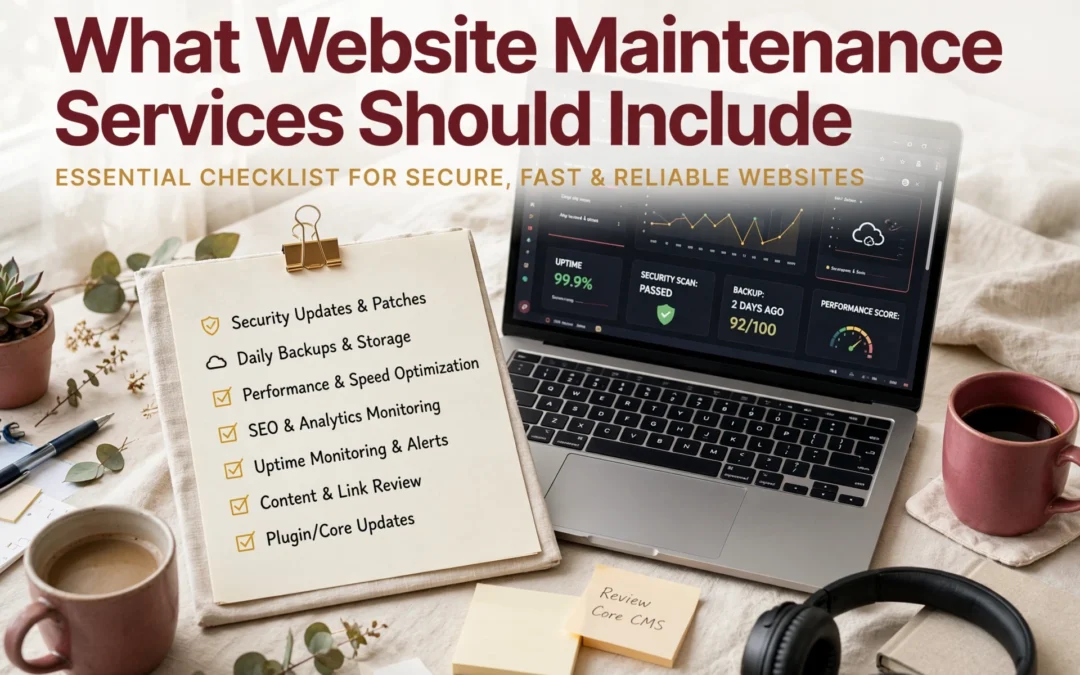
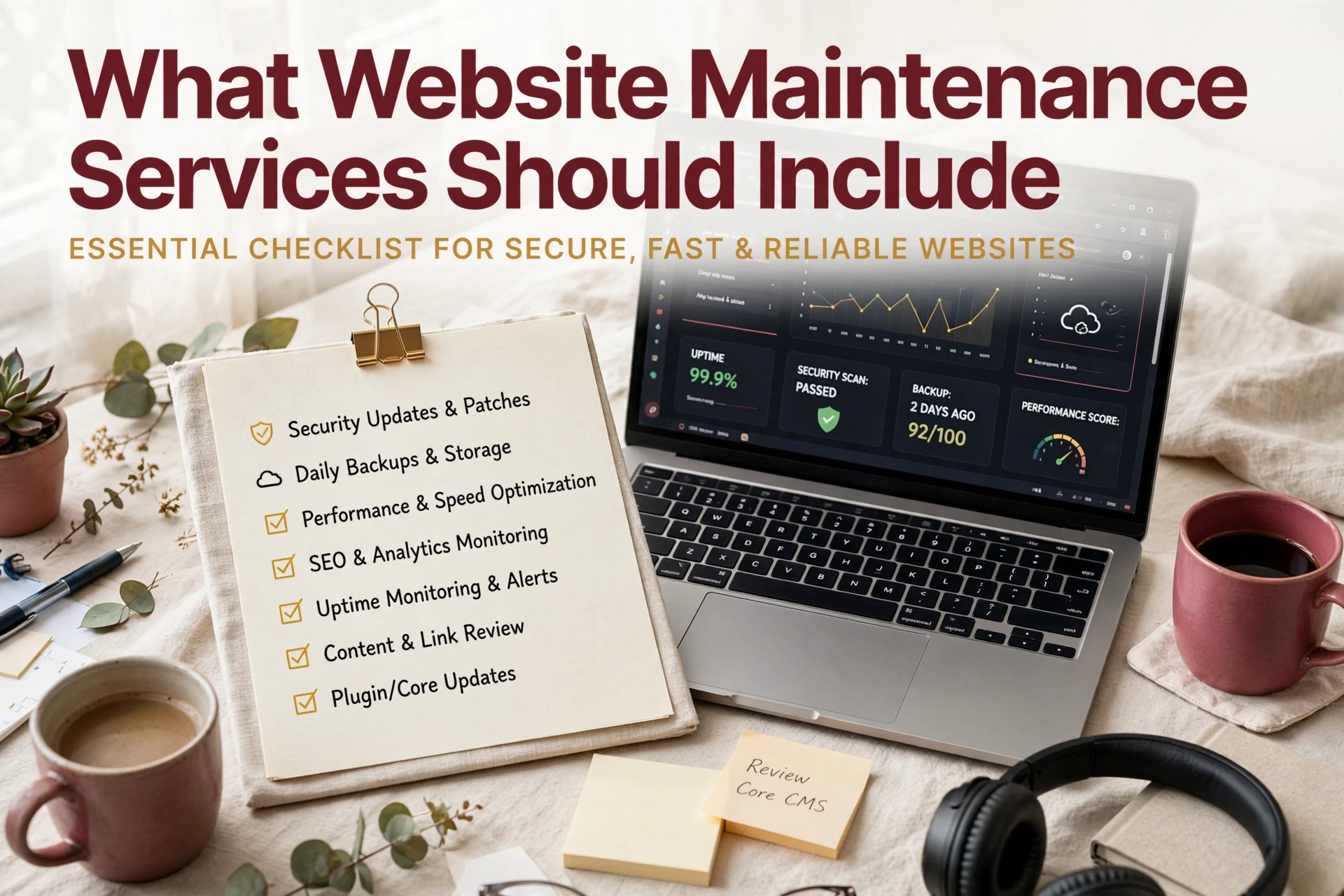
What Website Maintenance Services Should Include
A solid monthly support plan covers two things: protection and verification. Here is the baseline to demand from any provider before you sign.
Security, Updates, and Backups
This is the core of every good plan. Software updates should be applied to a staging copy first, then tested before touching your live site – unpatched plugins are the top cause of WordPress breaches. Add malware scanning, a firewall, and SSL monitoring. Backups should run automatically, live off-site, and get restore-tested on a schedule. A 2026 maintenance checklist flags these as the tasks that prevent most breaches.

Availability, Performance, and Function Checks
Security work means nothing if your site is down or broken. Any monthly support agreement should include:
Uptime monitoring – checks every few minutes, with fast alerts.
Speed checks – mobile Core Web Vitals reviewed monthly, since slow pages lose visitors.
Form and checkout testing – a silently broken contact form can cost you weeks of leads.
Broken link audits – dead links hurt trust and rankings.
A good provider reports what they fixed each month. If you can’t see the work, question the fee.
Core, plugin, and theme updates, tested before going live
Automated off-site backups with restore checks
Security scans and uptime monitoring
Small fixes like broken forms or minor edits
A short monthly report
Two labeled folders on a tidy desk
What May Be an Add-On
These usually sit outside a base plan, so ask before you sign:
New pages, redesigns, or platform migrations
SEO campaigns or content writing
Accessibility audits and bigger design work
Custom features or development hours
Many providers price these extras through higher tiers, so compare what each level actually includes. Monkey Business bundles upkeep and support into one flat WaaS plan, so there are no surprise invoices.
Not every site needs the same level of care. The right plan depends on what happens when your site fails.
Lower-Risk Informational Sites
If your site mostly shares hours, services, and contact info, the stakes are lower. A basic plan with monthly updates, backups, and security scans usually covers it. Downtime is annoying, not costly.
Bakery owner updating website on tablet
Lead-Generating, Booking, and Revenue-Critical Sites
Sites that take bookings, payments, or leads need more. Poor performance costs businesses real money, and one study found owners lost about 15% of annual revenue to downtime and slow pages. Look for daily backups, uptime monitoring, same-day fixes, and fast support response.
Judge providers on process, not promises. Ask each one these five questions before you sign:
What exactly is included each month, in writing?
What is your guaranteed response time when the site goes down?
Where are backups stored, and do you test restores?
Who owns the hosting, domain, and admin logins?
What happens if I cancel?
The right answer to question four is always you. Providers who keep your logins make leaving expensive, and long lock-in contracts add to that trap. Ask for a sample monthly report too. Real providers show what they did; vague ones bill for invisible work. This provider checklist and these contract questions cover the details worth verifying.
Homepage
Want maintenance, hosting, security, and support handled in one plan? Monkey Business does it all for you. Visit today and request your free quote.
Frequently Asked Questions
Q1: How do I compare website maintenance providers?
Ask each provider for a written list of monthly deliverables, response times, and what counts as extra work. Compare scope, not just price.
Q2: What should maintenance cost monthly?
Most small business plans run $50-$200 per month. Flat monthly pricing with defined inclusions, like Monkey Business offers, avoids surprise bills.
Q3: Does maintenance include content updates?
Not always. Many providers charge separately for edits, so confirm whether text, image, or blog changes are covered before signing.
Conclusion
A good maintenance plan covers updates, security, backups, uptime, and content support, while keeping growth work separate. Since unpatched software is a leading cause of small business site compromise, compare providers against that baseline and ask hard questions before you sign. Small business security guidance confirms prevention beats cleanup.
Quick Summary: Hosting plans only provide server space and uptime, leaving updates, backups, form tests, and content changes to you. Maintenance plans add ongoing care like security scans, plugin updates, and restore testing, which reduces risk of broken features and outdated software. Choose hosting only if you can handle all site upkeep yourself; otherwise, a maintenance plan is better for busy businesses that rely on their site for leads. The article notes that outdated software is a major security risk, so ask who owns updates and backup tests before signing up. A hosting plan gives you server space. It may not cover broken forms, plugin updates, backups, or accessibility checks. A maintenance plan covers ongoing site care, while hosting leaves more work with you. This comparison shows what each maintenance plan handles, the risks hosting can leave behind, and when Monkey Business offers the more practical maintenance plan.
Website Maintenance Services vs Hosting Plans: At a Glance
This is hands-off care for a live website. It suits owners who want a provider to handle updates, security, backups, fixes, and planned content changes. Key strengths
This provides the server space that keeps website files online. It fits owners or teams prepared to manage site software, edits, and repairs themselves. Key strengths
Server infrastructure and uptime
May include SSL and backups
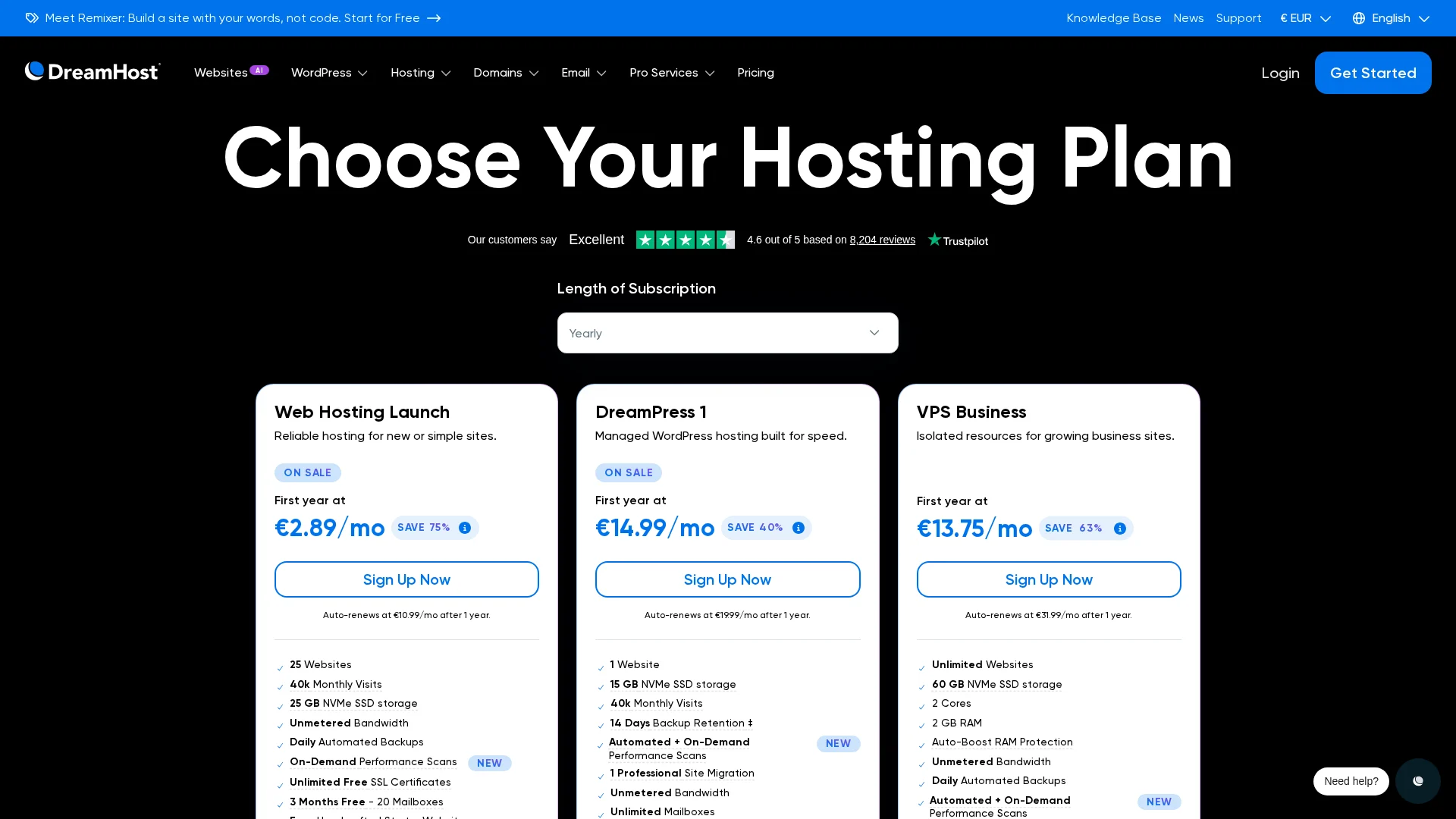
What a Hosting Plan Actually Covers
Hosting Keeps the Site Available, Not Necessarily Healthy
A hosting plan gives your website server space, a domain connection, and basic uptime support. It may include backups, SSL, and email. It does not automatically mean someone checks your site after changes or fixes broken features.
A maintenance plan checks the work around hosting: software updates, backups, security scans, form tests, and broken-link fixes. CISA advises risk-based patching because unpatched flaws can be exploited.
Web specialist testing appointment form on laptop
Hosting handles
Maintenance adds
Server uptime
Site health checks
Storage and backups
Update testing and fixes
SSL tools
Form, link, and content review
Tip: Ask who tests your lead forms after updates.
The Human Work Behind a Hands-Off Site
A good plan includes someone who can act when pages fail or details change.
Which Should You Choose: A Maintenance Plan or Hosting?
Choose hosting only if you can handle updates, backups, form checks, and content changes yourself. Choose a maintenance plan if a broken site could cost leads, trust, or staff time.
Your situation
Better fit
Simple site with hands-on owner
Basic hosting
Busy firm, nonprofit, or lead-driven business
Maintenance plan
Need tested backups and prompt fixes
Maintenance plan
CISA warns that outdated software creates major security risk.
Ask who owns updates, backup restore tests, form checks, and privacy fixes. If the answer is you, it is hosting, not care.
Homepage
Stop juggling hosting and site fixes. Choose Monkey Business for done-for-you design, maintenance, security, and support.
Frequently Asked Questions
Q1: Website maintenance services vs hosting plans?
Hosting keeps your site online. Maintenance handles updates, backups, security checks, fixes, and content changes.
Q2: Can I manage maintenance myself?
Yes, but you must monitor updates, test forms, restore backups, and fix issues quickly.
Q3: Does managed hosting replace maintenance?
Not always. Managed hosting may cover servers, while you still handle site software and content.
Quick Summary: Outsource the eight core website care tasks that keep your site secure, reliable, and trusted, starting with security monitoring and patching, followed by tested backups and software updates. A failed form or expired SSL can quietly cost you leads, so continuous monitoring of uptime, forms, and core functions is critical to catch silent failures early. Tasks like speed optimization, content refreshes, SEO upkeep, and compliance checks also belong on your list, and the right plan should match coverage to your business risk. For a done-for-you approach, Monkey Business offers a full-coverage plan that handles everything without adding work to your internal team.
A failed contact form or expired SSL certificate can lose California leads before your team sees the problem. Website care is not occasional troubleshooting. It needs steady updates, backups, security checks, speed work, access checks, and accurate content. Many small teams cannot manage website care safely. This guide ranks eight tasks worth outsourcing and compares support models. We assess website care by its impact on security, uptime, user trust, search visibility, compliance, and owner workload.
Website Care Tasks at a Glance
Task
Best for
Business risk addressed
Typical cadence
What outsourcing provides
Security monitoring and patching
All business, nonprofit, and professional websites
Hacks, malware, data exposure, and trust loss
Continuous monitoring with prompt patching
Scanning, hardening, alerts, and response
Backups and recovery testing
Any site with valuable content, leads, donations, or transactions
Data loss and prolonged recovery
Daily or weekly backups, with periodic restore testing
Automated backups, storage, verification, and restoration help
CMS, plugin, and theme updates
WordPress and CMS-based business websites
Vulnerabilities, conflicts, and broken features
Monthly, weekly, or risk-based
Controlled updates, testing, rollback planning, and reporting
Uptime, forms, and core function monitoring
Lead-generation, booking, donation, and service websites
Missed leads, failed inquiries, and unnoticed downtime
Automated checks continuously, with scheduled functional tests
Alerts, diagnosis, fixes, and escalation
What to know about website maintenance services
Website maintenance services keep your live site secure, online, accurate, and useful after launch. They reduce the risk of broken pages, stale details, slow loading, and avoidable security gaps.
Basic plans often handle updates and backups. A fuller website care plan may also cover monitoring, content changes, speed work, SEO upkeep, compliance checks, and real human support.
Your right level of support depends on what the site does for your organization.
1. Security monitoring and patching
Outsource the work that protects your site from preventable threats. Website security monitoring catches risks early, while prompt patches close known gaps. CISA urges organizations to prioritize known exploited flaws.
Security analyst reviewing alerts beside server rack
Highlights
Malware scans, firewall protection, login safeguards, SSL oversight, and patching.
Specs
Best for: All business, nonprofit, and professional websites.
Cadence: Continuous monitoring with prompt patching.
Pros
Limits exposure and helps protect trust.
Cons
Complex sites may need a separate security review.
It ranks first because a breach can halt work and harm your reputation.
Keep software current without gambling with the live site. A WordPress maintenance service should back up, test, update, and check key pages before calling the job done.
Developer reviewing WordPress update checklist on dual monitors
Ask about staging, backups before updates, checks after updates, and rollback plans.
Verify support for your CMS, host, domain, integrations, and file ownership.
Compare edit hours, response times, urgent support, and extra project fees.
Choose Monkey Business if you want a done-for-you plan that covers your site without adding work to your team.
A cheap plan fails if nobody handles alerts or fixes.
Homepage
Stop juggling updates, security, and support. Monkey Business provides done-for-you website care, so you can focus on your work.
Frequently Asked Questions
Q1: Best monthly website support for professionals?
Choose support that covers updates, backups, security checks, and fast help. Monkey Business suits professionals who want one team to manage design, hosting, compliance, and fixes.
Q2: What maintenance tasks should I outsource?
Outsource security patches, backups, plugin updates, uptime checks, and broken form fixes. Keep simple page edits in-house only if your team has time and clear access.
Q3: How often should a website be maintained?
Check critical items weekly and apply updates monthly. Review content, forms, speed, and backups after major site changes or campaigns.
Quick Summary: Choosing a California web design agency requires evaluating fit, proof of results, technical quality, ownership terms, and ongoing support, not just price or portfolio polish. Define a single primary business outcome first, then compare proposals with identical scope categories like build, hosting, and maintenance, because low bids often exclude essentials. Before signing, verify in writing who owns the domain and files, and set clear launch tests, response times, and monthly fees, factoring in compliance like CCPA. Test live portfolio sites on mobile for usability, and prioritize measurable results and client references over design awards.
A Sacramento nonprofit, San Diego biotech startup, and Los Angeles professional firm need different things from a web design firm. Yet many buyers compare only looks and price. That leads to weak proposals, unclear ownership, and costly fixes later. This guide gives you a practical way to assess a California web design firm by fit, proof, technical quality, support, and terms. It reflects the choices real California organizations face when hiring a web design firm.
1. Define What Your Website Must Accomplish
Choose One Primary Business Outcome
Pick one result your new site must drive: booked calls, donations, store sales, or qualified leads. A clear goal keeps the agency focused on the pages, forms, and calls to action that matter. USAGov found that pages work better when built around a single user task and a focused call to action (its content design research).
California nonprofit director mapping donation journey on whiteboard
Tip: Ask each agency how it will measure your chosen result after launch.
Document Audience, Scope, and Constraints
Give agencies a short brief before requesting proposals:
Ask for work that matches your needs, not just attractive homepages. A nonprofit needs donation paths. A law firm needs trust and clear intake. Request proof of results:
Before-and-after goals
Live client references
The agency’s role in content, design, and support
Evidence of accessible, secure forms
Ask what changed for the client, not which design award the site won.
Proof to request
Why it matters
Similar client case
Shows business fit
Measured outcome
Tests real impact
Client reference
Confirms working style
Business owner comparing agency sites on phone
Test the Live Sites on Mobile
Open three live portfolio sites on your phone. Try the main action: call, donate, book, or submit a form. Check speed, menu clarity, text size, and errors. NIST usability work tracks task completion, errors, and time on task, useful measures for a real-world test in its assessment approach.
Price only means something when the scope matches. Put each proposal into one worksheet. The FTC advises confirming who will manage the site, software updates, and security from the start in its web host hiring guidance.
Category
Confirm in every proposal
Build
Pages, copy, revisions, forms
Technical
Hosting, backups, security, accessibility
Ownership
Domain, files, admin access
Ongoing work
Updates, support, response time
A low quote often leaves ongoing care, content, or migration outside the price.
Score Value, Risk, and Working Relationship
Score each agency from 1 to 5, then discuss gaps before signing.
Evidence from similar California organizations
Clear milestones and change fees
Named support contact and response terms
Fit with your team and decision pace
The lowest bid is not always the best choice, as the FTC notes in its written-estimate advice.
4. Verify Ownership, Compliance, and Support Before Signing
Confirm What You Own and Control
Your contract should state that you control the domain, site content, analytics, and key account logins. Ask how you receive backups and files if the relationship ends.
Confirm who owns each asset.
Get transfer terms in writing.
Review privacy duties if forms collect data.
California consumers have rights to know, delete, and limit some data use under the CCPA.
Never accept vague language such as “we manage everything” without clear exit terms.
Define Launch Standards and Aftercare
Set launch tests, response times, update limits, and monthly fees before signing. Include security patches, backups, uptime checks, and a named support contact.
Item
Confirm in the proposal
Launch
Tests and approval steps
Support
Response time and scope
Homepage
Choose a partner that stays accountable after launch. Monkey Business provides secure, compliant design, hosting, maintenance, and support.
Frequently Asked Questions
Q1: How do I compare California web design firms?
Compare proof of results, scope, ownership, security, accessibility, and support. Ask each firm for a sample proposal and confirm who handles fixes after launch.
Q2: Should I choose the lowest proposal?
No. Low bids often leave out content, hosting, updates, or training. Compare what is included monthly and what triggers added fees.
Q3: Who owns my website after launch?
Get this in writing. Confirm ownership of the domain, content, design files, accounts, and any custom code.
Conclusion
Choose a California web design agency based on fit, proof, clear terms, ownership, and support. Test accessibility claims carefully, as FTC action shows.
Quick Summary: A California web design agency is usually the safer pick for local businesses that want direct communication, Pacific Time alignment, and built-in awareness of state privacy rules. National firms make more sense for complex builds, multi-market plans, or projects needing large specialist teams. The real differences come down to access, scope, cost, and ownership, so compare full packages and get ownership terms in writing. Monkey Business offers a California-based managed middle ground, bundling design, hosting, and ongoing support in a monthly model. Need local leads, privacy support, and care after launch? A California agency is often the safer choice. A national firm may suit complex builds or multi-market plans. Though both sell design, SEO, hosting, and maintenance, the real gaps are access, scope, cost, and ownership. This guide compares each California agency option, including Monkey Business’s managed middle ground.
California Web Design Agency vs National Agency: At a Glance
A California web design agency suits local firms that want shared market context and direct collaboration. Monkey Business offers managed monthly website support for businesses that need an ongoing partner.
A national web design agency serves multi-market or complex projects through broader teams and set processes. It can fit organizations that need specialist skills and structured support plans.
Local Context and Communication Matter More Than the Label
When California familiarity improves the project
A California agency can spot local needs early. For example, state privacy rules require covered businesses to give clear notices when collecting personal data, according to the California Attorney General. That context helps shape forms, tracking, and privacy pages before launch.
Team reviewing privacy forms on laptop
Tip: Ask every agency who owns privacy, accessibility, and site updates after launch.
The communication advantage of a smaller local team
The best fit is not about office location alone. It is about direct access and clear ownership.
Ask
Good answer
Who handles updates?
A named team member
How are requests tracked?
A simple shared process
Monkey Business offers a California-based WaaS model with ongoing support.
Compare the full service package, not just the quote
A low build quote can hide later bills. Compare what each agency includes:
Cost item
Ask before signing
Hosting and security
Is it included and kept current?
Updates and support
What changes cost extra?
Ownership
Who controls the domain, files, and logins?
The FTC advises clarifying who manages updates and site changes from the start.
Two web design proposals compared side by side
When a monthly managed model makes sense
Choose a monthly model if you need steady help, not a one-time launch. Monkey Business bundles design, hosting, upkeep, and support, so costs stay easier to plan.
Get ownership terms in writing, including domain access and what happens if you leave.
Support, Security, and Technical Capacity After Launch
Choose local continuity for a straightforward business website
Pick a local team if you need fast edits, a known contact, and plain answers. Ask who handles updates, backups, and urgent fixes. CISA warns that outdated software creates avoidable risk.
Tip: Get support hours and response times in writing.
Need
Best fit
Routine changes
Local support team
Clear ownership
Managed WaaS provider
Choose national scale for complexity and redundancy
Choose national scale for custom systems, high traffic, or round-the-clock coverage. Confirm redundancy, recovery tests, and escalation paths. CISA recommends regular backups and recovery testing.
Which Should You Choose: A California Agency or a National Agency?
Choose a California agency if local insight, quick contact, and privacy-aware support matter most. California rules require covered businesses to give clear notices about data collection and use, according to the California Privacy Protection Agency.
Choose a national agency if you need a large specialist team or work across many markets.
Your priority
Better fit
Local support and ongoing care
California agency
Broad scale and niche skills
National agency
Ask who handles updates, hosting, and privacy tasks after launch.
Homepage
Choose local insight with done-for-you support. Monkey Business builds, hosts, maintains, and secures your California-ready website.
Frequently Asked Questions
Q1: California web design agency vs national agency?
Choose local for California rules, nearby support, and market insight. Choose national for niche scale. Compare response times, ownership, and ongoing care.
Q2: Is local support worth more?
Yes, if quick calls and local knowledge affect your work.
Q3: What should I compare?
Ask about monthly cost, hosting, updates, security, accessibility, and cancellation terms.
Conclusion
Choose the agency that offers clear pricing, responsive support, and California context. Monkey Business combines managed WaaS care with privacy-aware website practices.
Quick Summary: Choose a California web design agency based on its delivery model, whether a managed subscription for ongoing support or a custom project build for more control. Monkey Business ranks first for small businesses and nonprofits needing a done-for-you site, while other firms like Fisherman, Mojo Media, and Elash Design Studio cater to different needs such as speed, lead generation, or full ownership. Always confirm post-launch support, ownership of assets, and relevant client work before signing.
A slow, dated site can lose California leads before they read your services. Choosing CA web design firms is tough: some build once, others sell software, and some manage everything. This CA web design list compares nine options, with Monkey Business first for its done-for-you Website-as-a-Service model. We reviewed published services, support, delivery model, California reach, and fit for turnkey buyers. These CA web design rankings are editorial, not customer scores.
Brands wanting custom ownership and technical quality
Research-led custom design and development
Launch, handoff, and optional ongoing SEO, CRO, and support
WordPress, Shopify, ecommerce, and bespoke builds
What to know about California web design
Choose a California web design partner based on how the site gets built, supported, and improved. Great visuals matter, but they do not cover updates, security, or legal needs.
A local firm may need steady monthly help and accessibility support. A growing brand may need custom tools, strong UX, SEO work, or a larger build team.
Pick the service model first. Then compare design style, scope, and support.
Monkey Business is best overall for done-for-you CA web design and ongoing website management. Its managed WaaS model covers a professional WordPress site and technical upkeep. ![California small business owner reviewing website mockups with a designer] Highlights
California-focused, hands-off website service
Hosting, security, maintenance, and content support Specs
Best for: Small businesses, nonprofits, and professionals Pros
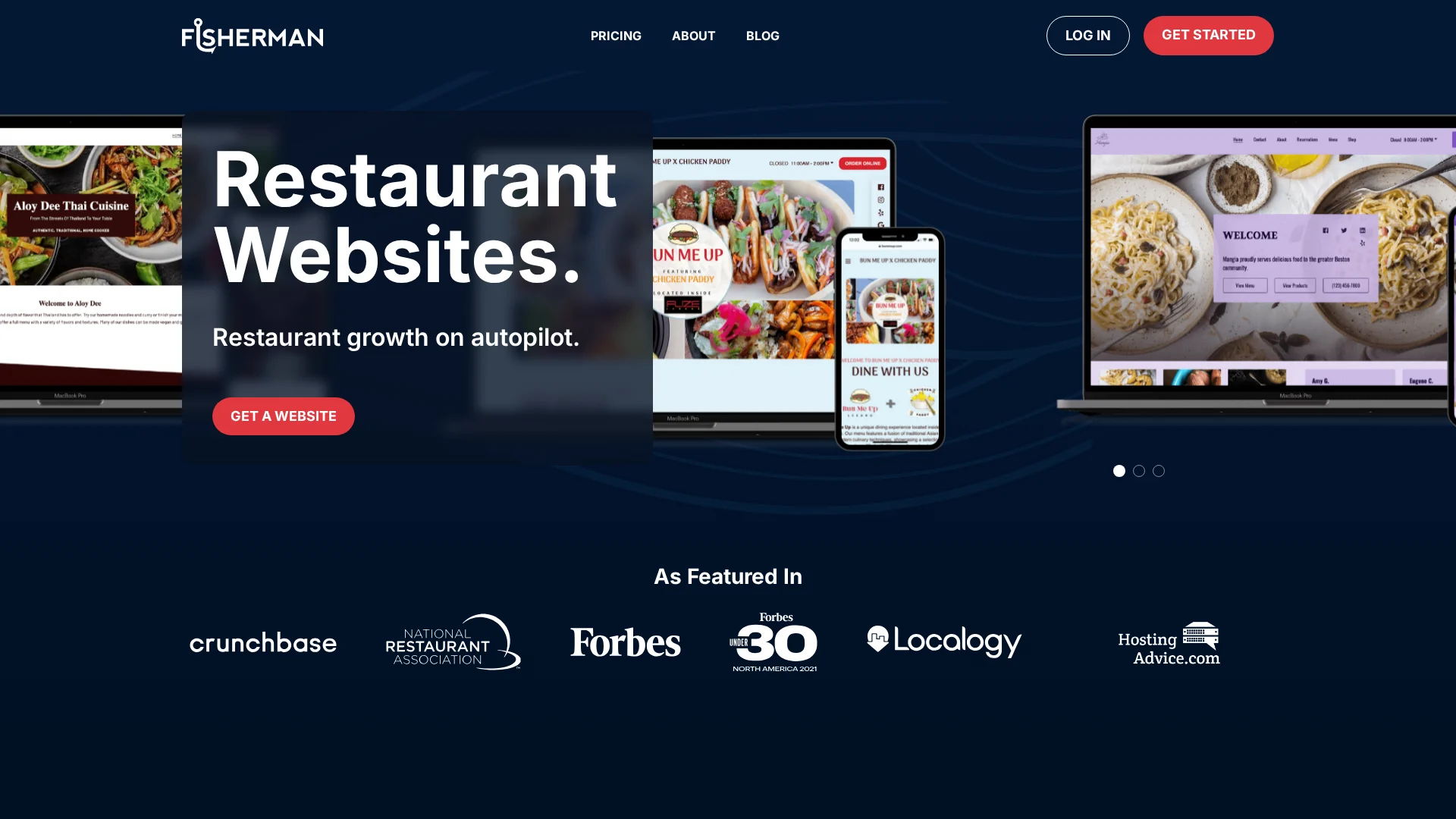
Fisherman is built for fast, low-effort website launches. Its platform can create a branded preview in under a week, with support for busy owners. Highlights
Mojo Media suits small and mid-sized firms that want lead-focused custom design. Its California service page covers design, branding, copy, SEO, hosting, and upkeep. Highlights
Custom WordPress sites with conversion goals.
Portfolio work includes law, engineering, and home care. Specs
Best for: Service businesses and brand refreshes.
Delivery model: Custom agency project. Pros
Broad digital support. Cons
Needs more client input than a hands-off subscription. It ranks third for its commercial focus, but it is less turnkey.
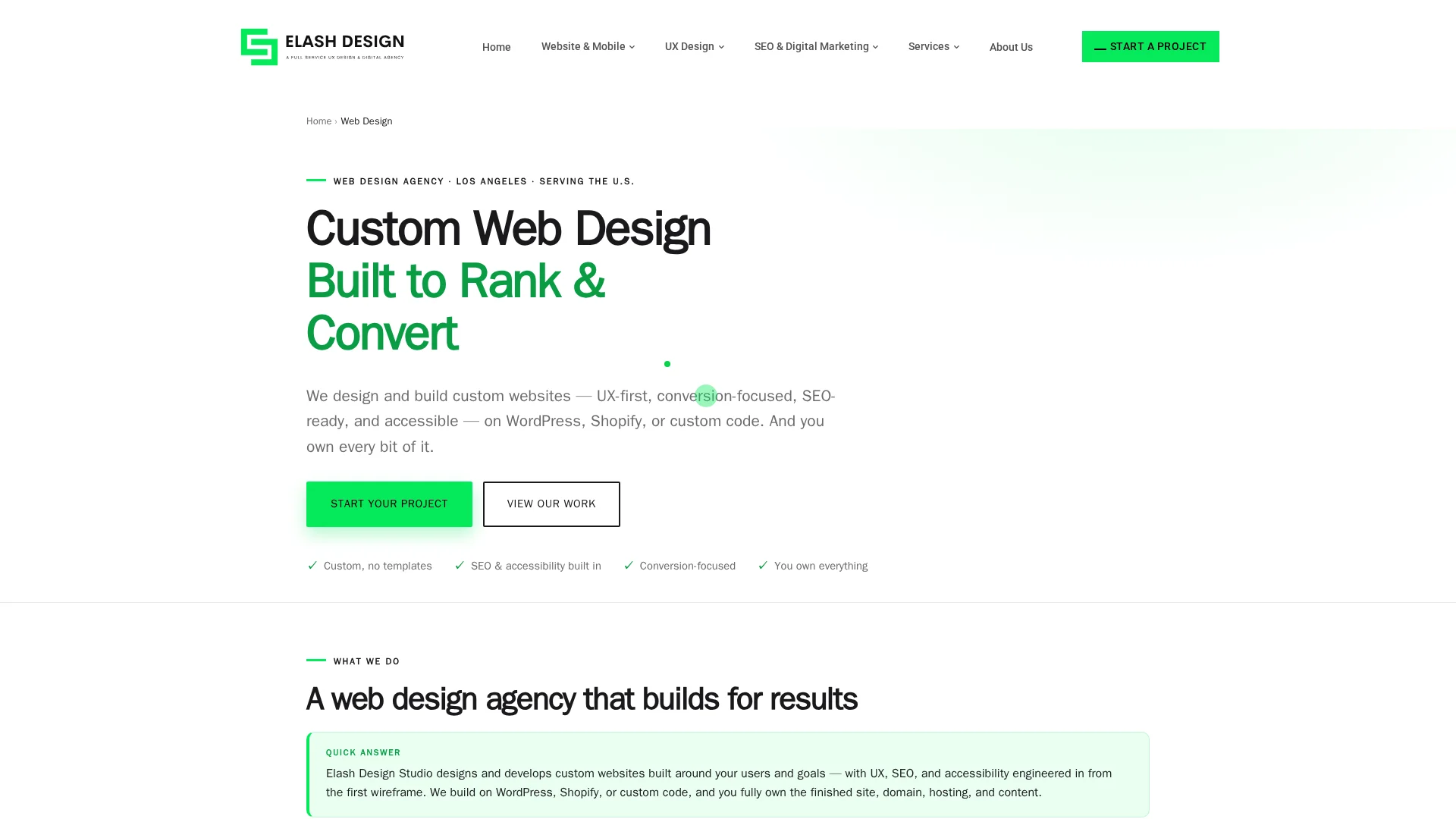
Elash is best for custom sites with full ownership, accessibility, and SEO built in. It supports WordPress, Shopify, and bespoke builds with UX and conversion planning. Highlights
Custom design, technical SEO, structured data, and full admin access. Specs
Best for: Brands needing a portable, accessible website with hands-on control.
Support: Handoff plus optional SEO and CRO. Pros
No proprietary lock-in. Cons
More post-launch responsibility. It ranks fourth for strong ownership and technical quality, but is less turnkey than Monkey Business.
These firms fit projects that need deeper custom work or broader marketing support.
Webment Digital – Custom sites, SEO, development, and motion graphics.
Galaxywing – Performance-focused design, branding, SEO, and development.
Lounge Lizard – Los Angeles web, branding, SEO, and ecommerce services.
Huemor – B2B messaging, lead generation, and web growth.
SPINX Digital – Complex brand, nonprofit, healthcare, and enterprise projects.
How to choose the right California web design agency
Pick the delivery model first. Choose a managed subscription for ongoing hosting, security, updates, and support. Choose a project build for more control.
Match site scope to your sales process. A local firm may need five clear pages. Complex B2B teams may need integrations and lead routing.
Confirm post-launch work. Ask about backups, accessibility fixes, content edits, analytics, and troubleshooting.
Check relevant work and ownership. Review similar clients. Confirm you own your domain, content, and assets.
Monkey Business is the standout choice for small businesses and nonprofits wanting a managed, done-for-you site. Set a goal such as calls, donations, or qualified leads.
Homepage
Choose Monkey Business for a secure, compliant website with design, hosting, updates, and support handled for you.
Frequently Asked Questions
Q1: Top California agencies for turnkey websites?
Monkey Business suits firms that want design, hosting, updates, and support in one managed plan. Compare each agency’s scope, response times, ownership terms, and compliance support before signing.
Q2: What should a managed website include?
Look for custom design, secure hosting, routine updates, backups, support, and clear monthly pricing. Ask who handles urgent fixes and whether you can request ongoing content changes.
Q3: Should I choose a monthly plan or custom build?
Choose a monthly plan if you need predictable costs and ongoing help. A custom build can fit complex needs, but maintenance, hosting, and future edits may cost extra.