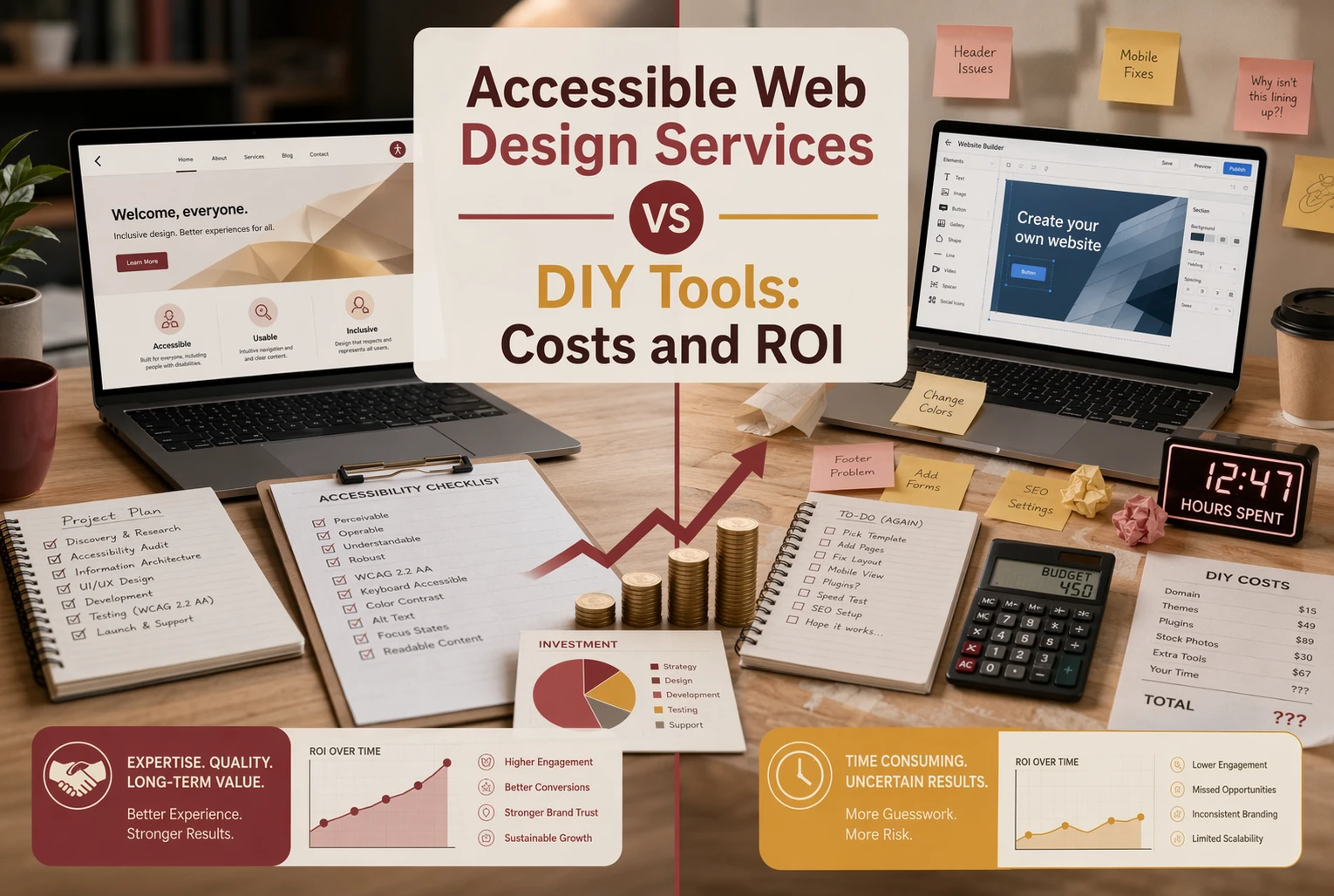
Quick Summary: Accessible web design services cost more upfront but deliver better long-term ROI by reducing rework and increasing conversions. DIY tools may seem cheaper initially but often lead to hidden labor, missed leads, and higher costs later. For small businesses with complex needs or public-facing sites, professional services are usually the smarter choice. DIY works only for small, simple sites with minimal features and low risk.
For most small businesses, accessible web design services beat DIY Web Tools on Web Design ROI once you count labor, rework, and risk. DIY works when the site is small, cash is tight, and someone can own fixes. Owners weighing Web Design Costs need a clear view of Web Design Costs and future Web Design Costs. This comparison gives that view from real project, upkeep, and risk tradeoffs.
Accessible Web Design Services vs DIY Tools: Cost and ROI at a Glance
| Accessible Web Design Services | DIY Tools | |
|---|---|---|
| Upfront cost | Higher, usually project or retainer based | Lower, often monthly or freemium |
| Ongoing cost | Moderate, for maintenance and updates | Lower cash cost, higher internal labor |
| Time to launch | Faster for the owner, since the work is outsourced | Fast to start, slower to finish well |
| Accessibility depth | Higher when human testing and code fixes are included | Shallow to moderate unless paired with manual work |
| ROI potential | Strong for conversion lift, time savings, and risk reduction | Uneven, depends on internal expertise and follow-through |
| Best for | Teams that want expert guidance and predictable outcomes | Very small sites with a capable in-house owner |
How Accessible Web Design Services and DIY Tools Compare
Accessible Web Design Services
These are done-for-you teams that plan, build, test, and maintain your site with accessibility built in. They fit owners who want expert help, less internal work, and stronger odds of meeting ADA expectations while improving lead flow.
Key strengths
- Deeper manual testing and fixes
- Faster launch for the owner
- Better fit for risk reduction and ROI
DIY Tools
These are self-serve builders, scanners, and plugins your team uses on its own. They fit very small sites with a hands-on owner, but manual testing still matters because automated checks miss part of the picture.
Where the Real Web Design Costs Show Up
Why DIY looks cheaper at first
DIY feels cheap because you only see the setup price. You do not price your own hours, fixes, missed leads, or rewrite work. Accessibility adds more hidden labor, since the ADA still expects businesses open to the public to make web content accessible.

The low sticker price often hides the highest time cost.
What professional services bundle into the price
Professional services cost more upfront because they bundle strategy, design, content setup, testing, hosting, updates, and support. They also reduce rework when accessibility issues show up later. For public entities, the DOJ’s rule also makes vendor-delivered content part of the accessibility scope, as shown in the 2026 compliance guide.
Also Read: 5 Essential Tips for Selecting a Reliable Website Security Provider
Which Option Delivers Better ROI Over Time?
Professional accessible design usually wins on long-term ROI. It costs more upfront, but it helps more people complete key actions and cuts rework later.
- How accessibility supports conversions: Clear labels, better contrast, usable forms, and keyboard-friendly menus remove friction for everyone, not just disabled users. That matters because WebAIM found 95.9% of home pages still have detectable WCAG failures. Fewer blockers means more completed checkouts, bookings, donations, and contact forms.
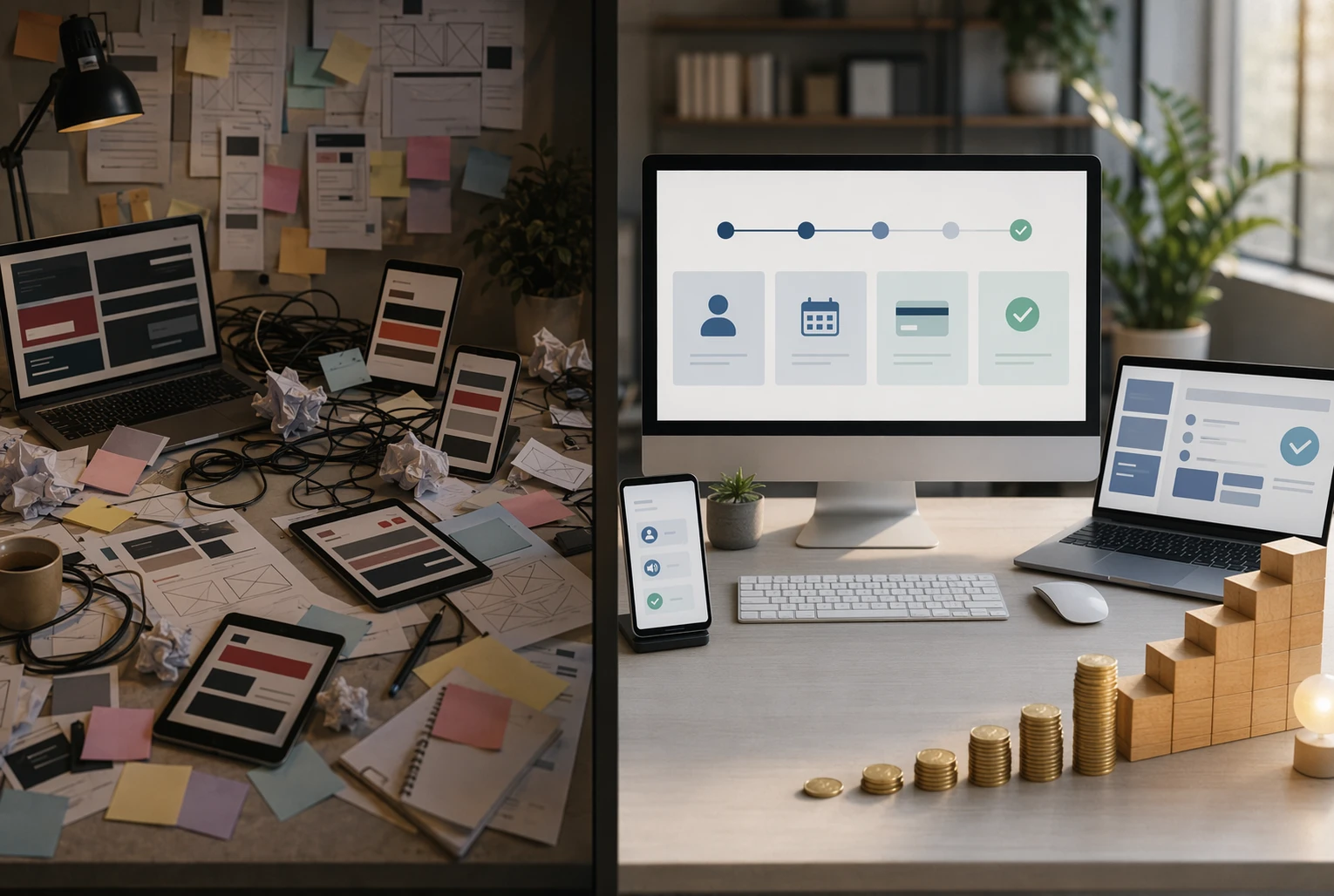
- When DIY tools fail to produce ROI: DIY builders can help with basics, but they often miss real testing, content structure, and form logic. That creates hidden costs:
- Staff time spent patching issues
- Lower conversion rates
- More expensive fixes later
If your site drives leads or sales, cheap setup can become expensive fast.
Also Read: Best Accessible Web Design Services for 2026
When DIY Makes Sense – and When It Doesn’t
Use this test: DIY works if your site is small, you can stay within one template, and you only need basic fixes like alt text, headings, and color contrast. W3C says Level AA includes all A and AA requirements, and many groups aim for it, so the bar is not tiny W3C WCAG overview.
If you have forms, booking, payments, PDFs, or custom flows, hire help. W3C also notes conformance needs both automated and human testing W3C conformance guidance.
Also Read: ADA Compliant Website Design: What Your Business Needs to Know
Which Should You Choose for Your Business?
Choose DIY tools if your site is small, you can handle updates yourself, and low risk matters more than growth. Choose accessible web design services if your site brings leads, takes payments, or serves the public. The DOJ says public-facing businesses must provide equal access online under ADA web guidance and Title III rules. For most small businesses, done-for-you support cuts risk and saves time.

Skip the DIY guesswork. Monkey Business gives you a done-for-you, accessible website with lower risk, predictable costs, and ongoing support.
Frequently Asked Questions
Q1: What are the key differences between accessible web design services and DIY tools for small businesses?
Services handle strategy, testing, fixes, and support. DIY tools give templates and basic checks, but you manage setup, content, compliance, and ongoing updates.
Q2: How does investing in professional accessible web design impact ROI compared to DIY solutions?
Professional work can lower risk, save staff time, improve lead flow, and reduce rebuild costs. DIY may cost less upfront but often creates hidden labor and missed sales.
Q3: What are the true costs and benefits of accessible web design services for small U.S. businesses?
True costs include design, audits, updates, training, and maintenance. Benefits include broader reach, better usability, stronger trust, and fewer legal and reputation problems.
Conclusion
Accessible web design usually beats DIY when you factor in fixes, missed leads, and risk. ADA.gov’s rule update and Stanford credibility research support the same point: usable, trustworthy sites perform better.