Quick Summary: Outsourcing website maintenance tasks like security monitoring, backups, updates, and performance checks helps small businesses prevent costly downtime, security breaches, and lost leads. These tasks require technical skill and steady attention, making them ideal for external providers. Focusing on these priorities allows businesses to stay secure and reliable without overloading their internal teams.
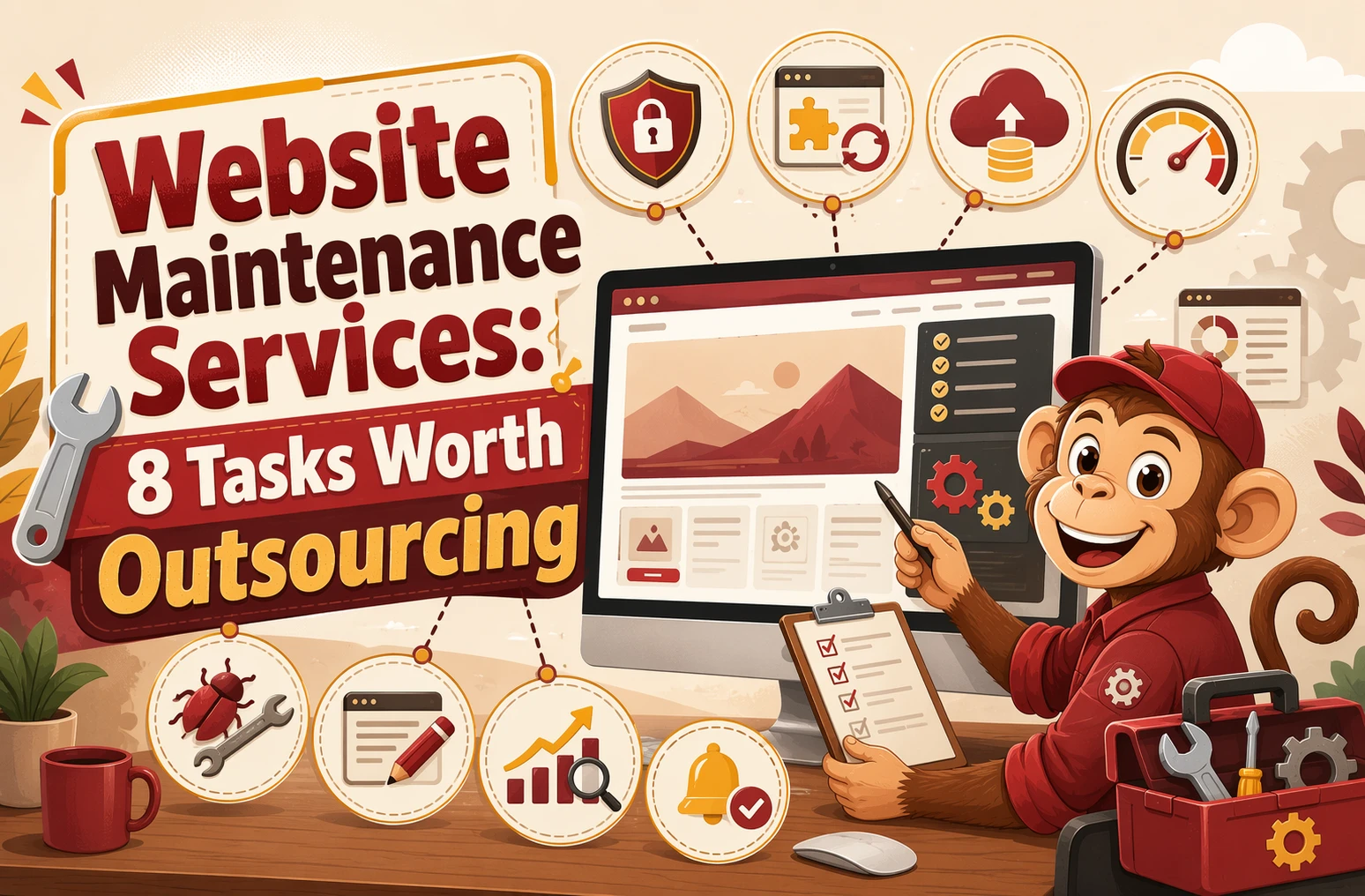
If your site only gets attention when it breaks, you may be spending the most on the work you still keep in-house. Small businesses lose time on repeat website chores, then overlook the jobs that protect revenue, security, and search traffic. This list ranks eight maintenance tasks usually worth outsourcing first, based on risk, repeat effort, and impact. The focus is simple: hand off costly technical work so your team can stay on sales, service, and daily operations.
Quick Comparison
| Task | Best for | Why outsource | Risk if delayed | Typical owner effort saved |
|---|---|---|---|---|
| Security monitoring and patching | Businesses that collect leads, bookings, or sensitive customer information | Requires constant monitoring and fast response to threats | Malware, data exposure, reputation damage, and emergency cleanup | Daily checking, alert triage, and security troubleshooting |
| Backups and restore testing | Any business that cannot afford to lose site content or lead data | Backup schedules and restore testing are easy to neglect internally | Permanent data loss, downtime, and expensive rebuilds | Backup scheduling, storage checks, and restore testing |
| CMS, plugin, and core updates | Sites running on WordPress or other update-driven platforms | Updates require technical judgment and follow-through | Security holes, broken features, and plugin conflicts | Version checking, compatibility testing, and update scheduling |
| Uptime and performance monitoring | Lead-generation sites, booking sites, and local service businesses | Monitoring should be continuous, not occasional | Lost leads, slow pages, and unreported downtime | Manual checks, speed testing, and outage follow-up |
What to know about website maintenance tasks
Website maintenance is a group of repeat jobs, not one simple task. It keeps your site secure, fast, working right, and up to date. If you skip it, small issues can turn into lost leads, broken pages, or a hacked site.
The best tasks to outsource usually need technical skill, steady attention, or quick action when something fails. That matters more now because sites connect to more plugins, forms, payment tools, and updates than ever.
If your website supports sales, leads, bookings, or donations, maintenance is part of running the business.
1. Security monitoring and patching
Outsource this first. Security issues stay quiet until they turn into downtime, cleanup bills, or lost trust. CISA says website attacks can expose customer data and hurt your reputation in its website security guidance.

Highlights
- Malware scans, firewall checks, and patching tied to known exploited vulnerabilities
- Best for: Businesses collecting leads, bookings, or customer data
Pros
- Fewer blind spots
- Less daily alert triage
Cons
- You need a provider you trust
It ranks first because delayed fixes can become expensive fast.
Last updated: July 25, 2026
Also Read: Comparing Web Maintenance Services: Which Fits Your Needs?
2. Backups and restore testing
Backups are not just for hacks. Bad updates, staff mistakes, and hosting failures can wipe out pages or lead data, so you need tested recovery, not just copies, as NIST recommends.

Highlights
- Scheduled website backups
- Restore-ready recovery planning
- Protection for key pages, forms, and databases
Specs
- Best for: Any business that cannot afford to lose content or leads
Pros
- Cuts downtime and supports continuity, with CISA urging scheduled recovery tests
Cons
- Backups still need verification
- Restore speed depends on the provider
This ranks high because an untested backup is not real protection.
Last updated: July 25, 2026
Also Read: 5 Essential Website Security Tips for Small Businesses
3. CMS, plugin, and core updates
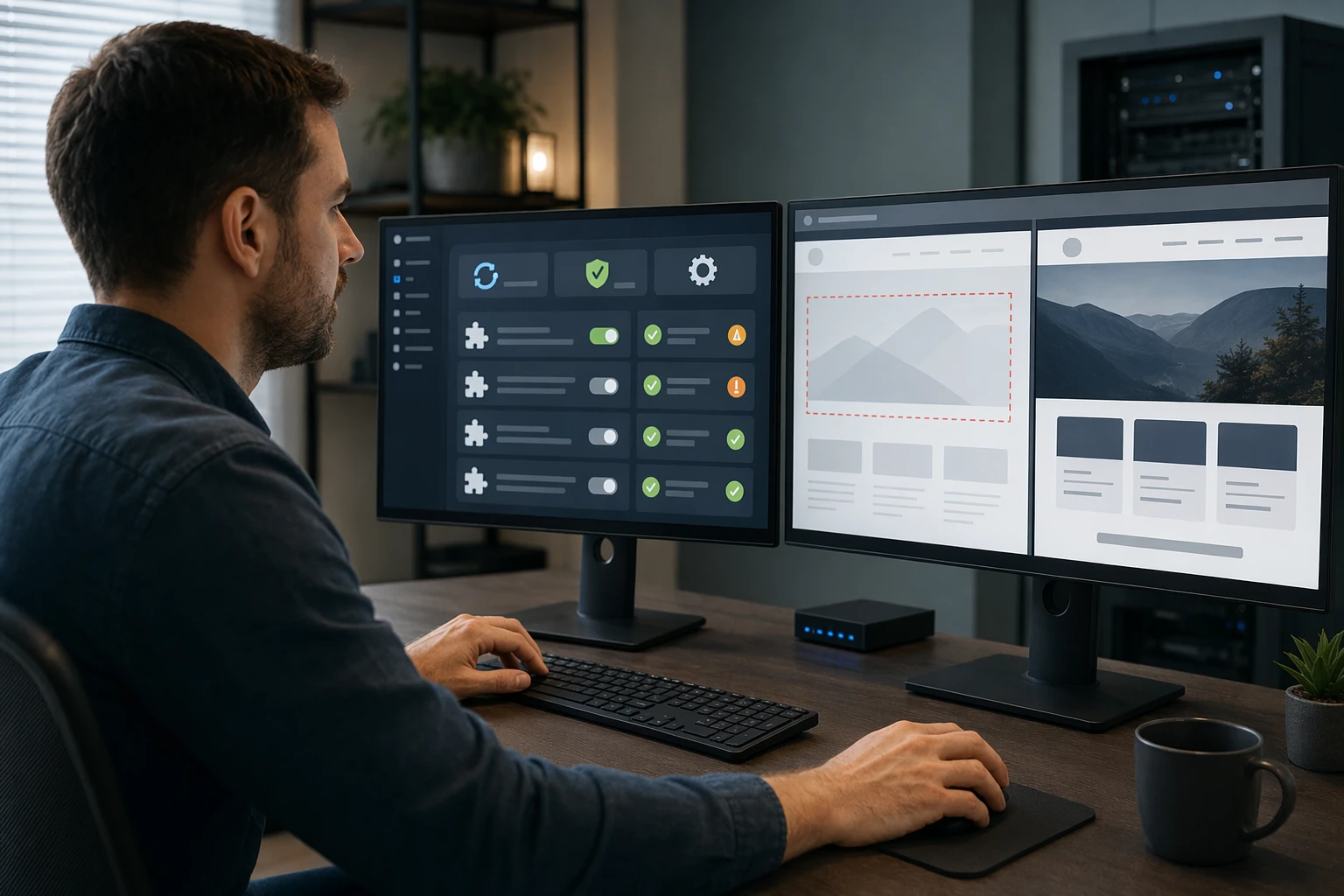
Updates keep your site stable, secure, and working. On WordPress, one bad plugin mix can break forms or layouts, so outsourcing saves weekly guesswork and testing.
Highlights
- Core platform updates and plugin maintenance
- Pre and post-update checks for conflicts
- NIST says patching reduces compromise risk, and WordPress minor releases include security fixes
Pros
- Saves recurring technical time
- Helps prevent compatibility issues
Cons
- Some plugin conflicts are still hard to predict
This ranks high because updates are essential, repetitive, and easy to delay.
Last updated: July 25, 2026
Also Read: 5 Essential Tips for Selecting a Reliable Website Security Provider
4. Uptime and performance monitoring
Slow pages and outages cost leads fast. Outsourcing website uptime monitoring and website performance monitoring helps you catch issues before customers do. Google’s PageSpeed Insights reports real user speed data, and CrUX tools help track trends over time.

Highlights
- Continuous uptime checks
- Speed and load-time tracking
- Early alerts before complaints
Pros
- Improves reliability
- Protects conversions
Cons
- Monitoring does not fix root causes
- May need separate speed work
This ranks high because owners rarely monitor performance well by hand.
Last updated: July 25, 2026
Also Read: What is Website as a Service (WaaS) and How Does It Work?
Other tasks worth outsourcing
If you can only fund the top priorities first, keep these next. They are smart handoffs once your team starts losing time to routine website upkeep.
- Broken link and error-page cleanup – Best for sites with lots of edits, old content, or pages that often move.
- Content updates and page refreshes – Useful when your team needs regular changes to pages, bios, hours, or offers.
- Accessibility and compliance updates – A smart outsource for public-facing sites that need steadier ADA and policy upkeep.
- SEO housekeeping and technical fixes – Best outsourced if no one in-house can keep up with metadata, redirects, and technical SEO details.
How to choose the right website maintenance tasks to outsource
Use this filter first, then outsource the jobs that score highest:
- High-risk first – Start with security, backups, and software updates. These can fail fast and cause the most damage.
- Must happen on time – Hand off tasks your team skips when work gets busy.
- Needs expert judgment – Outsource plugin conflicts, restores, and speed troubleshooting.
- Keep edits in-house only if your team can post changes correctly and on schedule.
- Ask clear service questions – What gets monitored, how often do backups run, and who responds first?
If your site drives leads, bookings, or donations, protect uptime and trust before anything else.
For most small teams, Monkey Business is the safest pick because its done-for-you model covers the core work owners usually miss.

Stop juggling updates, backups, and fixes yourself. Monkey Business handles design, hosting, maintenance, security, and support, so your site stays current while you focus on running your business.
Frequently Asked Questions
Q1: What are the top 8 website maintenance tasks small businesses should outsource?
Core tasks include updates, backups, security scans, uptime checks, speed fixes, broken link repair, form testing, and content edits. These jobs need steady attention. Outsourcing them cuts risk and keeps your site useful.
Q2: How can outsourcing website maintenance improve security and site performance?
A good provider patches plugins fast, watches for malware, and fixes speed issues before they hurt leads. That means fewer hacks, faster pages, better form delivery, and less downtime for your business.
Q3: What are the cost-effective benefits of outsourcing website maintenance for US small businesses?
You avoid hiring in-house, reduce emergency repair bills, and save owner time. Predictable monthly support often costs less than one major outage, hacked site cleanup, or lost sales from a broken website.