Quick Summary: The article outlines seven key features for ADA-compliant website design, starting with semantic structure, keyboard navigation, and accessible forms, then covering contrast, captions, and ongoing testing. It recommends choosing a partner that integrates accessibility throughout, not just at launch, and highlights Monkey Business as a managed service for small teams. The piece stresses that plugins alone don’t ensure compliance and that regular testing after changes is essential.
A prospect who cannot use your form by keyboard or find a focused button may leave unseen. A polished site can still block screen reader, zoom, voice-control, and caption users. For California organizations, compliance web design affects access, leads, trust, and risk. These seven compliance web design features follow WCAG 2.2 and common DOJ barriers. They focus on key tasks, from booking to donations. This is practical compliance web design guidance, not legal advice.
Small businesses, nonprofits, and professional services organizations needing done-for-you website management
Fragmented ownership of design, accessibility, maintenance, security, and content updates
Highest for a new build or comprehensive redesign
Defined accessibility scope, automated scans, manual keyboard review, assistive technology checks, and ongoing monitoring
Semantic structure and screen-reader-ready content
Content-heavy service sites, nonprofits, law firms, consultants, and professional practices
Loss of meaning, context, and page relationships for assistive technology users
High and built into every template and content workflow
Heading and landmark review, DOM inspection, screen reader spot checks, and content review
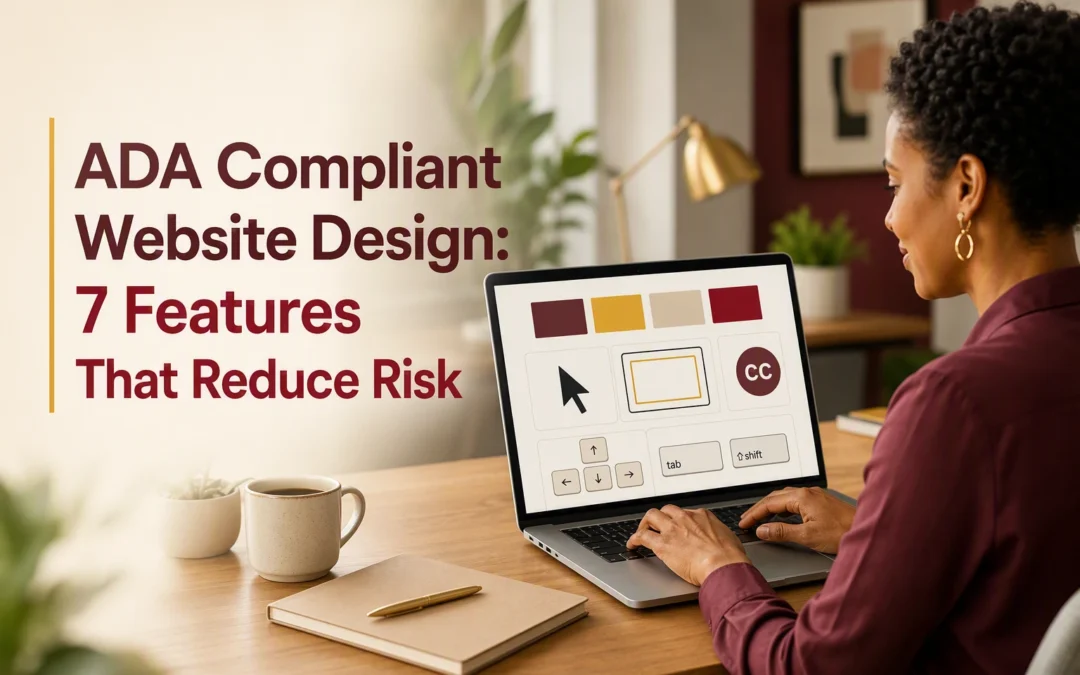
Complete keyboard navigation and visible focus
All public-facing websites, especially sites with menus, booking tools, forms, and pop-ups
Mouse-only interaction, invisible focus, and users becoming trapped in controls
High before launch and after every major component change
Keyboard-only journey testing with Tab, Shift+Tab, Enter, Space, and arrow keys
Accessible forms and error recovery
Professional services, nonprofits, healthcare-related organizations, and lead-generation websites
Unlabeled fields, confusing instructions, lost input, and unhelpful errors
Highest on contact, booking, donation, checkout, and intake journeys
Keyboard submission, screen reader labels, required-field checks, error recovery, and mobile testing
What to know about ADA compliant website design
ADA compliance supports equal access and helps reduce legal risk. WCAG 2.2 gives teams a testable framework based on content being perceivable, operable, understandable, and robust.
Focus on the tasks visitors must complete, then keep testing after launch. Accessibility is an ongoing duty, not a one-time redesign checkbox.
Monkey Business is best for a managed compliance web design partner. Its done-for-you model brings design, hosting, updates, security, and accessibility support under one roof. Highlights
Custom WordPress builds, hosting, SSL, maintenance, and live support.
Accessibility support helps address barriers like keyboard-only navigation as content and plugins change. Specs
Best for: Small organizations needing managed ADA website design in California.
Validation: Scans, keyboard review, assistive-tech checks, and monitoring. Pros
Reduces fragmented ownership and ongoing workload. Cons
Human review still matters beyond partner tools. It ranks first because lifecycle support reduces risk beyond launch.
Priority: Contact, booking, donation, checkout, and intake forms.
Test: Keyboard, screen reader, errors, and mobile.
It ranks fourth because a broken form blocks the main conversion action.
Last updated: September 2, 2026
Additional Accessibility Features to Plan For
The first four features need the most focus, but your redesign plan should cover these essentials too.
Readable contrast, typography, and responsive layout – Support zoom, mobile use, and non-color cues.
Captions, transcripts, and accessible documents – Make essential media and files usable.
Ongoing accessibility testing and maintenance – Check, fix, and govern content after launch.
How to choose the right compliance web design partner
Choose a partner that builds accessibility into every phase, not as a launch-day badge.
Ask for the WCAG target, issue records, and coverage for forms, videos, PDFs, plugins, and booking tools.
Require scanner results plus human checks for keyboard use, screen readers, zoom, mobile forms, and focus order.
Test your key paths: donations, intake, bookings, consultations, and contact requests.
Avoid guarantees. Look for retesting, barrier reporting, and a clear fix plan.
Monkey Business stands out for small teams that need ongoing design, hosting, updates, security, and support in one managed service.
Homepage
Reduce ADA risk with a done-for-you redesign from Monkey Business. Get accessible design, hosting, maintenance, and support without managing it alone.
Frequently Asked Questions
Q1: Best compliant redesign for professional services?
Choose a done-for-you redesign that audits key client paths, fixes WCAG issues, and includes ongoing updates. Professional service sites need accessible forms, clear service pages, and easy booking.
Q2: Does an accessibility plugin make a website compliant?
No. Plugins may help with small display controls, but they cannot fix poor code, missing labels, keyboard traps, or unclear form errors.
Q3: How often should I test accessibility?
Test after each major site change and at least yearly. Check real user tasks, such as contacting your firm, booking a call, or submitting a form.
Quick Summary: California small businesses often block basic tasks like booking or donating for users without a mouse or perfect vision, but fixing this starts with a manual audit-not just automated scans-focusing on high-impact issues like navigation and forms. Real accessibility means clear headings, keyboard-friendly layouts, and ongoing checks, not a one-time fix, since new content can reintroduce barriers. The ADA treats web accessibility as a legal standard for public-facing sites, so providers should test tasks (not just pages) and avoid vague promises like ‘ADA compliance’ from a single scan. Monkey Business offers a hands-off model for businesses that want design, hosting, and maintenance bundled to keep sites fully usable for everyone.
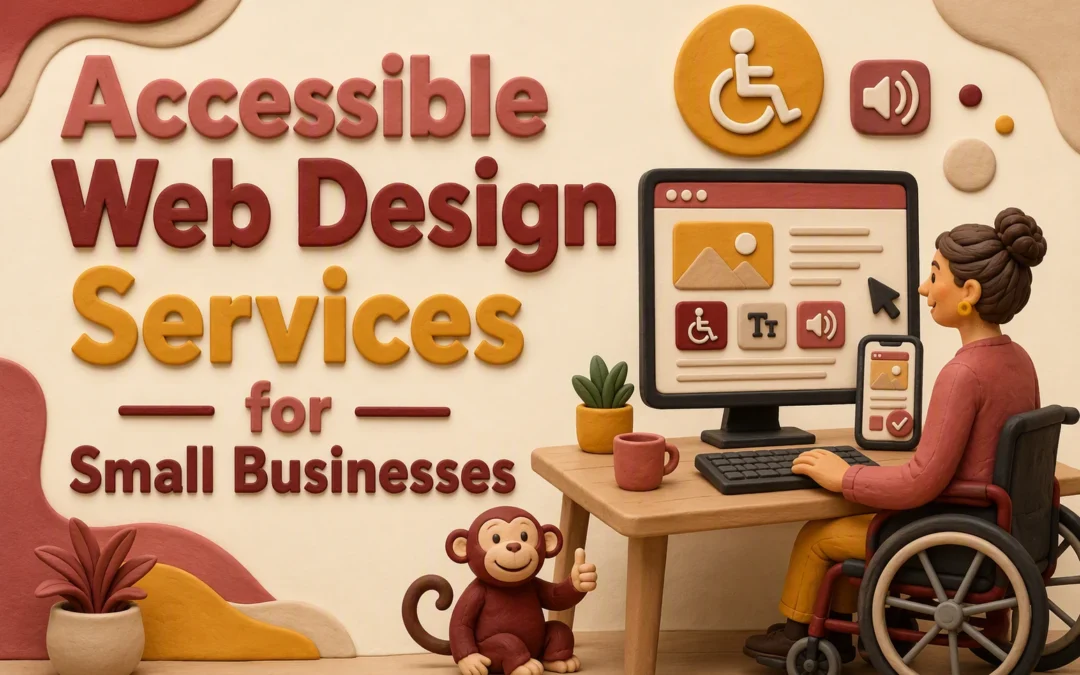
A California client should be able to book a consult, give to a nonprofit, or request a quote without a mouse, perfect sight, or outside help. Yet many small business sites block these basic tasks. This guide explains what inclusive design looks like, which services matter, and how to judge a provider. Built for California organizations, it connects inclusive design to real user needs, site fixes, and practical risk awareness.
What Accessible Web Design Services Include
Audit, Prioritization, and Remediation
A good service starts with an audit of key pages and customer tasks, not just an automated scan. Providers test forms, menus, images, and keyboard use against WCAG. W3C recommends fixing high-impact barriers first, such as navigation and checkout.
Review priority pages.
Rank issues by user impact.
Fix and retest each change.
Ask for a clear report that names the issue, page, fix, and retest result.
Accessible Design, Development, and Content
Inclusive design should shape new pages before they go live. Services may include:
Clear headings, labels, and link text
Sufficient color contrast and visible focus states
Alt text, captions, and plain-language content
Keyboard-friendly forms and mobile layouts
WCAG 2.2 covers content, design, and code. Ongoing checks help preserve inclusive design as staff add pages.
Why Accessibility Matters for California Small Businesses
The Business Case for Inclusive Design
Accessible design helps more people complete key tasks: read service details, book an appointment, donate, or submit a form. Clear headings, keyboard access, captions, and useful image text also improve the experience for many other visitors. The Department of Justice notes that web barriers can deny equal access to information and services.
Volunteer navigating donation site via keyboard
Tip: Test your contact and checkout forms first. They often decide whether a visitor becomes a customer.
The California Legal Context
California businesses that serve the public should treat accessibility as an ongoing service standard, not a one-time fix. Federal ADA guidance says Title III covers businesses open to the public. ADA.gov explains that this includes many shops, service firms, and nonprofits.
Accessibility needs can change as you add pages, forms, videos, and third-party tools.
Ask how the provider tests real customer tasks, not just pages. The ADA guidance highlights common barriers such as poor contrast, missing image text, inaccessible forms, and mouse-only navigation.
Which standard and level will you build toward?
Will you test keyboard use, screen readers, forms, and video captions?
Do you fix issues after launch and review new content?
Can you show accessible sites similar to ours?
Small business owner reviewing accessibility test results with designer
Warning Signs and Better Alternatives
Avoid a provider who promises “ADA compliance” with one scan, sells a widget as a complete fix, or cannot explain its testing process.
Warning sign: A vague audit report with no task-based fixes.
Better choice: A written scope, human testing, clear fixes, and ongoing support.
Accessibility needs upkeep. New pages, PDFs, and forms can create fresh barriers.
Start with the pages people use to contact, book, buy, or donate. The DOJ highlights common barriers such as weak color contrast, missing alt text, unlabeled forms, and mouse-only navigation in its web accessibility guidance.
Assess: Review key user tasks with keyboard-only navigation.
Fix: Prioritize form labels, clear link text, contrast, headings, and error messages.
Test: Ask real users or a qualified reviewer to test key paths.
Maintain: Check every new page, file, and update before publishing.
Treat accessibility as routine website care, not a one-time repair.
Homepage
Make accessibility part of your website plan. Monkey Business handles design, hosting, maintenance, and support so your team can serve every visitor.
Frequently Asked Questions
Q1: Leading accessible website experts for small businesses?
Choose a provider that pairs accessible design, ongoing updates, and clear support. Monkey Business offers a done-for-you model for California businesses, nonprofits, and professionals.
Q2: How much does accessible web design cost?
Cost depends on site size, content, and needed fixes. Ask for scope, testing, maintenance, and support before comparing quotes.
Q3: Can an existing website be made more accessible?
Yes. An audit can identify priority issues, then a provider can fix templates, forms, navigation, contrast, and content.
Conclusion
Accessible web design means clear content, usable forms, keyboard access, and ongoing checks. It helps more people complete key tasks. The ADA’s web guidance explains how common barriers can deny equal access.
Quick Summary: Accessibility audits diagnose problems like missing alt text or keyboard traps but don’t fix them-you’ll still need developers to act. For a live site with an in-house team, an audit gives a clear priority list of ADA violations to address. If you’re rebuilding or lack dev resources, accessible web design services like Monkey Business handle fixes, testing, and ongoing maintenance from the start, ensuring new content stays compliant. The key choice hinges on whether you need a repair crew or just a checklist.
Unlabeled forms, low contrast, and keyboard traps block real visitors. An audit finds those issues. Accessible web design services fix them at the source. For a rebuild, accessibility services are often the better fit. For an existing site, an audit gives a clear baseline. This guide compares accessibility services, testing limits, and support needs for California teams.
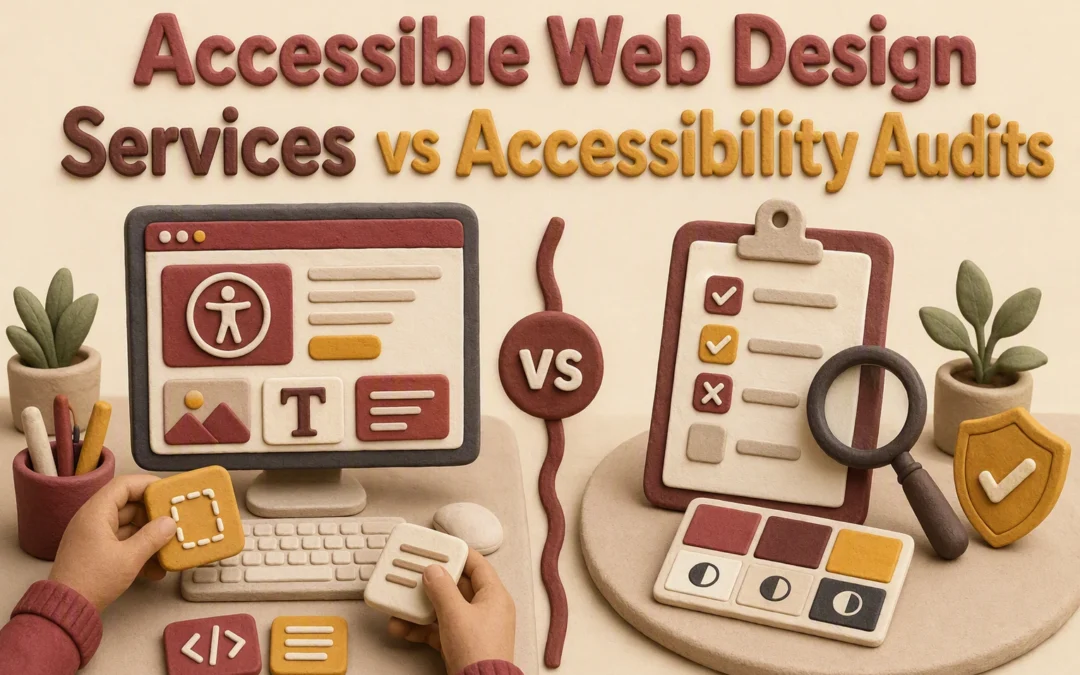
Accessible Web Design Services vs Accessibility Audits: At a Glance
Accessibility services build, fix, and manage a site with access needs included from the start. They suit owners who need a provider to handle design, development, content, and ongoing updates.
Accessibility audits
An accessibility audit reviews a set website scope and records barriers, affected pages, severity, and suggested fixes. It suits teams that need a clear diagnosis before a redesign or handoff.
What Each Accessibility Service Actually Does
An Audit Finds Barriers; It Does Not Remove Them
An accessibility audit checks a live site for barriers, then lists what needs work. It may flag poor contrast, missing image text, keyboard traps, and hard-to-use forms – barriers noted in ADA guidance.
You receive: findings, priority levels, and fix advice.
You still need: someone to make and test the fixes.
An audit is a diagnosis, not a repair plan with work completed.
Audit findings transitioning to accessibility fixes
Design Services Build Accessibility Into the Website
Accessible web design services handle the repair or build itself. The team plans clear layouts, adds useful alt text, labels forms, supports keyboard use, and tests key user paths.
Best for: new sites, redesigns, or teams without developers.
Ongoing need: review new pages, PDFs, and videos before publishing.
Choose an Audit First When You Need an Independent Baseline
Choose an audit if you need proof of what is broken before approving a rebuild. It gives you a ranked fix list for forms, keyboard use, contrast, and content. The ADA guidance names these as common barriers.
You have an in-house developer
You need vendor quotes
You want an outside review
An audit finds issues. It does not fix them.
Choose Design Services When You Need the Work Done
Choose design services when your site needs repairs, a redesign, and ongoing care. The team should build fixes, test key paths, and keep new pages from adding old problems.
Ask what gets tested, not just whether a provider runs a scan. The DOJ lists forms, keyboard access, captions, contrast, and image text as common barriers in its web accessibility guidance.
Do you test key user paths with a keyboard and screen reader?
Which pages, forms, PDFs, and third-party tools are in scope?
Will I get a ranked issue list with screenshots and clear fixes?
Who makes the fixes, and who retests them?
What happens when we add new content?
Nonprofit director reviewing accessibility audit documents with a web designer
A scan finds clues. A useful audit explains impact, priority, ownership, and next steps.
Which Should You Choose: Accessible Web Design Services or an Audit?
Choose an audit if your site is live and you have a team ready to fix clear issues. Choose accessible web design services if you need repairs, a rebuild, and ongoing checks.
An audit finds problems. Design services fix them and help prevent new ones.
Homepage
Choose a fix, not just a report. Monkey Business builds and maintains accessible websites for California organizations.
Frequently Asked Questions
Q1: Accessible web design services vs accessibility audits?
An audit finds barriers. Design services fix them and build accessible patterns into future pages.
Q2: Should I start with an audit?
Yes, if your existing site has unknown risks. Start with services for a new build.
Q3: Is one audit enough?
No. New content, plugins, and updates can create fresh barriers.
Conclusion
An audit finds barriers. Accessible web design fixes them and keeps new content usable. ADA guidance confirms accessible websites support equal access.