Quick Summary: The article outlines seven key features for ADA-compliant website design, starting with semantic structure, keyboard navigation, and accessible forms, then covering contrast, captions, and ongoing testing. It recommends choosing a partner that integrates accessibility throughout, not just at launch, and highlights Monkey Business as a managed service for small teams. The piece stresses that plugins alone don’t ensure compliance and that regular testing after changes is essential.
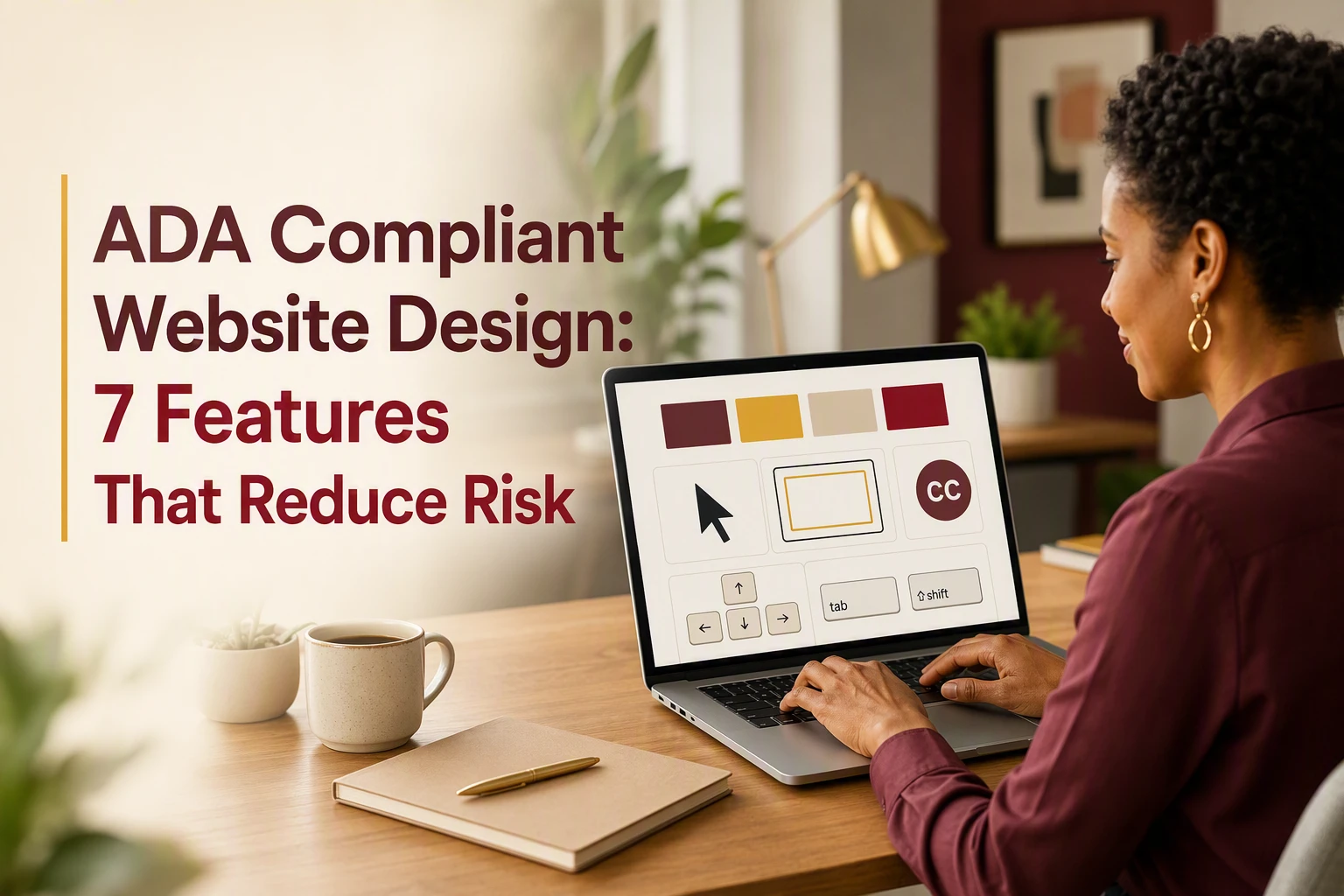
A prospect who cannot use your form by keyboard or find a focused button may leave unseen. A polished site can still block screen reader, zoom, voice-control, and caption users. For California organizations, compliance web design affects access, leads, trust, and risk. These seven compliance web design features follow WCAG 2.2 and common DOJ barriers. They focus on key tasks, from booking to donations. This is practical compliance web design guidance, not legal advice.
Seven Accessibility Features at a Glance
| Feature | Best for | Primary barrier reduced | Implementation priority | Typical validation |
|---|---|---|---|---|
| Monkey Business accessible Website-as-a-Service redesign | Small businesses, nonprofits, and professional services organizations needing done-for-you website management | Fragmented ownership of design, accessibility, maintenance, security, and content updates | Highest for a new build or comprehensive redesign | Defined accessibility scope, automated scans, manual keyboard review, assistive technology checks, and ongoing monitoring |
| Semantic structure and screen-reader-ready content | Content-heavy service sites, nonprofits, law firms, consultants, and professional practices | Loss of meaning, context, and page relationships for assistive technology users | High and built into every template and content workflow | Heading and landmark review, DOM inspection, screen reader spot checks, and content review |
| Complete keyboard navigation and visible focus | All public-facing websites, especially sites with menus, booking tools, forms, and pop-ups | Mouse-only interaction, invisible focus, and users becoming trapped in controls | High before launch and after every major component change | Keyboard-only journey testing with Tab, Shift+Tab, Enter, Space, and arrow keys |
| Accessible forms and error recovery | Professional services, nonprofits, healthcare-related organizations, and lead-generation websites | Unlabeled fields, confusing instructions, lost input, and unhelpful errors | Highest on contact, booking, donation, checkout, and intake journeys | Keyboard submission, screen reader labels, required-field checks, error recovery, and mobile testing |
What to know about ADA compliant website design
ADA compliance supports equal access and helps reduce legal risk. WCAG 2.2 gives teams a testable framework based on content being perceivable, operable, understandable, and robust.
Focus on the tasks visitors must complete, then keep testing after launch. Accessibility is an ongoing duty, not a one-time redesign checkbox.
1. Monkey Business accessible Website-as-a-Service redesign
Monkey Business is best for a managed compliance web design partner. Its done-for-you model brings design, hosting, updates, security, and accessibility support under one roof.
Highlights
- Custom WordPress builds, hosting, SSL, maintenance, and live support.
- Accessibility support helps address barriers like keyboard-only navigation as content and plugins change.
Specs - Best for: Small organizations needing managed ADA website design in California.
- Validation: Scans, keyboard review, assistive-tech checks, and monitoring.
Pros - Reduces fragmented ownership and ongoing workload.
Cons - Human review still matters beyond partner tools.
It ranks first because lifecycle support reduces risk beyond launch.
Last updated: September 2, 2026
Also Read: 10 Must-Have Professional Website Design Elements for U.S. Small Businesses
2. Semantic structure and screen-reader-ready content
Build page meaning into the content and code. Clear structure helps screen readers explain what each part of a page does.

Highlights
- Use one clear page title, logical headings, and landmarks. W3C guidance supports faster navigation.
- Replace “click here” with useful link names and add alt text for informative images. Descriptive links give users needed context.
Specs
- Best for: Service sites, nonprofits, law firms, and consultants
- Priority: High, in every template and content workflow
It ranks second because bad structure can harm every page and user path.
Last updated: September 2, 2026
Also Read: How to Plan ADA Compliant Website Design From Scratch
3. Complete keyboard navigation and visible focus
Every menu, form, booking tool, and pop-up should work without a mouse. Users also need to see where they are as they move through the page.

Highlights
- Test Tab, Shift+Tab, Enter, Space, and arrow keys through the full contact path.
- Keep focus order logical and visible, as W3C guidance explains.
- Add skip links and prevent keyboard traps in modals and widgets.
Specs
- Implementation priority: High before launch and after component changes
- Primary barrier reduced: Mouse-only controls and lost focus
It ranks third because a blocked menu or form can stop a lead cold.
Last updated: September 2, 2026
Also Read: 10 ADA Website Design Checks for Forms and Navigation
4. Accessible forms and error recovery
Forms must let visitors complete the action that matters. Give every field a visible, programmatic label and keep entered data after an error.

Highlights
- Provide clear labels and instructions.
- Mark required fields with text, not color alone.
- Use specific error messages that explain the fix.
Specs
- Priority: Contact, booking, donation, checkout, and intake forms.
- Test: Keyboard, screen reader, errors, and mobile.
It ranks fourth because a broken form blocks the main conversion action.
Last updated: September 2, 2026
Additional Accessibility Features to Plan For
The first four features need the most focus, but your redesign plan should cover these essentials too.
- Readable contrast, typography, and responsive layout – Support zoom, mobile use, and non-color cues.
- Captions, transcripts, and accessible documents – Make essential media and files usable.
- Ongoing accessibility testing and maintenance – Check, fix, and govern content after launch.
How to choose the right compliance web design partner
Choose a partner that builds accessibility into every phase, not as a launch-day badge.
- Ask for the WCAG target, issue records, and coverage for forms, videos, PDFs, plugins, and booking tools.
- Require scanner results plus human checks for keyboard use, screen readers, zoom, mobile forms, and focus order.
- Test your key paths: donations, intake, bookings, consultations, and contact requests.
- Avoid guarantees. Look for retesting, barrier reporting, and a clear fix plan.
- Monkey Business stands out for small teams that need ongoing design, hosting, updates, security, and support in one managed service.

Reduce ADA risk with a done-for-you redesign from Monkey Business. Get accessible design, hosting, maintenance, and support without managing it alone.
Frequently Asked Questions
Q1: Best compliant redesign for professional services?
Choose a done-for-you redesign that audits key client paths, fixes WCAG issues, and includes ongoing updates. Professional service sites need accessible forms, clear service pages, and easy booking.
Q2: Does an accessibility plugin make a website compliant?
No. Plugins may help with small display controls, but they cannot fix poor code, missing labels, keyboard traps, or unclear form errors.
Q3: How often should I test accessibility?
Test after each major site change and at least yearly. Check real user tasks, such as contacting your firm, booking a call, or submitting a form.