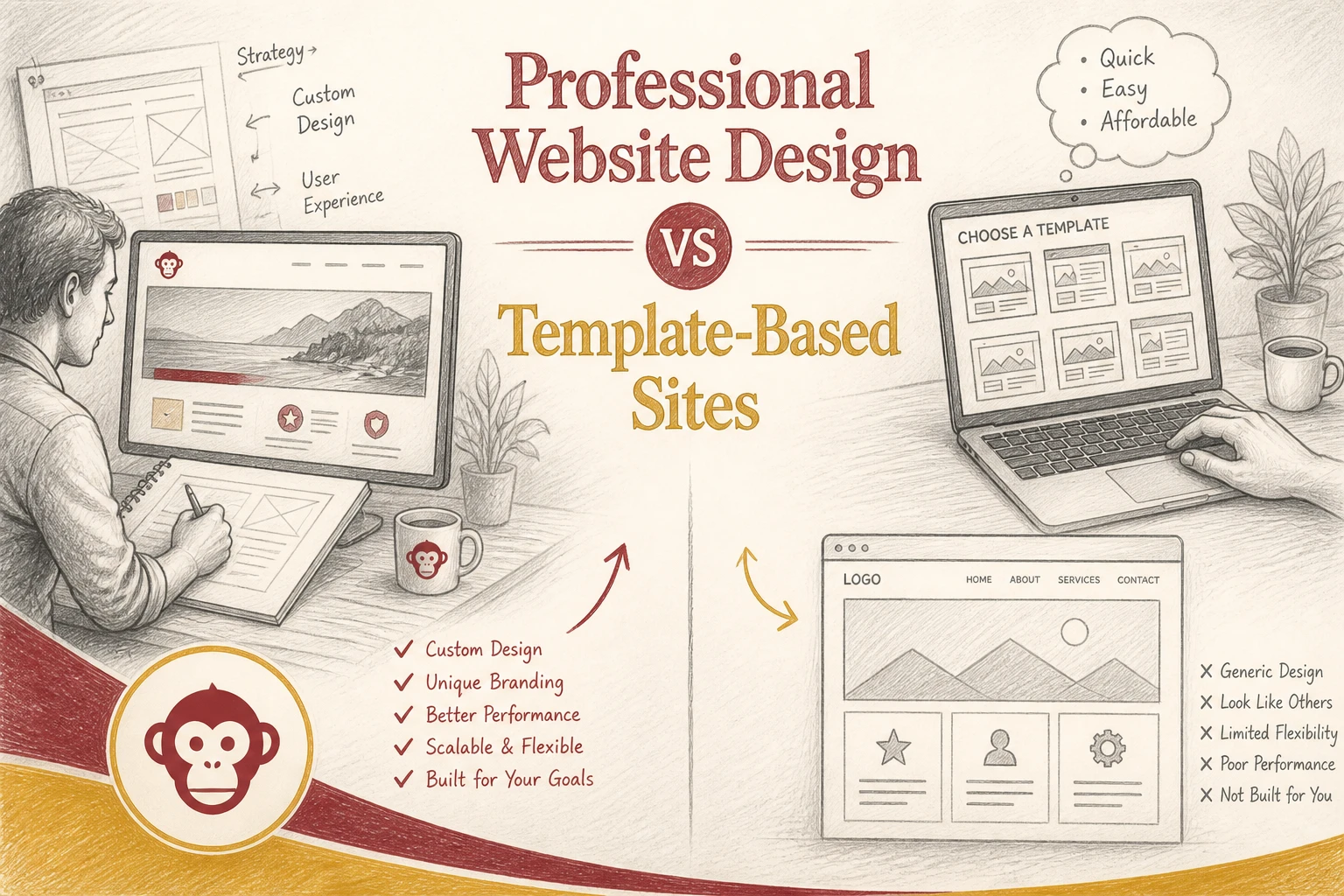
Quick Summary: Professional website design offers better SEO, faster load times, and higher trust, making it ideal for businesses aiming to generate leads and grow. Templates are cheaper upfront but often lead to higher long-term costs due to slower performance, limited flexibility, and security issues. For businesses that need credibility and ranking, investing in custom design pays off over time, while templates suit quick, simple projects or tight budgets.
If your site needs to win leads, Website Design is not just about launch speed. For many U.S. businesses, Professional Websites beat Template Websites on SEO, speed, trust, and growth. This Website Design comparison shows what affects rankings, credibility, and long-term cost, so you can choose smart. We work with lead-focused Website Design decisions every day.
Professional Website Design vs Template Websites: At a Glance
| Professional website design | Template websites | |
|---|---|---|
| Pricing | Higher upfront investment | Lower upfront cost |
| Launch speed | Slower than templates | Fastest to launch |
| SEO and performance | Strong technical control and cleaner structure | Depends on template quality and code weight |
| Design flexibility | Fully tailored to brand and goals | Limited by the template framework |
| Best for | Businesses that want credibility, SEO, and conversions | Simple sites, tight budgets, and quick launches |
How Professional website design and Template websites Compare
Professional website design
A custom site is built around your brand, offers, and lead goals. It fits firms that need trust fast, since Stanford found design look shapes credibility judgments in a large web credibility study.
![Clean service business homepage on laptop beside notes and coffee mug]
Template websites
Template websites start with a ready-made layout, then swap in your copy, colors, and photos. They fit simple sites, small budgets, and fast launches where getting online matters more than full control.
SEO and performance: where custom design pulls ahead
Custom sites often win here because they remove what does not help leads. Google says good Core Web Vitals support search success, with targets like LCP within 2.5 seconds and INP under 200 ms in its Core Web Vitals guidance. Faster pages keep forms, calls, and booking clicks from stalling. Template sites often load extra scripts, fonts, and app code you never asked for.
Speed is not just an SEO metric. It shapes trust before a visitor reads a single line.
Custom design also gives tighter control over page structure. You can set clean heading order, internal links, and page-specific schema without fighting a theme. Google says structured data helps it understand page meaning and can improve rich results. That matters for local services, nonprofits, and professional firms that need clear search snippets, not bloated layouts.
- Cleaner HTML
- Fewer plugin conflicts
- Easier schema checks
Also Read: Turnkey Website Solutions vs Custom-Built Sites for Startups
Cost and long-term value: cheap today or cheaper over time?
The hidden costs of templates
Template sites look cheap because the first bill is low. The real cost shows up later. You pay with slow edits, plugin conflicts, weak SEO control, and redesigns when the site stops fitting your business. Security is part of the bill too. The FTC says small firms should update software regularly and secure vendors because cyberattacks hit companies of all sizes FTC small business cybersecurity guidance.

When professional design pays for itself
A professional site costs more upfront, but it usually cuts waste over time.
- Better structure helps SEO
- Faster pages improve lead flow
- Cleaner builds reduce patchwork fixes
The SBA also warns small businesses to budget for updates, backups, and stronger security SBA cybersecurity guide. That is why done-for-you WaaS plans, like Monkey Business, can be cheaper than a bargain template once support, maintenance, and rebuild risk are counted.
Also Read: 5 Essential Tips for Selecting a Reliable Website Security Provider
Which should you choose for your business?
A simple rule of thumb
Pick a template site if you need a basic online brochure fast and cheap. Pick professional design if your site needs to win leads, rank well, and build trust. Stanford research found design look shaped credibility in 46.1% of comments, so looks are not just cosmetic Stanford credibility study.

Best fit by business type
- Template: side projects, event pages, short-term campaigns
- Professional design: law firms, clinics, consultants, nonprofits, contractors
If one new client can repay the site, go professional.
Also Read: 10 Must-Have Professional Website Design Elements for U.S. Small Businesses

Skip the template trap. Get a fast, professional, done-for-you site with Monkey Business today.
Frequently Asked Questions
Q1: What are the main differences between professional custom website design and template-based sites?
Custom sites fit your brand, goals, and lead flow. Templates are faster but often generic, harder to scale, and packed with features you may not need.
Q2: How does custom web design enhance SEO and site performance over template sites?
Custom design removes extra code, sharpens page structure, and improves speed. That helps search rankings, user trust, mobile experience, and conversion rates.
Q3: Which website approach is more cost-effective for small businesses in the U.S.: custom or templates?
Templates cost less upfront. Custom often costs less over time because you avoid rebuilds, plugin issues, lost leads, and design limits as your business grows.
Conclusion
Template sites save money early. Professional design usually wins on speed, trust, SEO, and growth. Stanford notes professional design builds credibility, which matters when your website must convert, not just exist.