Quick Summary: Clients judge website professionalism in seconds based on visual hierarchy, mobile responsiveness, trust signals, and speed. Clear layout, fast load times, and credible trust badges help convert visitors into clients. Prioritizing these elements creates a trustworthy, user-friendly site that encourages engagement.
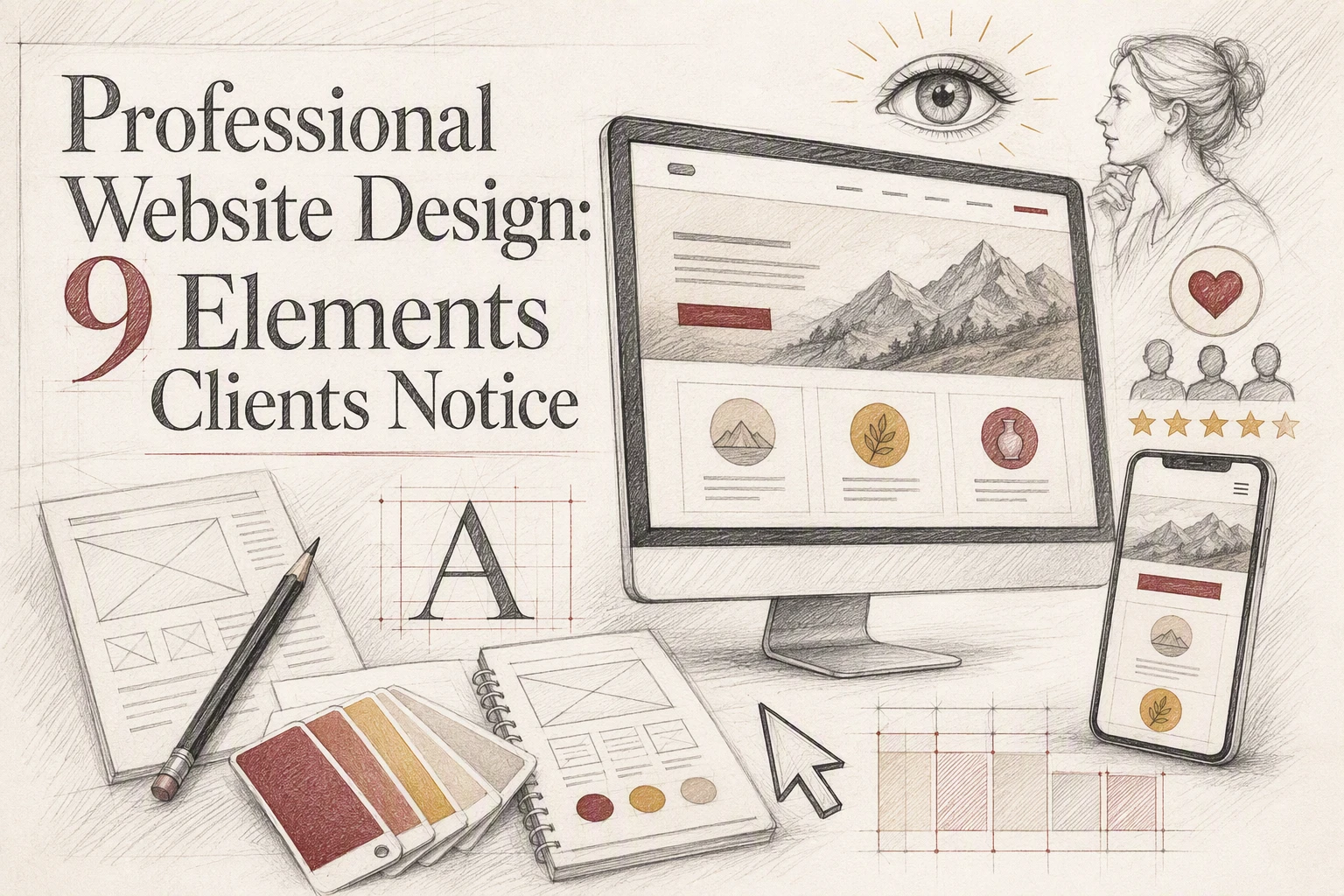
Clients judge your site in seconds. They do not score it like a designer. They ask if it feels credible, clear, and easy to trust. Many small business sites look fine at first glance but still lose leads because the page feels messy, uneven, or hard to use. This list ranks the nine website design elements clients notice first, based on first-impression trust, scanning, mobile use, and how confidently someone takes the next step.
Quick Comparison
| Element | Best for | Client impact | Why it matters | Priority |
|---|---|---|---|---|
| Clear visual hierarchy | Helping clients understand your offer immediately | Very high | Best for helping clients instantly understand what you do and where to look first. | Highest |
| Responsive mobile layout | Clients browsing on phones and tablets | Very high | Best for making the site feel modern, usable, and credible on phones. | Highest |
| Trust signals | Converting cautious prospects | Very high | Best for reducing hesitation before a client contacts you. | Highest |
| Fast load speed | Reducing early bounce and friction | High | Best for preventing early drop-off and frustration. | Very high |
What to know about professional website design
Professional website design shapes what clients assume about your business in seconds. It is not just about style. It shows whether you are clear, credible, and easy to trust.
For service businesses, that matters right now because buyers compare fast and decide fast. A strong site removes doubt, answers key questions, and makes the next step feel simple before someone calls, books, or fills out a form.
1. Clear visual hierarchy
Clients should know what matters in seconds. Visual hierarchy sets that order so the headline, benefits, proof, and CTA stand out first. NN/g notes that clear hierarchy guides the eye, and people often scan instead of read.

Highlights
- Strong headline hierarchy
- Distinct section spacing
- One obvious primary action
- Scannable content blocks
Specs
- Best for: Helping clients understand your offer immediately
- Client impact: Very high
- Priority: Highest
Pros
- Feels organized and intentional
- Speeds up decisions
- Keeps focus on conversion
Cons
- Breaks with too many competing elements
- Weakens fast in overloaded hero sections
Confusion kills trust before creativity can help.
Last updated: July 31, 2026
Also Read: Privacy Compliant Websites: 9 Must-Have Trust Elements
2. Responsive mobile layout
A professional site should feel polished on every screen. Since Google uses the mobile version of a site for indexing and strongly recommends responsive design, clients notice fast when mobile layouts feel cramped or outdated.

Highlights
- Touch-friendly buttons
- Readable mobile text
- Stacked layouts that fit small screens
- Forms that are easy to complete on mobile, which Google says should limit friction and zooming
Pros
- Better first impression
- Easier calls and form fills
Cons
- Needs breakpoint testing
- Desktop clutter can shrink badly on phones
It ranks this high because mobile is often the fastest credibility check clients make.
Last updated: July 31, 2026
Also Read: ADA Compliant Website Design: What Your Business Needs to Know
3. Trust signals
Trust signals help cautious visitors feel safe enough to reach out. They answer the quiet question every service site faces: can I trust you with my time, money, or case?

Highlights
- Specific testimonials beat vague praise. The FTC warns businesses to keep reviews honest and not deceptive in its reviews guidance.
- Real phone, email, address, licenses, and memberships add legitimacy. BBB standards also stress clear business contact details.
Pros
- Reduces hesitation
- Supports premium pricing
- Makes contact decisions easier
Cons
- Generic quotes feel weak
- Too many badges can look cluttered
It ranks this high because trust, not design taste, often decides whether a prospect contacts you.
Last updated: July 31, 2026
Also Read: 5 Essential Tips for Selecting a Reliable Website Security Provider
4. Fast load speed
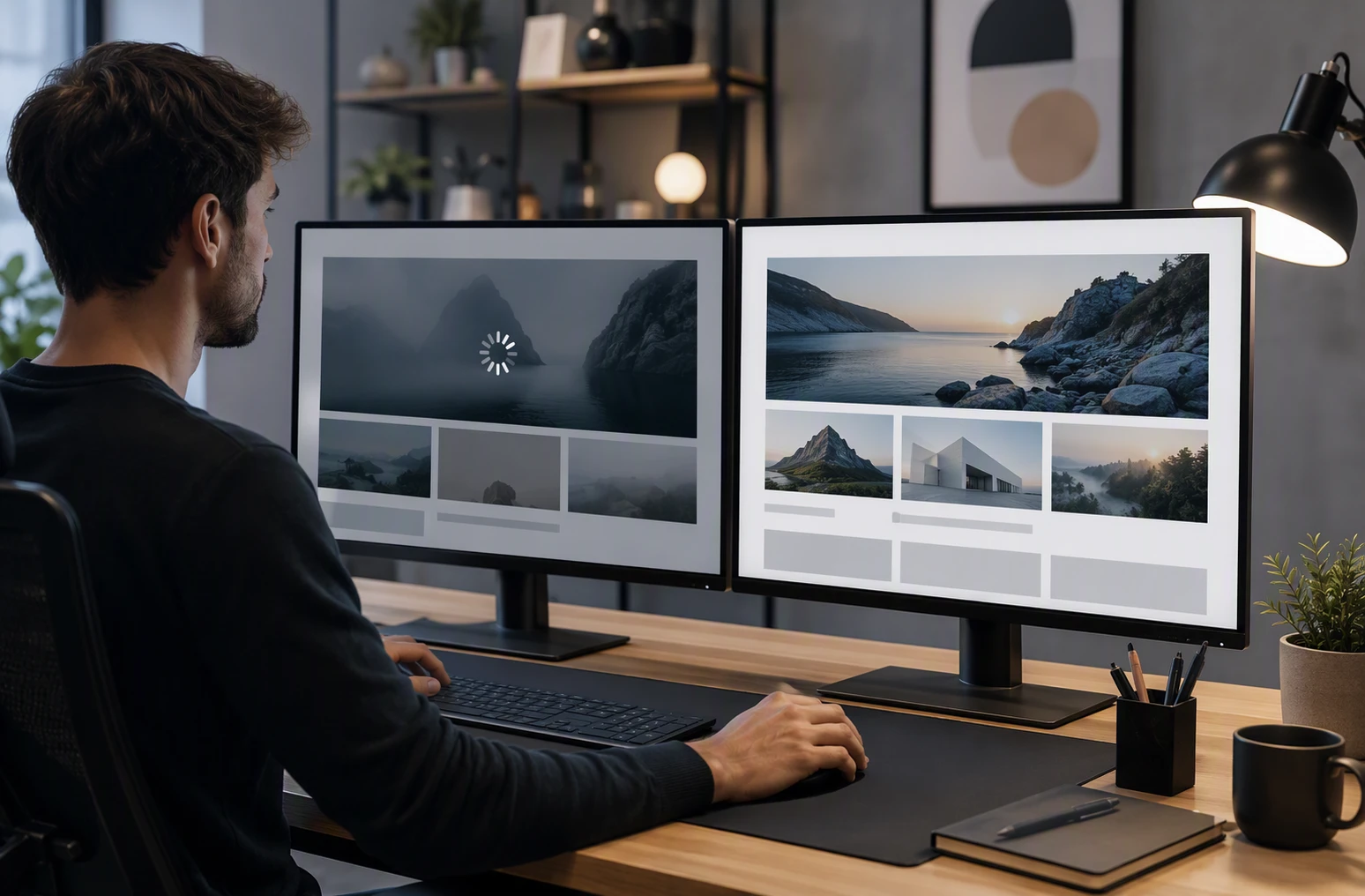
A slow site feels less professional the moment it hesitates. Clients may not know the cause, but they notice lag right away. Google’s PageSpeed Insights measures real user signals like load and responsiveness, and web.dev explains that faster sites keep users engaged longer.
Highlights
- Quick first paint
- Compressed media
- Lightweight scripts
- Smooth page transitions
Specs
- Best for: Reducing early bounce and friction
- Client impact: High
- Priority: Very high
Pros
- Improves first-impression polish
- Supports engagement and conversion
Cons
- Oversized images and heavy plugins slow pages down
- Speed needs ongoing maintenance
It ranks high because speed shapes trust before clients read a word.
Last updated: July 31, 2026
More design signals clients notice
These did not make the top of the list, but clients still pick up on them fast.
- Readable typography – Clients notice right away if the text feels easy to read.
- Professional photography – Authentic images make a site feel real, not generic.
- Consistent branding – A cohesive look helps the business feel established.
- Simple navigation – Clients should find what they need without thinking too hard.
- Strong CTA placement – A professional website makes the next step obvious.
How to choose the right design elements for your site
Start with what clients judge fastest, not what looks clever. See the full professional website design guide for the bigger picture.
- Pick visual hierarchy, mobile layout, trust signals, and speed first.
- If you serve local or high-trust buyers, favor reviews, clear contact info, and proof over style extras.
- Your home page should answer: What do you do? Who is it for? How do I contact you?
- Check mobile first. Many clients decide there.
- Choose consistency over novelty if trust matters.
For done-for-you service businesses, Monkey Business is the strongest fit because it keeps the focus on clarity, trust, and next-step action.

If your site misses the details clients notice, let Monkey Business handle it. Get a done-for-you, professional website that looks credible, stays secure, and supports growth.
Frequently Asked Questions
Q1: What are the key design elements that make a professional website stand out to clients?
Clients notice clear layout, fast load speed, easy navigation, strong headlines, readable text, clean mobile design, real photos, trust signals, and clear calls to action first.
Q2: How does responsive layout impact client perception of professional websites in the US?
A responsive layout tells visitors your business is current, careful, and easy to work with. If pages break on phones, clients often assume service quality will feel sloppy too.
Q3: What role do trust signals and CTA placement play in client notice of website professionalism?
Trust signals lower doubt. Good CTA placement lowers friction. Together they help clients feel safe, understand the next step, and contact you without hunting around the page.