Quick Summary: A clear website brief starts with a specific business goal and defines target audience and desired actions. It should list the core pages, features, content responsibilities, and design preferences, including references and constraints. Finalizing and reviewing the brief carefully helps prevent scope creep and delays, ensuring a professional, credible website aligned with business needs.
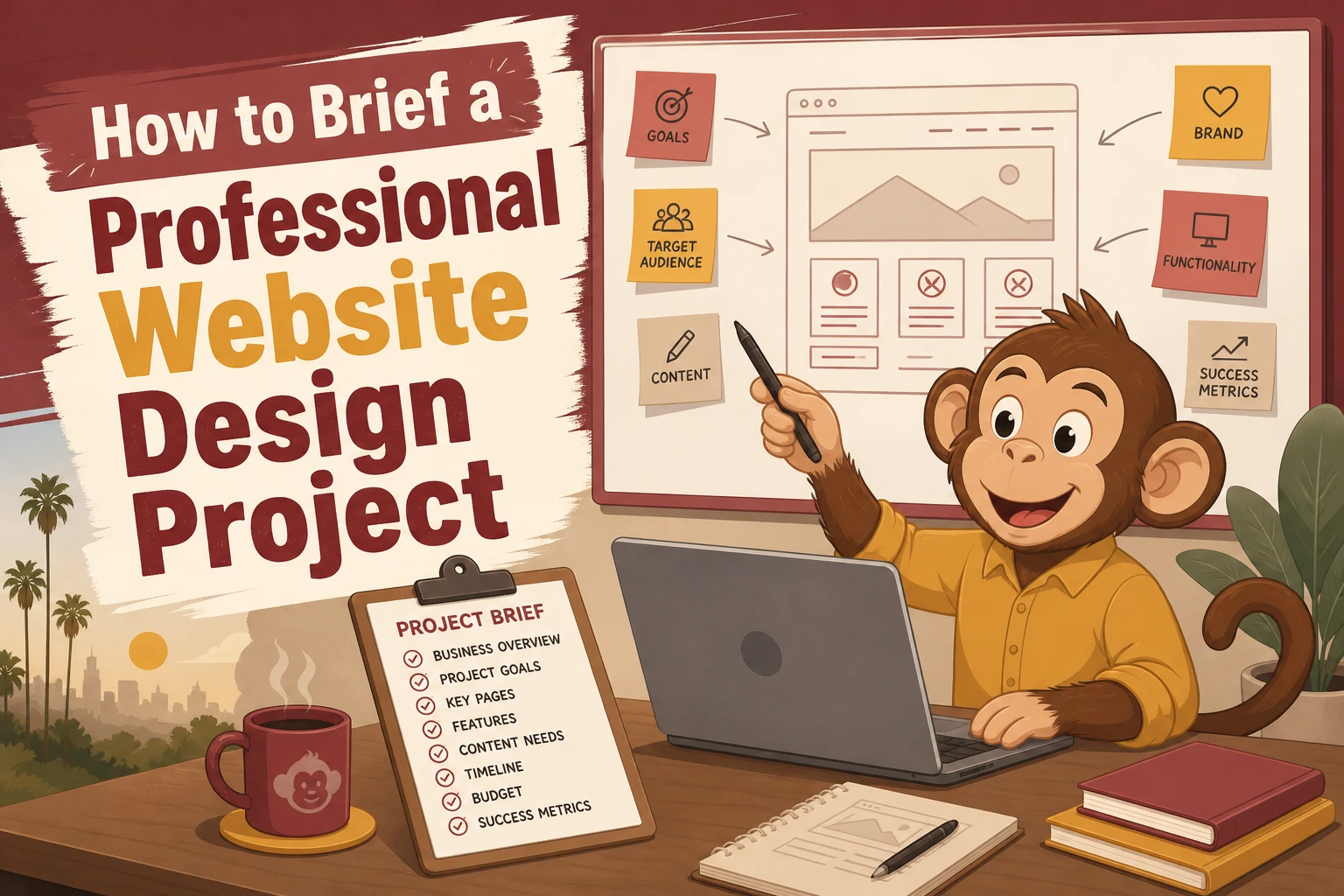
Hiring a designer? Your brief shapes the proposal more than the first meeting, whether you run a California law firm, nonprofit, or small business. Most bad projects start with vague goals, missing pages, and fuzzy budgets. This guide fixes that with clear Website Design Tips, a practical Website Brief Template, and smarter Professional Website Planning. These Website Design Tips come from real client brief patterns that affect scope, timeline, and price.
1. Define the business goal first
Your brief should start with one clear business goal. If the goal is fuzzy, the design will be too. Columbia recommends setting website goals that are specific and measurable, not vague wishes like “look more modern” Define Website Goals.
- Write one primary outcome statement, such as:
- Get 20 qualified consultation requests a month
- Increase online donations
- Reduce phone calls by answering common questions online

Then name the audience and the conversion action. KU notes that a website should match its purpose, audience, and desired actions Purpose and Audience Analysis. Good Website Design Tips always tie the site to one main visitor task.
Tip: “More traffic” is not the goal. What you want visitors to do is the goal.
Also Read: 5 Essential Tips for Selecting a Reliable Website Security Provider
2. List the scope, pages, and features clearly
A vague page list leads to vague pricing. Spell out what the site includes so your designer can quote the right build.
Map the essential pages
Start with the core pages your visitors expect. The U.S. Small Business Administration highlights Home, About, Products or Services, Contact, and Testimonials as key pages for small business sites in its guide. Add any extras, then note the purpose of each page.
- Home
- About
- Service pages
- Contact
- FAQ or testimonials
- Blog or resources
Document features and integrations
List every feature in plain English. If you skip this, small items turn into change orders later. Use a simple priority method like Must have, Should have, Could have, which the CloudSwitched template recommends for keeping scope under control in its requirements document.
- Contact forms
- Booking
- Payments
- Search
- Member login
- Email signup
- CRM or calendar sync
Tip: Also list what is out of scope for phase one.
Clarify who creates the content
Say who writes copy, finds photos, and approves edits. That one step prevents delays.
- Client writes copy
- Designer formats it
- Both approve final pages
Also Read: 10 Must-Have Professional Website Design Elements for U.S. Small Businesses
3. Add design direction, references, and constraints
Share 3 to 5 website examples and say exactly what you like. Point to things like layout, tone, menu style, or how calls to action are placed. Stanford found people judge credibility fast based on visual design, ease of use, and signs of expertise in this web credibility research. Include a short “avoid this” list too, so your designer does not guess wrong.

State limits early. List your budget range, launch date, required pages, legal needs, accessibility needs, and any brand rules. Stanford also notes accessibility should not be treated as an add-on. Clear limits help agencies scope the job right and reduce scope creep later.
Also Read: Professional Website Design: 9 Elements Clients Notice
4. Review, finalize, and send the brief
Use a simple approval checklist
Read the brief one last time before sending it. Check scope, goals, pages, features, timeline, budget range, and decision-makers. Make sure contact details are current. If you share public-facing files, remember that electronic documents should be accessible under Section 508 guidance.
A short checklist now can prevent days of back-and-forth later.
Send it in a practical format
Send one clean PDF for easy review and one editable file if feedback is expected. Name files clearly, such as Website-Brief-ClientName-Date. If you export from Word, review accessibility first because Massachusetts guidance on Word-to-PDF export notes issues are easier to fix before export.

Ready to brief your project with less guesswork? Monkey Business helps you turn goals, scope, and needs into a done-for-you website plan that stays clear, compliant, and manageable.
Frequently Asked Questions
Q1: What are the essential components of an effective website brief for professional design projects?
Include goals, audience, sitemap, features, content ownership, brand rules, budget, timeline, approvals, and examples.
Q2: How can a detailed website brief help prevent scope creep and manage client expectations in the US?
It sets clear deliverables, limits revisions, and shows what is not included from the start.
Q3: What key questions should U.S.-based small businesses answer when briefing a web design agency?
Define who the site serves, what actions matter, what content exists, and who signs off.
Conclusion
A strong website brief sets scope, goals, content, roles, and budget before design starts. That clarity cuts waste and confusion. Stanford research shows users judge credibility fast through professional design and ease of use and design look.