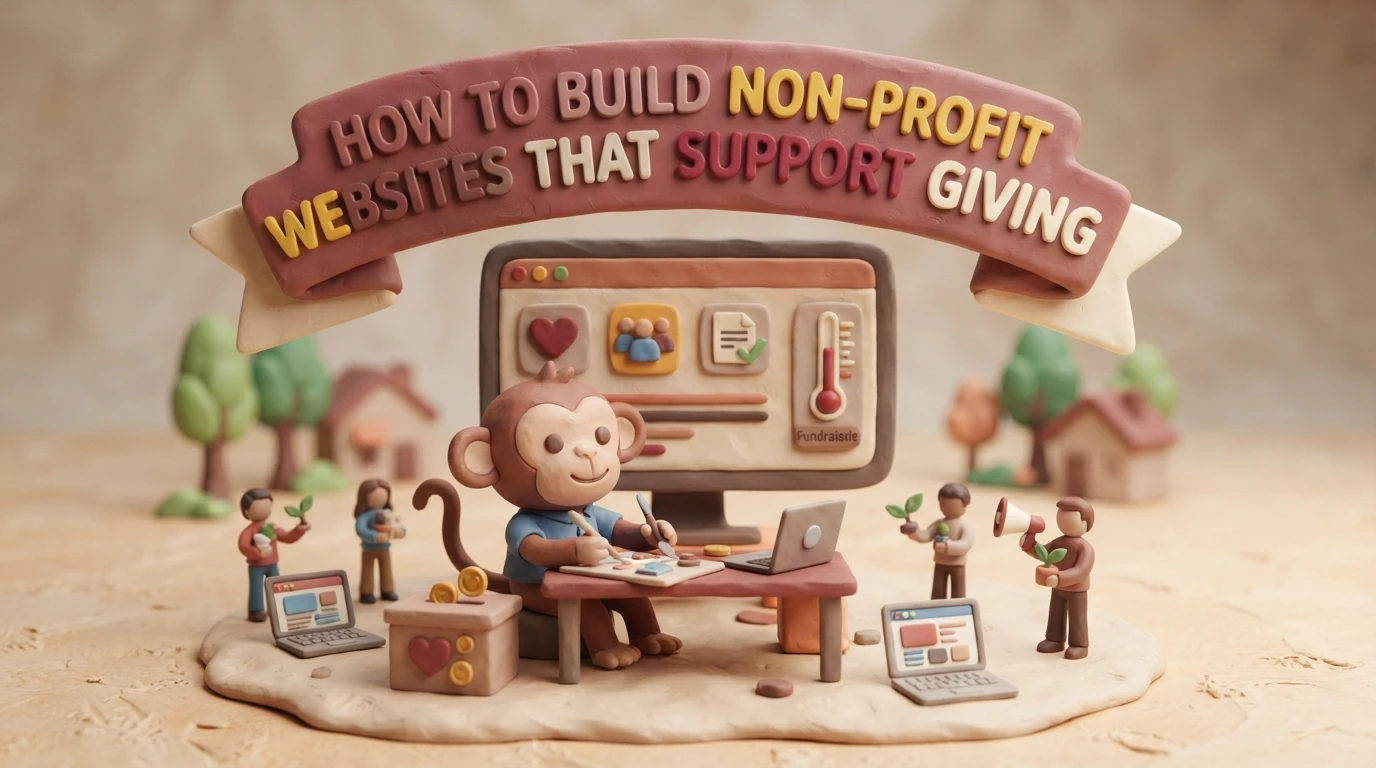
A supporter hears about your food pantry, opens your site on a phone, and cannot tell what a gift funds. She tries to finish the donation form, but it will not work with her keyboard. That lost gift comes from design, not from doubt. An accessible nonprofit site fixes this. This guide shows you how to build an accessible nonprofit site step by step, so your website supports giving.
Step 1: Map the Mission and Supporter Journey
Make the First Visit Clear
Before you pick colors or software, write down what your site must do. Most donors land on your homepage for one of three reasons: to give, to learn what you do, or to volunteer. Your job is to guide each one in under ten seconds.
Put your mission in one plain sentence near the top of the page. Then place a Donate button where eyes go first, usually the top right corner. Follow the visitor’s path from homepage to donation form and remove every step that does not help. That means fewer form fields, clear costs, and mobile-friendly pages. An accessible nonprofit site also means readable fonts, strong color contrast, and text that works with screen readers, so no supporter is blocked from giving.
An accessible web design partner can handle those details for you, but your team should still own the map: who visits, what they need, and what action you want from them.
Quick checklist:
| Priority | Action | Why It Matters |
|---|---|---|
| Mission | One clear sentence above the fold | Visitors understand you fast |
| Donate | Button visible on every page | Cuts friction at the key moment |
| Accessible nonprofit site | Contrast, alt text, keyboard navigation | Every supporter can give |
Step 2: Choose a Website Setup Your Team Can Maintain
Compare Features With Real Workflows
The best platform is the one your volunteers can actually run. Before you compare prices, map out who will post updates, how often, and what happens when someone goes on vacation.
Then test each option against that routine:
- Update ease: Can a non-designer swap a photo or event date in under ten minutes?
- Donations built in: Does it handle recurring gifts, receipts, and mobile giving without extra plugins?
- Support when stuck: Is help available by phone or chat, not just forums?
- Maintenance included: Who applies security updates and backups?
Many small nonprofits skip this step and outsource everything to a service instead. A managed plan like website maintenance from Monkey Business covers hosting, updates, and fixes for one monthly fee, which suits teams with no technical staff.
| Setup Type | Upfront Cost | Ongoing Work |
|---|---|---|
| DIY platform | Low | You handle all updates |
| Managed service | Low monthly fee | Provider handles maintenance |
| Custom developer | High | Depends on contract |

Whichever route you pick, ask for a trial run. Post one real update yourself before you commit.
Step 3: Build an Accessible, Trustworthy Giving Path
Remove Common Barriers From the Donation Flow
Your donation page should let someone give in under two minutes. Every extra field, forced account, or confusing button costs you gifts, so cut the form to the basics: amount, payment, contact, and an optional note. Offer preset amounts with clear labels, plus a monthly option, and make the “Donate” button easy to spot on every page.
Accessibility matters just as much. Use large, readable text, strong color contrast, and keyboard-friendly navigation. Add alt text to images and label form fields clearly, because screen readers depend on them. If you want a fuller walkthrough, our guide to non-profit website accessibility covers the details.
Trust closes the gift. Show your secure checkout badge, explain where the money goes, and confirm each donation with a clear thank-you page and receipt email.
Test the full flow yourself, on a phone, before launch. Give five dollars, then try to cancel the monthly plan. If that frustrates you, it frustrates donors.

Step 4: Test, Launch, and Keep the Site Useful
Before launch, test on a phone, a tablet, and a laptop. Give a small donation yourself and fix anything confusing. Check the site with a screen reader if you can.
After launch, the work shifts to upkeep: software updates, backups, and security checks. Assign one person to own these tasks, or hand them off. Many small nonprofits use ongoing website maintenance services so staff can stay focused on the mission.
Tip: Review your site every quarter. Update stale photos, test the donate form, and thank recurring donors.

Need a giving-ready site but lack the time or web skills? Monkey Business handles design, hosting, and care for you, so your team can focus on the mission.
Frequently Asked Questions
Q1: Top nonprofit website packages for small teams?
Look for bundles that include design, hosting, maintenance, and donation tools in one monthly plan. Managed services like Monkey Business suit small teams best.
Q2: How much should a nonprofit website cost?
Expect $30-$150 monthly for managed plans, or $3,000+ upfront for custom builds.
Q3: Do we need ADA compliance?
Yes. Accessible design protects your nonprofit legally and helps every visitor give.
Build a Website That Makes Giving Easier
A strong nonprofit site shares your mission clearly, makes donating simple, and stays secure and accessible. Build it step by step, and plan for ongoing maintenance so every visit turns into support.