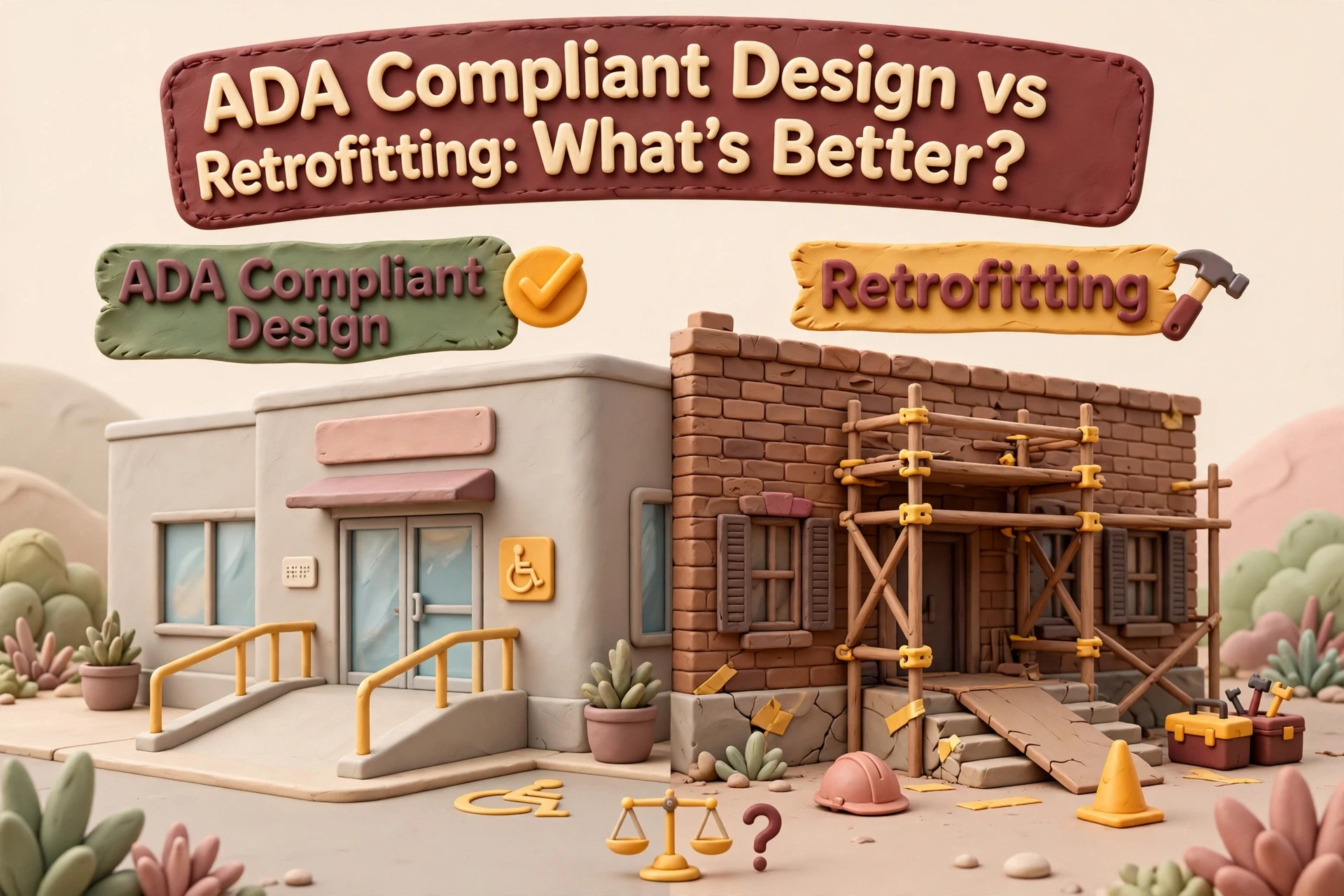
Quick Summary: An accessible rebuild usually costs less over time for older, large, or legally exposed sites because accessibility is built into every template. Retrofitting works best for small, structurally sound sites with fewer than half their pages failing an audit, though audits cost roughly $250 to $350 per page. Overlay plugins cannot create genuine WCAG conformance and should only serve as temporary stopgaps.
You got two quotes: one to rebuild your site, one to patch it. Confusing, right? An accessible redesign usually costs less over time if your site has traffic and content worth keeping. A retrofit can still win for a small, simple site. We compare cost, timeline, conformance depth, and disruption, so you know which path your site needs.
Accessible Redesign vs Retrofit: At a Glance
| Accessible-by-Design Rebuild | Retrofit Remediation | Accessibility Overlay Plugin | |
|---|---|---|---|
| Typical cost | Accessible.org cites $1,500 to $7,500 for most sites; about 10 to 20 percent over a standard design build | Audits roughly $250 to $350 per page, remediation roughly $350 to $550 per page; full-site updates often run $6,000 to $20,000 plus | About $49 per month at entry, scaled by site traffic on published plans |
| Time to launch | Usually 4 to 12 weeks depending on scope and content | Audit in 1 to 3 weeks, then fixes roll out in waves as pages are cleared | Same day to one week, mostly plugin installation |
| WCAG conformance depth | Consistent across every template and page, tested as the site is built | Only as deep as the audit found; often uneven across templates and page types | Limited; no overlay can make a site genuinely WCAG conformant on its own |
| Effect on SEO and URLs | Full control over structure, but URLs and content may need migration | URLs, rankings, and content stay untouched, which is the main advantage | No changes to URLs or rankings |
| Best for | Older or poorly built sites, heavy template libraries, sites with known legal exposure | Small sites with solid foundations, heavy existing traffic, or no budget for a full rebuild | A stopgap measure while a full audit or redesign is planned, not a legal shield |
Meet the Contenders
Accessible-by-Design Rebuild
A ground-up build where accessibility is written into the design system, templates, and code from day one. Most sites run $1,500 to $7,500 and launch in 4 to 12 weeks. It suits older sites with known legal exposure.
Retrofit Remediation
An accessibility audit followed by targeted fixes to the barriers found, leaving the rest of the site untouched. It fits small sites with solid foundations and heavy existing traffic.
Accessibility Overlay Plugin
A subscription widget that injects controls and automated fixes into an existing site without touching its code. At about $49 per month, it is a stopgap, not a legal shield.
Why Retrofitting Often Costs More Than Rebuilding
Retrofitting a small site usually costs more than rebuilding. Audits run roughly $250 to $350 per page, so fixes stack up fast, and every new page repeats the expense. A rebuild bakes WCAG conformance into the template once, then covers all future pages for free.

The per-page math that surprises people
Take a 20-page site. At $250 to $350 per page, an accessibility audit alone hits $5,000 to $7,000. Add remediation, retesting, and audits for pages you publish next quarter, and you pay for the same problem forever. That is why many businesses weighing an ADA compliant redesign partner choose the rebuild. Fix the template, not 20 pages.
What Each Path Actually Delivers on Accessibility
Why overlays are a bridge, not a fix
No, overlay plugins do not make a site compliant. The Overlay Fact Sheet, signed by hundreds of accessibility experts, states full WCAG conformance cannot be achieved with an overlay, because the plugin sits on top of flawed code instead of fixing it. An overlay can adjust contrast or font size, but semantic HTML and keyboard navigation problems remain, and overlays have even attracted lawsuits. Treat one as a bridge while you fix the underlying template. A redesign or structured remediation fixes the code itself.
How to Choose an Agency for an ADA Compliant Redesign
The best agency is not the one with the loudest ADA badge. It is the one that passes vetting. Ask these five questions before you sign anything:
- Do you build to WCAG 2.1 AA, or just run a scan? Scans catch maybe a third of problems; manual testing catches the rest.
- Who fixes issues found after launch? Get the answer in writing.
- Will you deliver accessibility documentation I can show if a complaint arrives?
- Is semantic HTML and keyboard navigation in the contract, not an upsell?
- Do you use accessibility overlays as a substitute for real remediation? A yes is a red flag.

A transparent accessible redesign partner will answer all five without blinking.
Which Should You Choose: Accessible Redesign or Retrofit?
Start here: the 30 minute audit
Rebuild rather than retrofit when most of these apply:
- Your site runs on an old template or platform you cannot update
- More than half the pages fail an audit
- Rebranding or new content is already planned
- Fixes would cost more than a fresh build
If fewer than half apply, retrofit page by page. An accessible web design partner can score your site against WCAG conformance in a 30 minute review, then you pick the cheaper path.

Not sure which path fits your site? Talk with Monkey Business about a WCAG-ready build. We’ll help you weigh the costs and pick the smarter option.
Frequently Asked Questions
Q1: Top agencies for ADA compliant redesigns?
Look for agencies that build to WCAG 2.1 AA, test manually, and fix post-launch issues in writing. California firms like Monkey Business bundle accessibility, hosting, and maintenance.
Q2: Are overlays enough for ADA compliance?
No. Overlays cannot deliver genuine WCAG conformance; treat them as temporary bridges.
Q3: When does retrofitting beat a rebuild?
When your site is small, structurally sound, and fewer than half the pages fail an audit.
Conclusion
Rebuild wins when your site is old, large, or legally exposed. Retrofit suits small, sound sites. Overlays are stopgaps only. Run the 30 minute audit, compare your ADA compliant redesign cost against per-page remediation, and pick the path that stays affordable.