Quick Summary: Small charities should treat accessibility as mission-critical because a blocked donation form costs real gifts, not just a sale. The article says to test the highest-stakes paths first, like donating, volunteering, and contact pages, using keyboard-only navigation and screen reader checks. Free fixes such as alt text and color contrast come before any rebuild. For most small charities, a done-for-you monthly plan from Monkey Business beats a one-off build since it covers accessible design, hosting, and maintenance without burdening volunteers.
A blocked donation form stops a supporter cold. A business site may lose a sale, but a charity loses mission impact. Mission driven design treats every visitor, from donors to people seeking services, as essential. We compare both site types through mission driven design principles, then give you a short plan to fix what matters first. That is mission driven design in practice.
Nonprofit vs. Business Websites: Accessibility at a Glance
| Nonprofit website | General business website | |
|---|---|---|
| Primary user journeys | Donating, volunteering, finding services, learning about impact | Researching, contacting, booking, or purchasing |
| Accessibility priorities | Usable navigation, content, forms, and assistive-technology support | Usable navigation, content, forms, and assistive-technology support |
| Calls to action | Donation, volunteer, service-access, and advocacy paths | Product inquiry, booking, purchase, or contact |
| Content and media | Mission stories, program details, impact information, campaign media | Product or service details, proof points, and customer information |
| Ongoing review | Recheck pages and forms as campaigns and content change | Recheck pages and transactional flows as content changes |
How Nonprofit website and General business website Compare
Nonprofit website
A nonprofit website exists to serve a mission, not a sale. Its key journeys are donating, volunteering, finding services, and learning about impact, so accessibility work focuses on clear navigation, simple forms, and support for assistive technology like screen readers. Because campaigns and content change often, pages and forms need regular rechecks.
Key strengths
- Mission stories and impact content build trust with supporters
- Multiple action paths: give, volunteer, get help, advocate
General business website
A general business website is built around product or service discovery and customer conversion. Visitors research, contact, book, or buy, so accessibility priorities cover usable navigation, readable content, and smooth transactional flows. Any time offers or checkout steps change, those paths deserve a fresh check.
Key strengths
- Conversion-focused structure makes next steps obvious
- Product details and proof points answer buyer questions quickly
Where Accessibility Needs Overlap, and Where Charity Sites Differ
Most needs overlap: every site needs clear text, keyboard navigation, alt tags, and readable color contrast. A business site and a charity site both fail visitors the same way.
Charities differ in how people use them. Donors come to give, volunteers come to sign up, and families in crisis come to find help fast. That means your donation form, event sign-up, and contact page carry the heaviest accessibility load. Test those first.
For a full walk-through, see this non-profit website redesign checklist.
Make the Charity’s Most Important Tasks Accessible
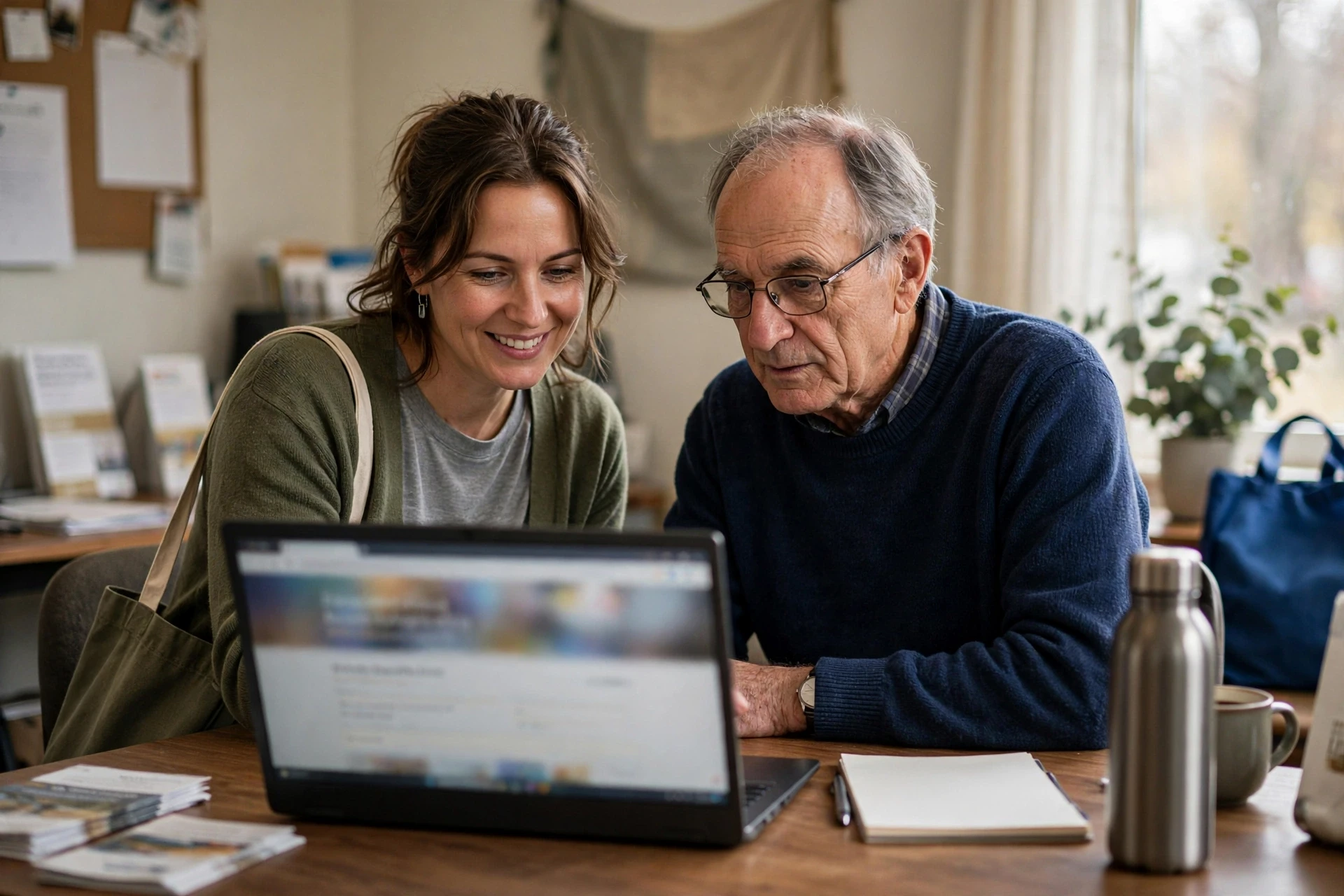
For a small charity, the key jobs are usually donating, signing up to volunteer, and finding your contact details or service hours. Walk each of those paths yourself before launch, then ask someone else to try it. If a task takes more than a few clicks, fix it.
Test Forms and Navigation from Start to Finish
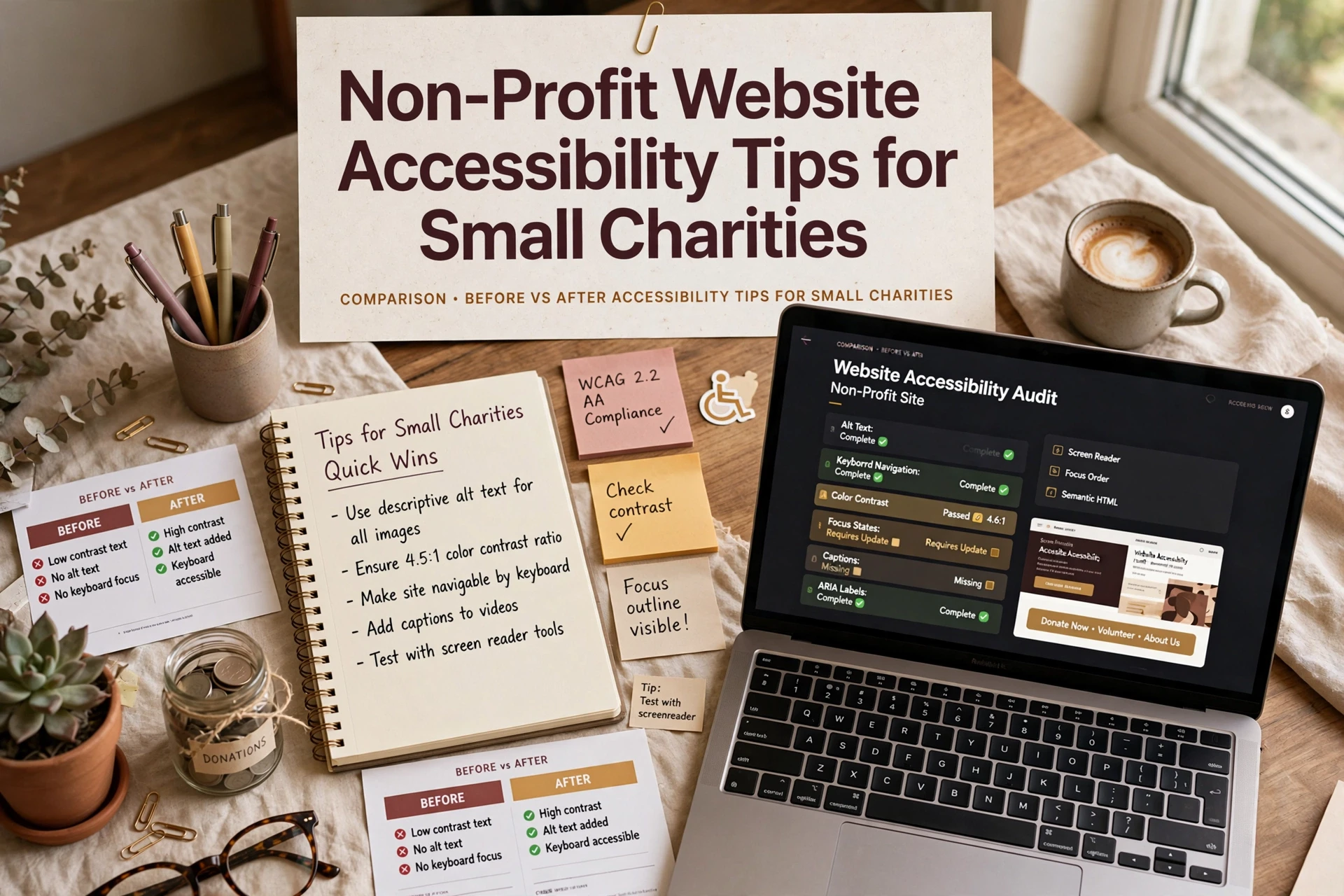
Follow every step of a donation and a volunteer sign-up with your keyboard only. Can you reach each field with Tab? Do labels read clearly to a screen reader? Does the submit button work without a mouse? One broken step costs real gifts, so test with our accessibility checklist in hand.

Prioritize Fixes a Small Charity Can Maintain
Start with what your team can actually keep up. A missing alt text habit or bad color contrast matters more than a perfect audit you never revisit. Fix the basics first: add alt text to images, check color contrast, label your forms, and make sure every page works with a keyboard alone. These are one-time edits that last.
Skip heavy rebuilds until the simple wins are done. If ongoing upkeep feels out of reach, a managed option like accessible web design services keeps standards in place without extra staff.
Which Website Approach Should a Small Charity Choose?
For most small charities, a done-for-you monthly plan beats a one-off build. You get accessible design, hosting, maintenance, and support handled for one predictable fee. Freelancers cost less up front but leave updates and compliance on your plate, and DIY builders shift the accessibility burden to your volunteers. Weigh your team’s time honestly. If nobody can maintain the site, a service like non-profit website design is the safer, cheaper choice over three years.
Want an accessible site without hiring a developer? Monkey Business builds and maintains compliant nonprofit websites for you, so visit today.
Frequently Asked Questions
Q1: Non-profit websites vs general business websites?
A non-profit site must guide donors, volunteers, and people seeking help, so accessibility supports each journey differently. Clear donate buttons, readable forms, and screen-reader-friendly text matter more than sales features.
Q2: What is the cheapest accessibility fix for a small charity?
Add alt text to images and check color contrast. Both are free, fast, and help the most visitors, including those using screen readers.
Q3: Do accessibility rules apply to small charities?
Yes. If your site serves the public, courts and the ADA generally expect reasonable access, regardless of budget or staff size.
Q4: Can a done-for-you service handle compliance?
It can. Providers like Monkey Business include accessible design, hosting, and maintenance, so volunteers never touch code.
Make Accessibility Part of the Mission
Accessible design helps more donors, volunteers, and the people you serve. Simple checks fix most barriers, so treat accessibility as part of your mission.