Quick Summary: Choosing an ADA-compliant web design partner requires more than an automated scan; you need to verify manual testing, repair scope, and ongoing support. Define key user journeys, ask for developer-ready reports with exact fixes, and use a scorecard to compare proposals fairly. A partner like Monkey Business that handles design, hosting, and maintenance can maintain accessibility after launch, not just fix it once.
A polished California firm website can still turn clients away. A keyboard user may not open the menu, a screen reader may miss form labels, or a sticky header may hide the focus mark.
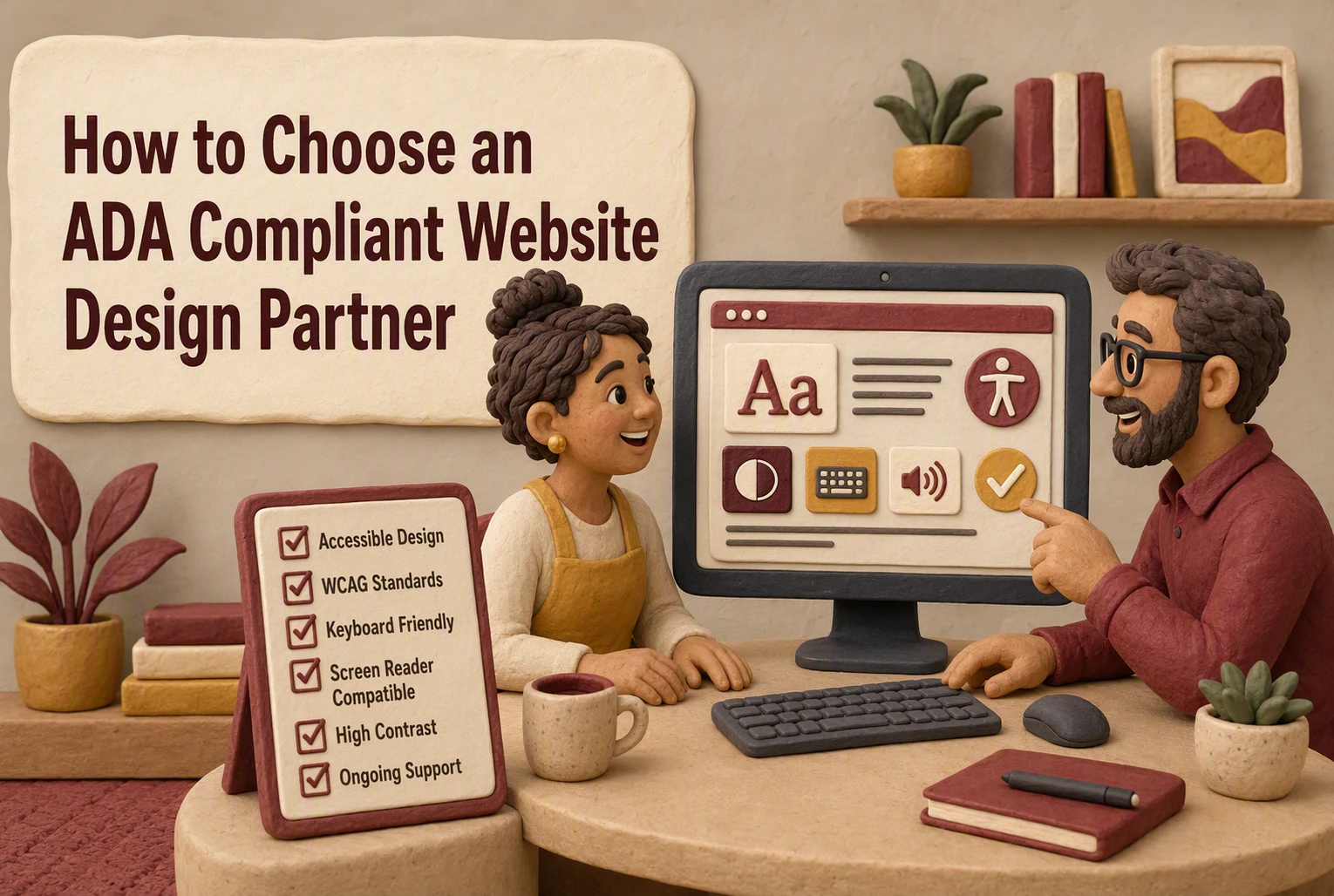
Choosing a partner takes more than an automated scan. This guide shows how to compare website compliance services, audit skill, repair plans, testing, and ongoing support. Use this framework to judge website compliance services by real results, not a report alone.
1. Define the Scope Before Comparing Providers
List the Journeys That Must Work
Start with the tasks visitors need to finish, not a generic scan score. List key journeys:
- Find services or program details
- Submit a contact, intake, or donation form
- Book an appointment or make a payment
- Watch video content and download documents
The DOJ lists forms, captions, alt text, contrast, and keyboard use as common accessibility needs in its web accessibility guidance.
Separate Legal Questions From Technical Requirements
Ask website compliance services providers what they test, fix, and maintain. Legal advice is not the same as technical work. A provider should explain its WCAG target, manual testing process, repair scope, and ongoing support.
A scan can flag issues. It cannot prove every visitor journey works.
Also Read: ADA Compliant Website Design vs Accessibility Plugins
2. Verify the Partner’s Accessibility Methodology and Expertise
Ask What Humans Test That Software Cannot
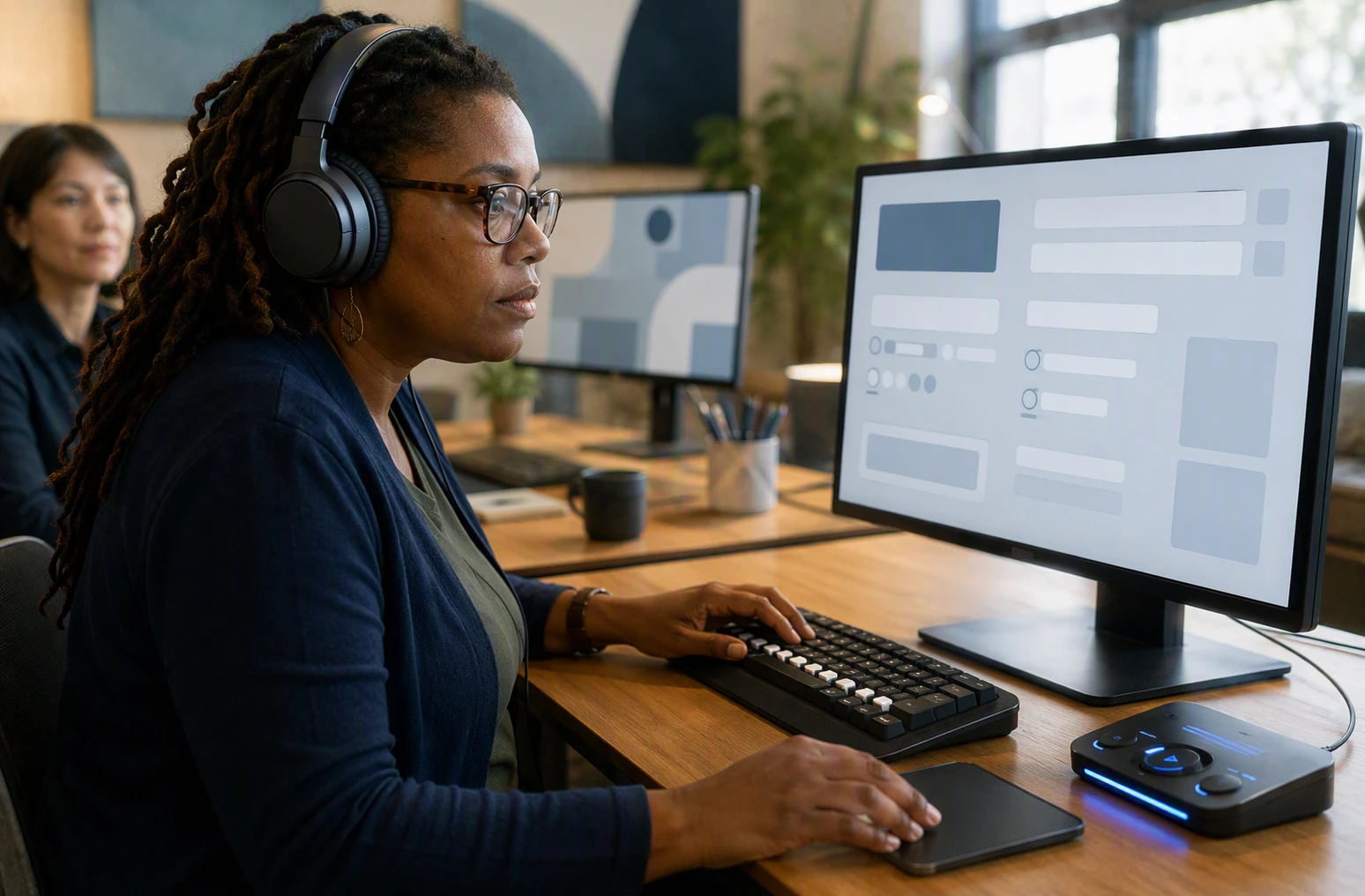
A scan is a starting point, not proof of access. Ask how the partner tests keyboard flow, screen-reader labels, form errors, captions, and whether a real user can finish key tasks. The DOJ notes that screen readers, captions, and keyboard access address different barriers on a site. Read its web guidance
Request a sample report that shows:
- Issues found and fixed
- Pages and tasks tested
- Retest results after launch
Do not accept a vendor badge or a clean automated score as the whole answer.
Check the Team, Not Just the Sales Presentation
Ask who does the work, what accessibility training they have, and who reviews new pages after launch. A strong partner can explain its process in plain language and owns ongoing fixes.
| Ask | Strong answer |
|---|---|
| Who tests? | Named specialists, not only software |
| What happens after launch? | Scheduled checks and clear support |
Also Read: 10 Must-Have Professional Website Design Elements for U.S. Small Businesses
3. Compare Deliverables, Remediation, and Validation
Look for a Developer-Ready Report
A useful audit tells your developer what to fix, where, and why. A scan score alone is not enough. Ask for a prioritized report with page URLs, issue details, affected users, and a clear fix path. The DOJ notes that a checklist can spot common problems but will not find every barrier. Its guidance also covers forms, images, video, and navigation.

| Report item | Why it matters |
|---|---|
| Exact page and element | Saves developer time |
| Severity and user impact | Helps set priorities |
| Clear fix guidance | Turns findings into action |
Confirm Who Fixes the Problems and Who Retests Them
Ask whether the partner fixes issues, trains your team, or only sends an audit. Then require retesting after each fix, including keyboard and screen-reader checks.
A report is a starting point, not proof that barriers are gone.
- Set the repair scope and deadline.
- Name who validates the fixes.
- Get a final results summary.
Also Read: 10 ADA Website Design Checks for Forms and Navigation
4. Use a Scorecard and Plan for Ongoing Accessibility
Score Every Proposal Against the Same Criteria
Use one scorecard so price does not hide weak service. Rate each partner on:
| Criteria | What to check |
|---|---|
| Testing | Manual checks plus automated scans |
| Fixes | Clear scope, timing, and ownership |
| Reporting | Plain-language findings and priorities |
| Support | Named contact and response time |
Ask each vendor to score a sample page. An audit alone is not a long-term plan.
Choose a Partner That Can Maintain the Standard
Accessibility can slip when new pages, forms, or files go live. Choose a partner that checks new content, fixes issues, and trains your team. The ADA checklist calls for procedures, training, and prompt responses to access concerns.

Choose a partner built for ongoing access, not one-time fixes. Monkey Business handles compliant design, hosting, maintenance, and support.
Frequently Asked Questions
Q1: How do I compare ADA web design providers?
Compare their manual testing, repair process, ongoing support, and written scope. Ask for sample reports and proof they test with keyboard access and screen readers, not automated scans alone.
Q2: Can an ADA audit guarantee compliance?
No. Standards, content changes, and user needs shift. Choose a partner that fixes issues and checks the site regularly.
Q3: What should an ADA website proposal include?
It should list testing methods, fixes, timelines, fees, accessibility training, and who handles new content after launch.
Conclusion
Choose a partner that tests real user paths, fixes issues, and supports your site over time. ADA guidance confirms accessible web content helps remove barriers to equal access.