Quick Summary: Using hosting features like strong security, reliable backups, access controls, and privacy-friendly settings is crucial for CCPA compliance. These controls help protect personal data, enable quick recovery after incidents, and support privacy requests. Focusing on these technical controls makes compliance easier and reduces legal risks.
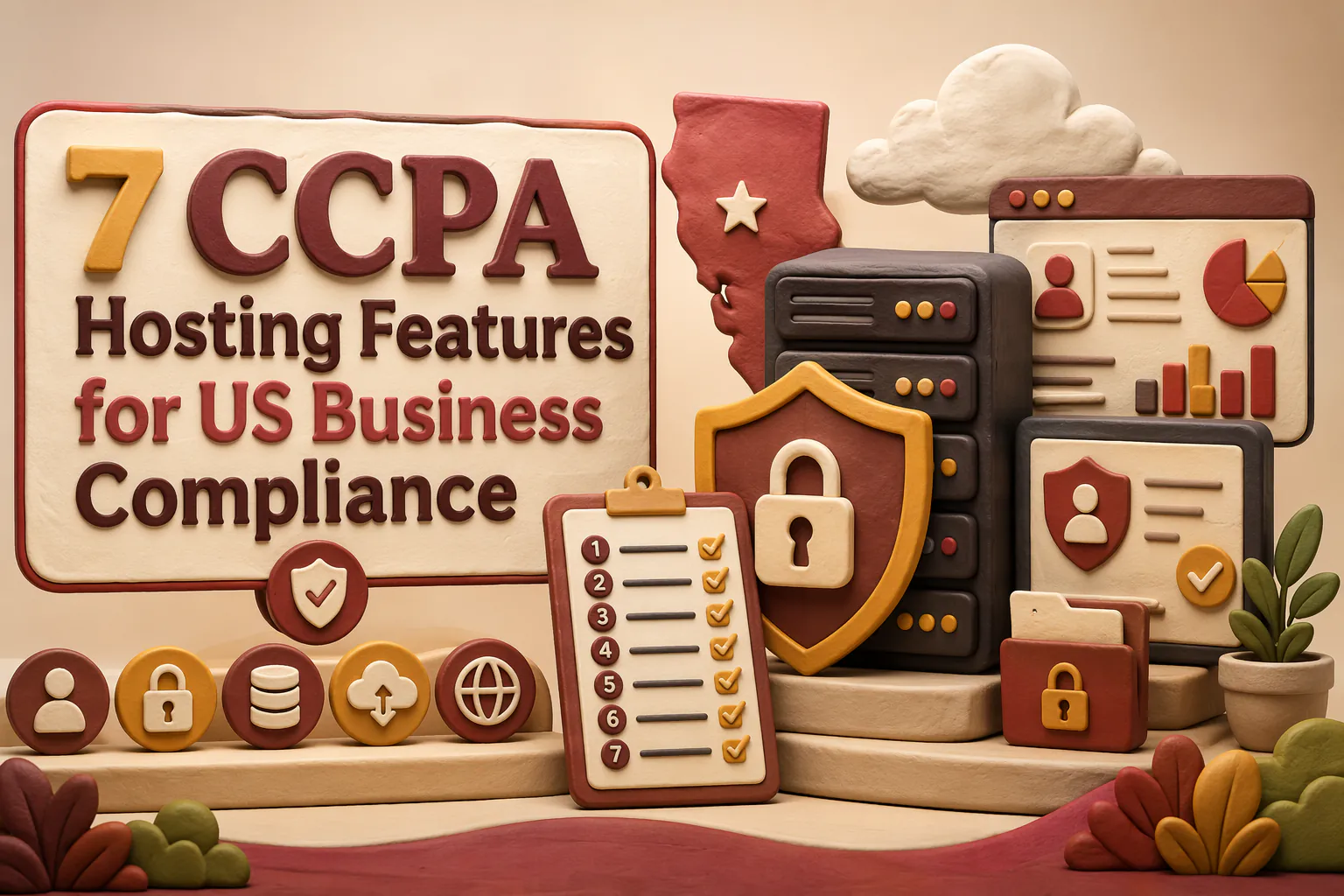
If your site collects forms, analytics, or cookie IDs, your host sits inside your CCPA risk surface. Many teams treat privacy as a policy and banner issue, but hosting drives security, backups, access, logs, and response speed. This guide ranks the top CCPA Hosting Features for US Business Compliance. These CCPA Hosting Features focus on real controls. We picked CCPA Hosting Features that support secure handling, recovery, support, and smooth Data Privacy Hosting workflows.
Quick Comparison
| Feature | Best for | Compliance impact | Operational priority |
|---|---|---|---|
| Strong security and encryption | Protecting personal information in transit and at rest | High | Critical |
| Reliable backup and recovery | Restoring websites after errors or incidents | High | Critical |
| Access control and audit logs | Limiting and tracking access to sensitive data | High | Critical |
| Privacy-friendly infrastructure settings | Reducing unnecessary data exposure in the hosting stack | High | High |
What to know about CCPA hosting features
CCPA hosting features are not a badge your host puts on the homepage. They are the settings, controls, and support tools that help you protect personal data and handle privacy requests without extra mess.
That matters now because most business sites collect data through forms, cookies, logs, and backups. If your hosting setup makes that data hard to secure, find, or limit, compliance gets harder fast.
A good host should reduce risk and admin work at the same time.
1. Strong security and encryption
This is the top CCPA hosting feature because security cuts privacy risk first. California law says businesses must use reasonable security procedures and practices, and the state notes many breaches could be reduced with stronger security controls and encryption.

Highlights
- HTTPS/TLS, hardening, malware scanning, firewall protection, secure forms and file uploads
Specs
- Best for: Protecting personal information in transit and at rest
- Compliance impact: High
- Operational priority: Critical
- Implementation difficulty: Medium
Pros
- Reduces breach risk and supports trust
Cons
- Security alone is not full CCPA compliance
Why it ranks here: if your host cannot protect data well, the rest of your compliance setup is weaker.
Last updated: July 11, 2026
Also Read: How to Choose a Web Hosting Provider That Is CCPA Compliant
2. Reliable backup and recovery
Backups are essential if you need to restore site data fast. CCPA duties include reasonable security and retention limits under California law, so your host should give you automated backups, off-site copies, and clear restore steps. NIST also stresses tested backups for ransomware and data loss.

Highlights
- Automatic scheduled backups
- Off-site or redundant storage
- Fast restore and rollback
- Documented recovery process
Specs
- Best for: Restoring websites after errors or incidents
- Compliance impact: High
- Operational priority: Critical
- Implementation difficulty: Medium
Pros
- Protects records and reduces downtime
Cons
- Backups fail if you never test restores
- Retention settings need tight control
It ranks here because recovery speed turns a bad incident into a manageable one.
Last updated: July 11, 2026
3. Access control and audit logs
If more than one person can access your hosting, you need clear permissions and a record of every key change. California’s CCPA rules and guidance make accountability easier when you can limit access and track actions through CCPA regulations and strong authentication aligned with NIST digital identity guidance.
Highlights
- Role-based access permissions
- Multi-factor authentication
- Login and change history
- Separate privileges for admins, editors, and support
Specs
- Best for: Limiting and tracking access to sensitive data
- Compliance impact: High
- Operational priority: Critical
- Implementation difficulty: Medium
Pros
- Reduces misuse and mistakes
- Supports investigations and vendor oversight
Cons
- Logs need review and retention
- Weak passwords can still break your setup
It ranks high because secure hosting access controls make privacy-ready hosting easier to prove.
Last updated: July 11, 2026
Also Read: ADA Compliant Website Design: What Your Business Needs to Know
4. Privacy-friendly infrastructure settings
Your host can collect more data than your website needs. CCPA says collection and retention must stay reasonably necessary and proportionate, per California Civil Code 1798.100 and the CPPA’s data minimization advisory.
Highlights
- Configurable logs, IP retention, CDN caching, and third-party scripts
- Clear data-flow docs across DNS, analytics, and edge services
Specs
- Best for: Reducing unnecessary data exposure in the hosting stack
- Compliance impact: High
- Operational priority: High
- Implementation difficulty: Medium
Pros
- Supports data minimization and tighter tracking control
Cons
- Needs technical oversight and may be hard to verify upfront
It ranks here because hidden infrastructure settings often decide how much personal data you collect.
Last updated: July 11, 2026
Honourable Mentions
These features still matter, but they usually come after the core CCPA hosting controls. Think of them as support layers, not the main compliance base.
- 5. Support for cookie consent and privacy tools – Helps banners, consent scripts, and choice links work cleanly.
- 6. Data retention and deletion workflows – Supports deletion requests and leaner data handling.
- 7. Responsive human support with compliance help – Useful when small teams need fast, clear setup guidance.
How to choose the right CCPA hosting partner
Use your real data flow as the filter, not marketing claims.
- List what your site collects: forms, analytics, cookies, chat, and support requests. Then check if the host supports those privacy controls.
- Put security, backups, and access control first. Nice design add-ons matter less than protecting records.
- Ask if the host can handle consent tools, privacy links, and deletion requests without custom work.
- Check docs for logs, retention, restores, and integrations so you know where data lives.
- Pick responsive human support if you lack an in-house admin.
For California teams, Monkey Business is the strongest fit if you want done-for-you help, faster updates, and less compliance friction.

Need CCPA-friendly hosting without the homework? Monkey Business builds, hosts, maintains, and supports secure, compliant websites so you can stay focused on running your business.
Frequently Asked Questions
Q1: What are the key features of CCPA-compliant web hosting for US businesses?
Look for data access controls, backup security, breach alerts, logging, US data handling clarity, and support for deletion requests.
Q2: How does Monkey Business’ hosting ensure CCPA compliance for California companies?
Monkey Business helps by managing secure hosting, updates, backups, and privacy-focused setup so California businesses reduce common compliance gaps.
Q3: What are the essential CCPA hosting features small US businesses should consider?
Small businesses should focus on security, data visibility, access limits, retention controls, and vendor support for privacy requests.