Quick Summary: Non-profit websites should focus on clear, mobile-friendly paths for donations and volunteering, with a simple core page structure. Design for accessibility and fast conversions by minimizing form fields and using trust signals. Integrate website forms with a CRM to track supporter journeys and improve follow-up, ensuring the site effectively turns visitors into donors and volunteers.
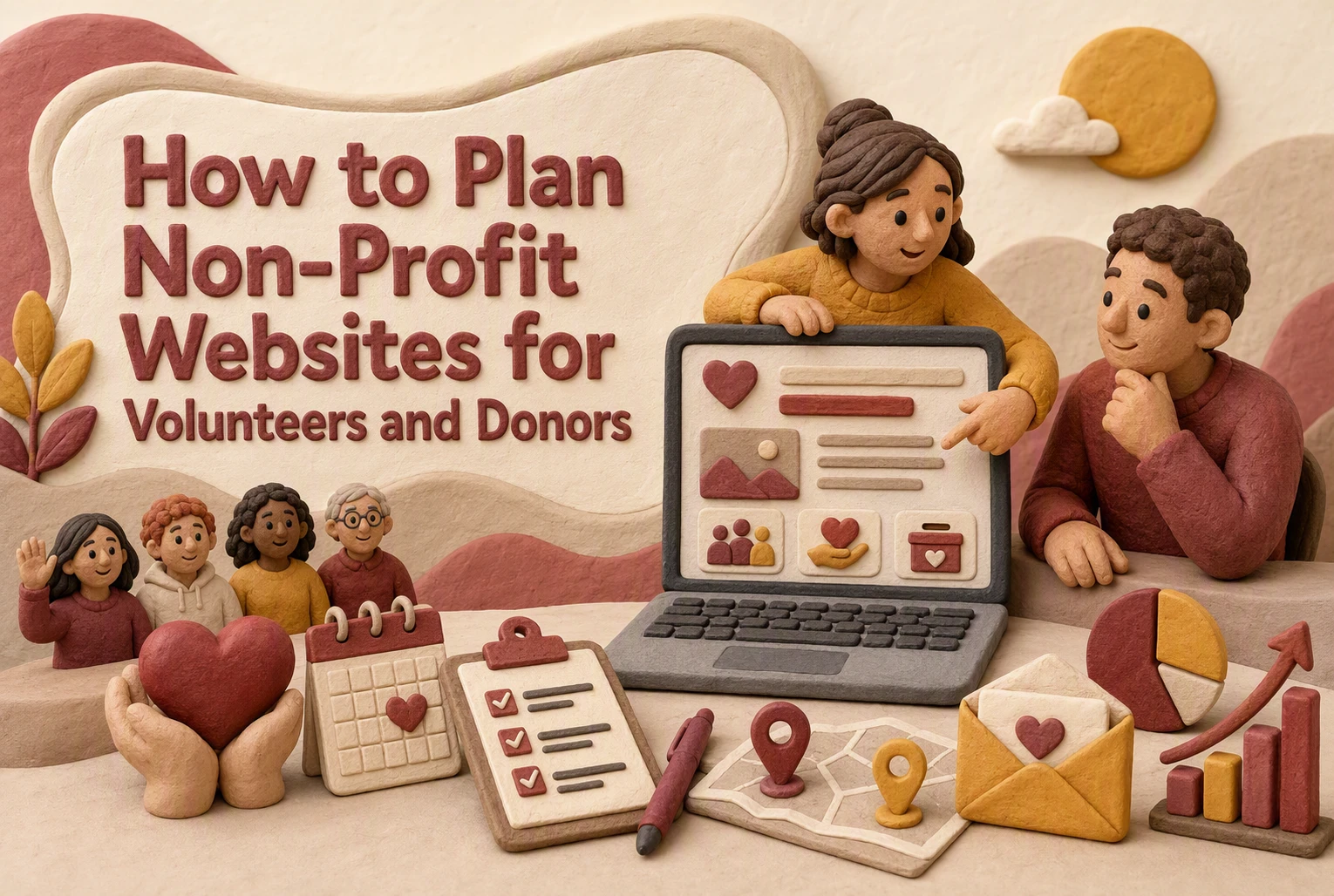
If your Non-Profit Websites treat donations, sign-ups, and contact requests as separate paths, you lose support before action starts. This guide fixes that gap. It shows how Non-Profit Websites can connect Volunteer Engagement, Donor Management, accessibility, and mobile use in one clear plan. We work from real website planning needs, so Non-Profit Websites become easier to run, easier to trust, and better at turning interest into action.
1. Define the Website’s Primary Jobs
Split mission pages from action pages. Mission pages build trust with your story, impact, and financial clarity. Action pages help people do one thing fast, like donate or sign up. That matters because 52% of nonprofit website visits now come from mobile devices, and mobile users do not want to hunt for the next step.

Pick one primary conversion and two secondary actions. For most nonprofits, the main goal is either donations or volunteer signups. Secondary actions can be email signup and event registration. Keep it tight. Only 1.6% of nonprofit website visitors donate, so scattered calls to action usually hurt more than help.
Also Read: Blog | Monkey Business
2. Build the Core Page Architecture
Start with a small set of pages people expect. Nielsen Norman Group found volunteers had the best experience when sites used simple, direct links, while donation tasks still lagged behind ecommerce usability on nonprofit sites according to NN/G.
- Home
- About
- Programs or Services
- Donate
- Volunteer
- Events or News
- Contact
- Impact or Annual Report

Each page should answer one clear question fast. The home page says who you help and how to act. About builds trust with leadership, mission, and basics. Donate removes friction. Volunteer explains roles, time, and next steps. Impact shows proof. Contact gives quick help. If you post Form 990s, the IRS public disclosure overview explains what must stay available.
Also Read: Non-Profit Websites: 7 Features That Boost Donations
3. Design for Mobile, Accessibility, and Fast Conversion
Most donors and volunteers will first meet your site on a phone. Plan the mobile path first: short headlines, thumb-friendly buttons, and one clear action per screen. W3C’s mobile guidance also stresses small screens, touch input, and varied settings like bright light and motion use mobile accessibility guidance.
Accessibility belongs in the content plan, not the QA checklist. Write plain labels, useful alt text, clear error messages, and captions from the start. W3C says WCAG applies to web and mobile content, and it is built around four principles: perceivable, operable, understandable, and robust WCAG overview.
Reduce friction on the pages that matter most:
- donation form
- volunteer signup
- event registration
Use fewer fields, bigger tap targets, and visible trust cues. > If a form feels long on mobile, it is too long. Keep payment, confirmation, and follow-up simple.
Also Read: 10 Nonprofit Website Features That Increase Online Giving
4. Connect Website Planning to Donor Management and Volunteer Engagement
Integrate forms with your CRM
Your website should send every donation, signup, and contact form into one system. A connected CRM gives staff a full supporter record instead of scattered data, and platforms like Salesforce Nonprofit Cloud are built to manage fundraising and volunteer activity together. Keep forms short, mobile-friendly, and tagged by campaign, interest, or program.
If a form does not sync cleanly, your team will waste time fixing records instead of building relationships.
Design for the full supporter journey
Plan each page around the next step. A first-time visitor may read your mission, donate, then later volunteer. Unified records help teams track that path and follow up with the right message, as CauseVox CRM notes with real-time donor updates from forms and campaigns.
- Thank-you page
- Email receipt
- Welcome sequence
- Next action prompt
Also Read: 5 Essential Tips for Selecting a Reliable Website Security Provider

Need a donor and volunteer site that actually works? Monkey Business builds secure, compliant nonprofit websites and handles the ongoing work for you.
Frequently Asked Questions
Q1: What are the essential features of effective non-profit website design for donors and volunteers?
Clear donation paths, simple volunteer sign-up, mobile speed, trust signals, event details, impact stories, and accessibility matter most. Put top actions first.
Q2: How can non-profits optimize their websites to attract more donors and support fundraising efforts?
Use short forms, strong donation pages, clear outcomes, recurring gift options, and urgent but honest calls to action. Test pages on phones.
Q3: What are the best practices for creating a mobile-friendly and accessible nonprofit website in the US?
Use readable text, fast pages, strong color contrast, keyboard-friendly forms, alt text, captions, and plain language. Follow ADA-aware and WCAG-based standards.
Conclusion
Plan your nonprofit website around donations, volunteers, accessibility, and mobile use together. That matters because mobile drives 52% of nonprofit website visits, and federal accessibility rules now set clear web and mobile standards.