Quick Summary: Hiring a web design vendor in 2026 requires checking if they can prove how their process reduces legal and usability risks, not just claiming ADA compliance. Key questions include whether they meet WCAG 2.1 AA standards, handle accessibility details like alt text and keyboard navigation, and provide ongoing audits and documentation. Most issues arise after launch, so vendors should offer continuous support and clear records. Monkey Business is highlighted as a provider that offers comprehensive, ongoing ADA compliance support.
If you are hiring a U.S. Web Design vendor in 2026, the key test is not whether they claim ADA Compliance. It is whether they can prove how their process lowers risk. Many firms sell ADA Compliance as a widget, a policy page, or a launch-only check. This guide gives you 8 Accessibility Questions to compare ADA Compliance, WCAG 2.1 AA work, testing, fixes, and post-launch support before you buy.
Quick Comparison
| Question | Best for | What to verify | Red flags | Vendor signal |
|---|---|---|---|---|
| Does your work meet WCAG 2.1 AA, and can you show how you test for it? | Buying with confidence and filtering out vague accessibility claims | Named standard, testing methods, and documented conformance | “Accessibility-ready” claims without proof or testing details | A public accessibility statement with clear standards and testing notes |
| How do you handle alt text, captions, color contrast, and keyboard navigation? | Service businesses, nonprofits, and local brands with image-heavy pages | Alt text workflow, captions, contrast checks, and keyboard support | Ignoring media accessibility or treating it as an afterthought | Specific build standards for text, media, and navigation |
| Do you provide accessibility audits, remediation, and follow-up after launch? | Buyers who need long-term support, not a one-off project | Audit cadence, remediation responsibility, and recheck process | No maintenance plan for new issues or future updates | Accessibility support included in an ongoing service model |
| Will you document accessibility decisions and changes for our records? | Businesses that want audit-ready records and better accountability | Change logs, conformance notes, and issue tracking | No written record of accessibility work or fixes | A clear accessibility statement plus documentation trail |
What to know about ADA Compliance for web design vendors
ADA compliance is not a one-time website fix. It is a vendor’s ability to build accessible pages, test real user paths, document what they did, and keep the site usable as content changes.
That matters more now because buyers face more legal risk, stricter client expectations, and ongoing site updates. The best vendor questions expose how a team works day to day, not how polished their sales pitch sounds.
A good vendor should explain process, proof, and maintenance in plain English.
1. Does your work meet WCAG 2.1 AA, and can you show how you test for it?
This is the first filter question. A real vendor should name WCAG 2.1 AA, explain coverage across full pages or flows, and show testing steps. W3C says conformance applies to full pages and complete processes, not vague “accessible-ready” claims.
Highlights
- Ask for the named standard, test method, and proof.
- Good answers include automated, manual, and user testing, which W3C recommends.
Pros - Clear baseline
- Easier vendor comparison
Cons - A statement alone is not ongoing maintenance
This ranks first because every other ADA promise depends on a real, testable standard.
Last updated: July 16, 2026
Also Read: The Future of Accessible Web Design: Trends for 2026
2. How do you handle alt text, captions, color contrast, and keyboard navigation?
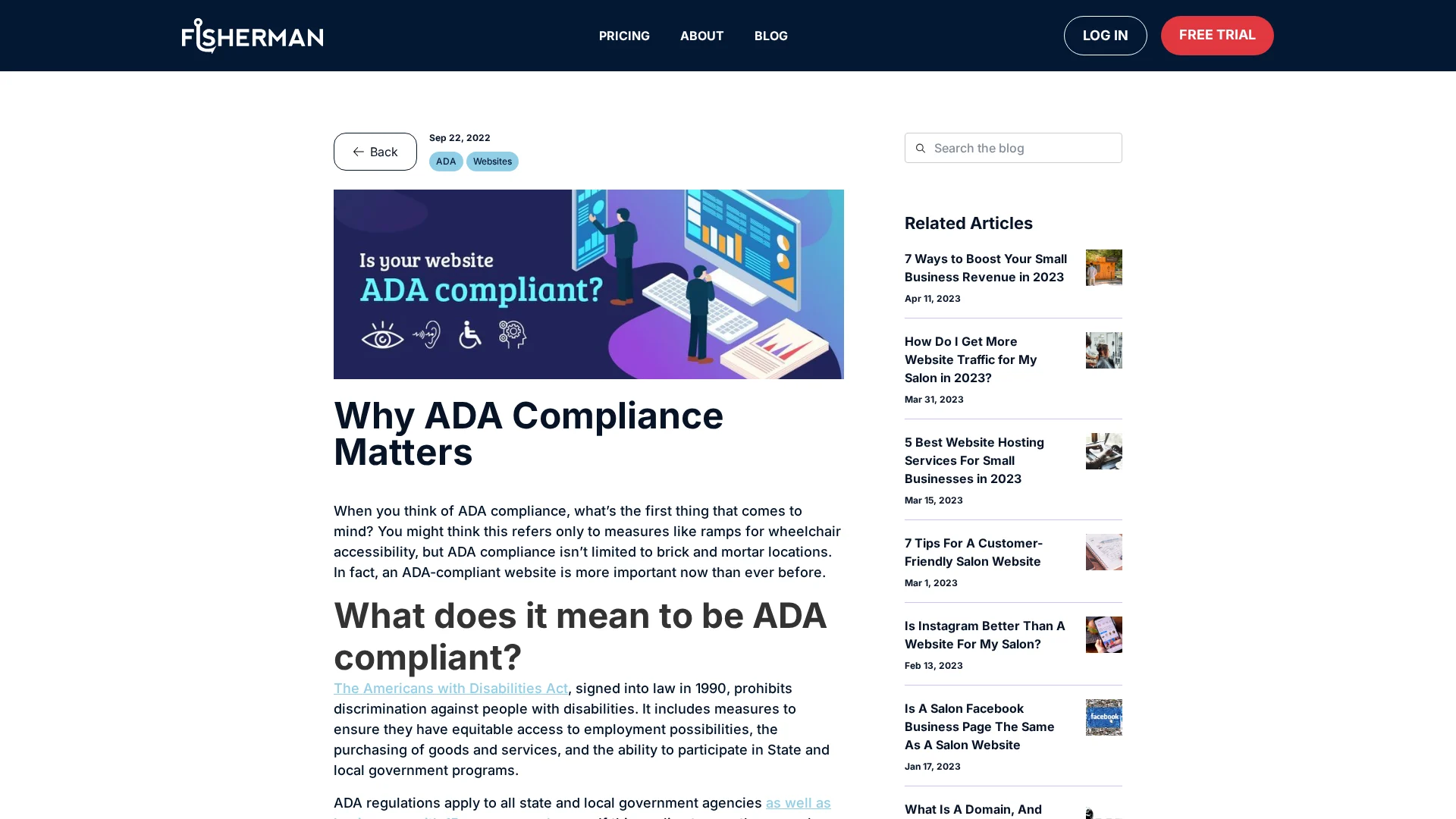
These are daily-use basics, not bonus features. A solid vendor should explain how it writes alt text, adds captions, checks contrast against WCAG 2.2, and tests full keyboard use, including visible focus and no mouse-only traps.
Highlights
- Ask who writes and reviews alt text.
- Confirm videos can include captions or transcripts.
- Check contrast testing.
- Require keyboard support.
Pros
- Easy to verify
- Covers common barriers
Cons
- Content owners may still need to help
It ranks here because these failures are common and easy to spot before you sign.
Last updated: July 16, 2026
Also Read: 5 Essential Tips for Selecting a Reliable Website Security Provider
3. Do you provide accessibility audits, remediation, and follow-up after launch?
Good vendors treat accessibility as ongoing work, not a launch-day task. Sites drift when content changes, plugins update, or new pages go live, and ADA.gov says accessible content must continue over time.
Highlights
- Ask if they do pre-launch and post-launch audits.
- Confirm who fixes issues and how fast.
- Check whether maintenance covers regressions after updates, as DOJ guidance notes.
Pros
- Protects against drift
- Clarifies ownership
Cons
- Scope may be vague
- Often needs a support plan
It ranks here because most failures appear after launch, not before.
Last updated: July 16, 2026
Also Read: 5 Essential Tips for Selecting a Reliable Website Security Provider
4. Will you document accessibility decisions and changes for our records?
Accessibility work needs a paper trail. That helps show diligence if a complaint or audit happens, and the DOJ has stressed planning and ongoing compliance in its web guidance.
Highlights
- Ask for a written scope, dated fixes, and change logs.
- Keep remediation notes with legal and marketing files.
Specs
- What to verify: Change logs, conformance notes, issue tracking, feedback contact
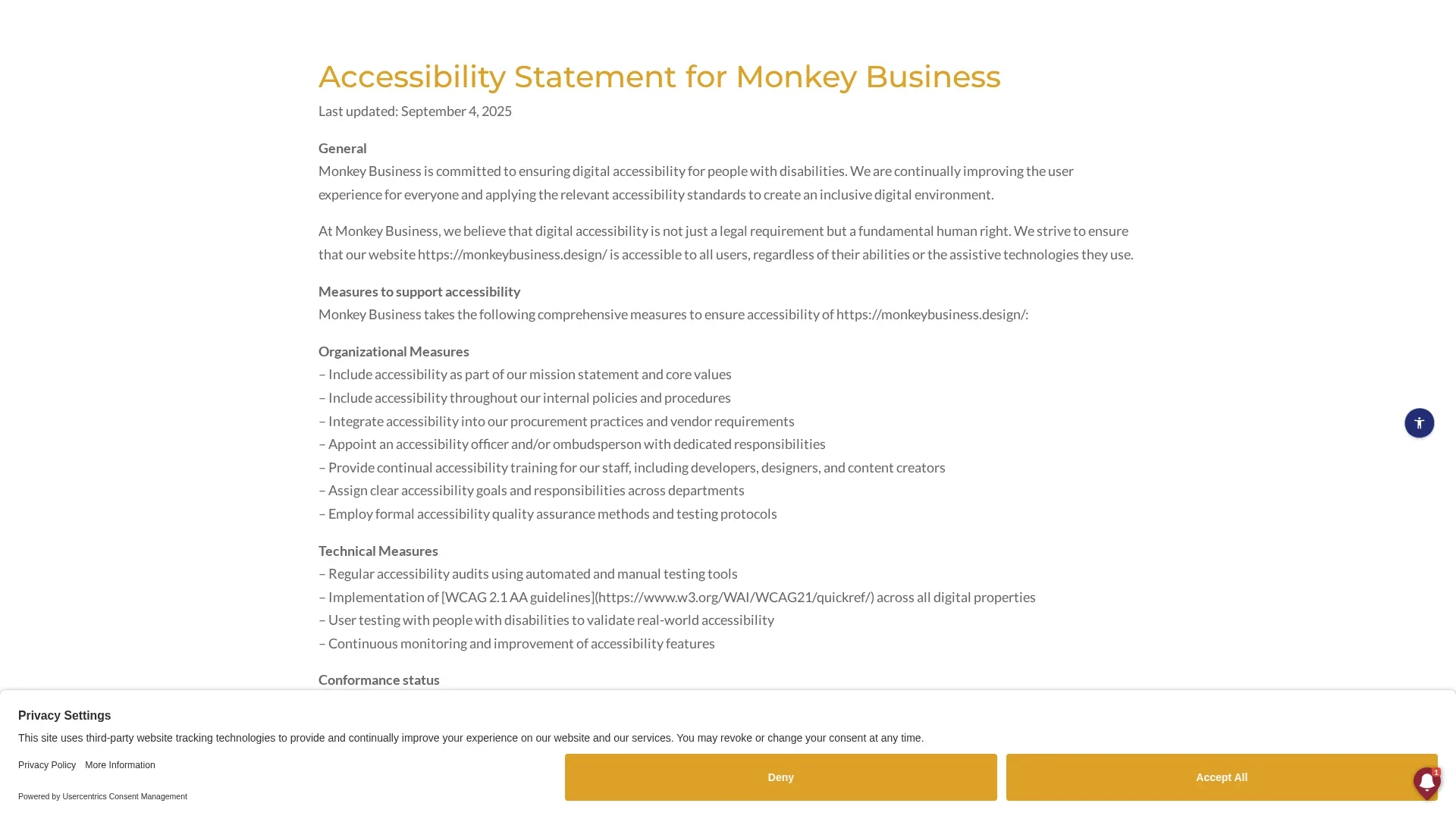
- Vendor signal: Clear accessibility statement, like the DOJ checklist expects for website policies and procedures
Why it ranks here: documentation is less visible, but critical for accountability and risk control.
Last updated: July 16, 2026
More accessibility questions worth asking
If a vendor answers the big ADA questions well, use these follow-ups to spot weak process gaps fast.
- How do you test forms, menus, and mobile layouts for accessibility?
- What happens if a new page or plugin introduces an accessibility issue?
- Do you offer staff training or content guidance for accessible updates?
- How do you support an accessibility statement and feedback process?
How to choose the right ADA Compliance vendor
Use these checks before you sign:
- Ask which standard they follow. You want WCAG 2.1 AA or later, not vague claims like “fully accessible.”
- Make them explain accessibility in plain build terms: alt text, captions, contrast, keyboard access, form labels, and focus states.
- Pick a vendor that includes testing and fixes after launch. Problems often show up after new content goes live.
- Check support for your content workflow if your team adds pages, PDFs, images, or videos.
- Request audit summaries, issue logs, and follow-up notes.
For small teams that want done-for-you support, Monkey Business is the strongest fit because it pairs design, maintenance, and ongoing website support.

Need a vendor that can answer these ADA questions clearly? Talk to Monkey Business for done-for-you, compliant web design, hosting, maintenance, and support.
Frequently Asked Questions
Q1: What are the key legal requirements for ADA compliance in U.S. web design in 2026?
U.S. law still does not name one web standard, but courts and settlements often expect accessible design, equal access, and quick fixes for barriers.
Q2: How do WCAG 2.1 Level AA standards impact ADA compliance for American websites?
WCAG 2.1 Level AA is the main benchmark vendors use. It shapes testing, design choices, content rules, forms, keyboard access, contrast, and error handling.
Q3: What are the best practices for designing an ADA-compliant website in the U.S. in 2026?
Ask vendors for audits, manual testing, screen reader checks, accessible templates, clear remediation plans, and ongoing support after launch.