Quick Summary: Quick Summary: A privacy-compliant website needs visible trust signals like a clear privacy policy, cookie preferences, HTTPS security, and accessible contact info to build user confidence quickly. These elements help visitors understand data practices, control tracking, and see that the site is secure and legitimate. Prioritizing these features improves trust and conversion rates for small businesses.
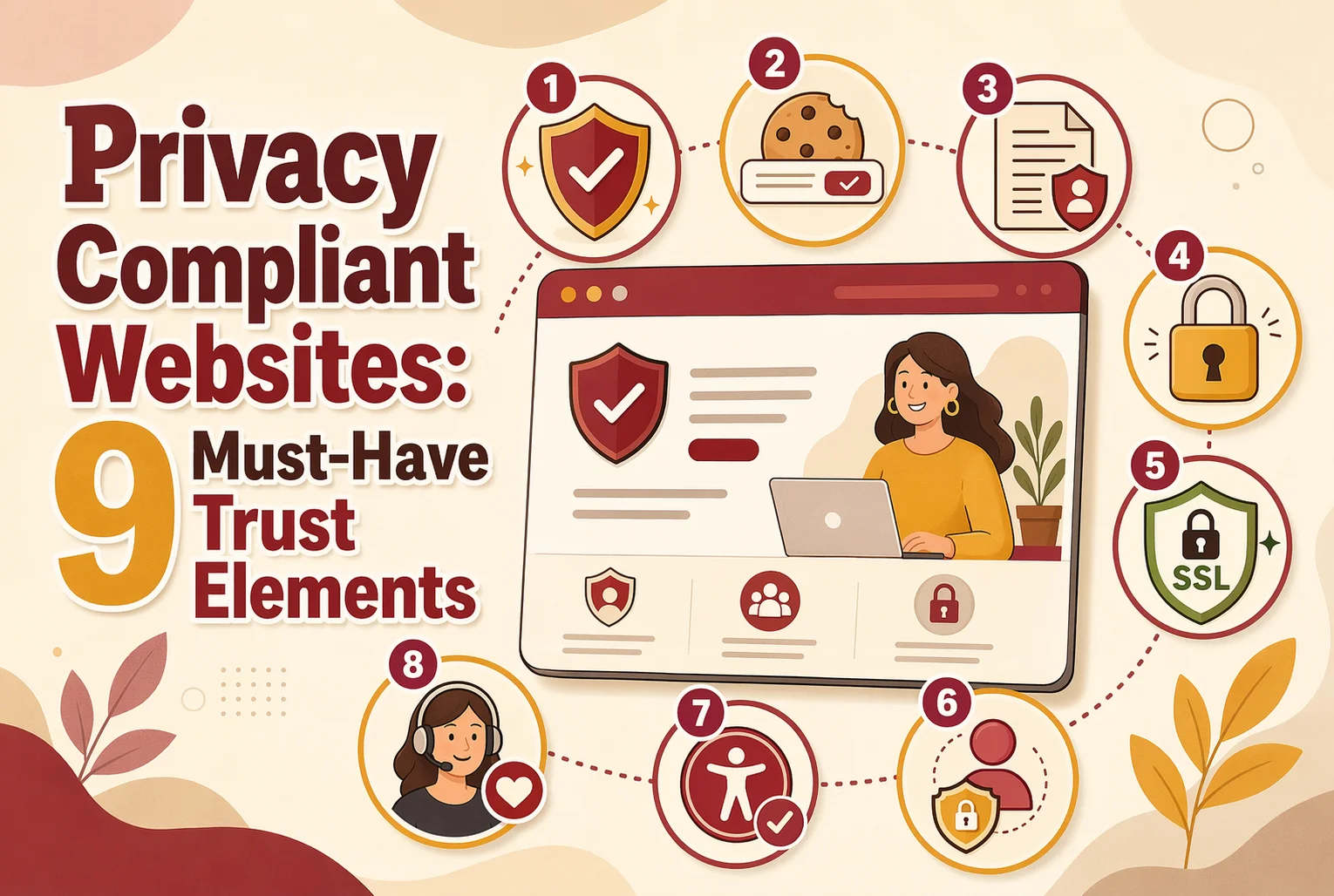
A privacy-compliant website can still lose trust in seconds. Visitors need to quickly see who runs the site, how data is used, and how to get help. Many small business sites hide these basics in the footer or spread them across vague pages. That hurts confidence and conversions. This list ranks nine trust elements, chosen for visibility, legal value, and how well they reduce doubt by making privacy clear, easy to check, and easy to act on.
Quick Comparison
| Trust Element | Best for | Privacy Value | Visitor Confidence | Implementation Priority |
|---|---|---|---|---|
| Clear privacy policy link | Immediate transparency | Makes data practices visible | High | Critical |
| Cookie consent banner with preferences | User control at first touchpoint | Manages tracking consent | High | Critical |
| HTTPS and security indicators | Immediate technical reassurance | Protects data in transit | Very high | Critical |
| Accessible contact information | Human accountability | Shows a reachable data controller or business contact | High | High |
What to know about privacy compliant websites
A privacy-compliant website does more than post a privacy policy in the footer. It shows people what data you collect, why you collect it, and how they can control it. That clarity lowers doubt fast.
Right now, visitors expect plain answers before they share a form, book a call, or make a payment. Small businesses that make privacy visible through design, consent, security, and support cues build trust faster and reduce risk.
Compliance matters, but clear proof of compliance is what helps people feel safe enough to act.
1. Clear privacy policy link
Your privacy policy link should be easy to spot on every page. Put it in the footer, and repeat it near forms, checkout, or email signup areas so people can check your data rules before they click.
Highlights
- Footer link across the site
- Plain-English note near forms, as FTC disclosure guidance stresses close, clear placement
- Easy access in mobile nav
- Link to rights or request pages, backed by FTC privacy policy guidance
Specs
- Best for: Immediate transparency
- Privacy Value: Makes data practices visible
- Visitor Confidence: High
- Implementation Priority: Critical
Pros
- Easy to implement
- Supports legal transparency
Cons
- Hidden links hurt trust
- Legal jargon lowers readability
This ranks first because it is the base trust signal for any privacy compliant website.
Last updated: July 13, 2026
Also Read: Latest News on Web Accessibility and Compliance in 2026
2. Cookie consent banner with preferences
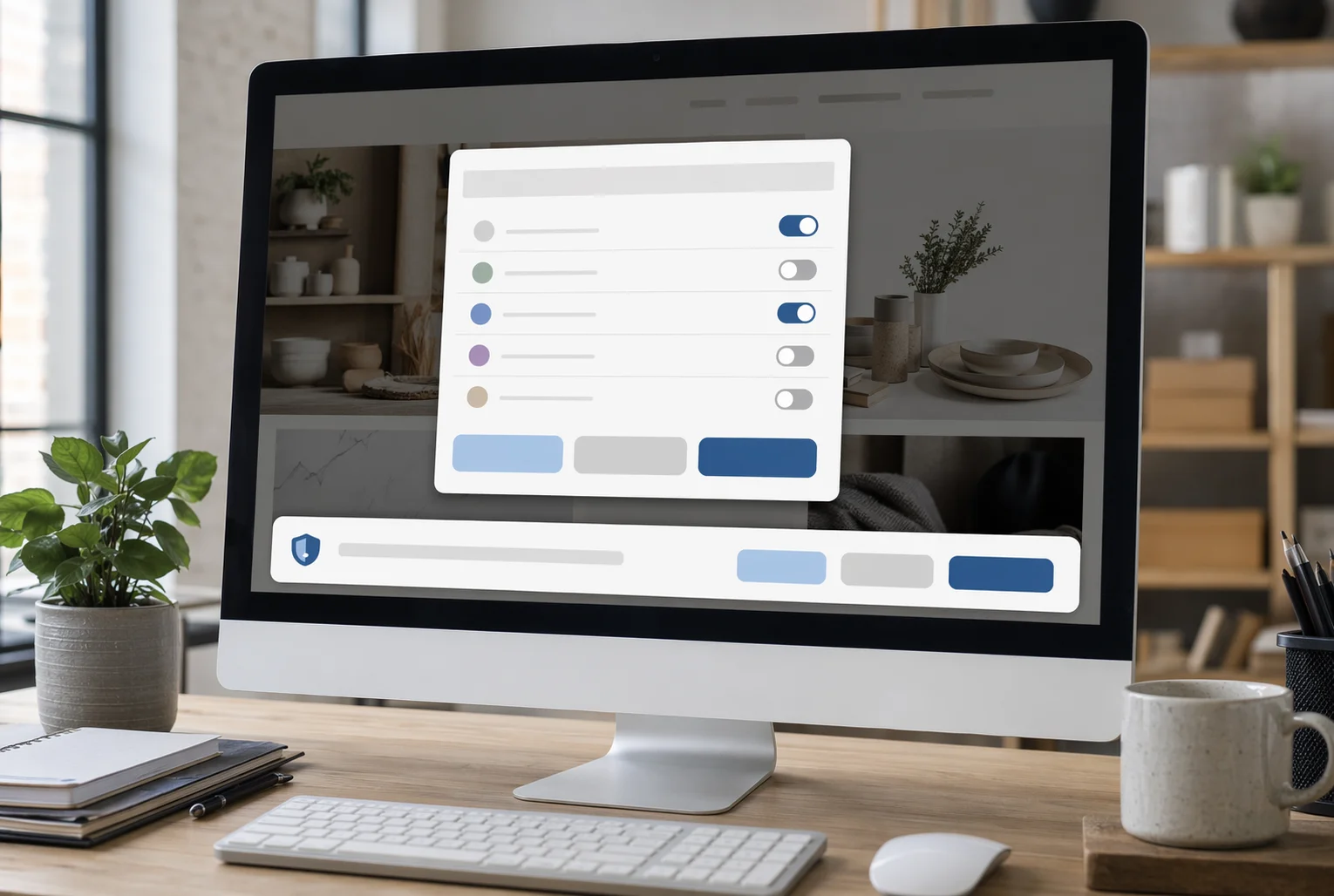
A cookie consent banner should do more than warn people that cookies exist. Give visitors real control over non-essential tracking with clear choices, a cookie preferences link, and plain language. Research found users do better when banners show options clearly and let them revisit choices later in this FTC-cited study.
Highlights
- Accept, reject, or manage choices
- Granular consent options
- Link to cookie details or policy
- Visible on first visit and easy to revisit
Specs
- Best for: User control at first touchpoint
- Privacy Value: Manages tracking consent
- Visitor Confidence: High
- Implementation Priority: Critical
Pros
- Builds immediate trust
- Supports consent-based compliance
- Reduces uncertainty around tracking
Cons
- Poor design frustrates users
- Aggressive banners can hurt UX
It ranks here because regulators now expect fair, transparent tracking choices, not vague banners, as noted by TechPolicy.Press.
Last updated: July 13, 2026
Also Read: 10 Must-Have Professional Website Design Elements for U.S. Small Businesses
3. HTTPS and security indicators
HTTPS shows visitors the connection is protected. Your whole site, forms, and checkout pages should load securely, with no browser warnings. CISA says HTTPS encrypts data sent between the browser and your site.

Highlights
- Sitewide HTTPS
- No mixed-content warnings, which can remove trust signals or security icons per Firefox
- Secure forms and checkout pages
- Consistent browser trust indicators
Specs
- Best for: Immediate technical reassurance
- Privacy Value: Protects data in transit
- Visitor Confidence: Very high
- Implementation Priority: Critical
Pros
- Fast credibility boost
- Straightforward setup
- Supports every privacy message
Cons
- Not enough on its own
- Easy to miss if users do not check
It ranks here because visitors notice security signs before they read your privacy policy.
Last updated: July 13, 2026
Also Read: 7 Small Business Website Features That Boost Conversions
4. Accessible contact information
Make it obvious there is a real business behind the site. Clear website contact information helps people trust your site and know who controls their data. The FTC itself offers phone, mail, and online contact options on its contact page, which shows how visible access builds trust.
Highlights
- Visible contact page link
- Phone and email in footer or header
- Human support language
- Real business identity details
Specs
- Best for: Human accountability
- Privacy Value: Shows a reachable data controller or business contact
- Visitor Confidence: High
- Implementation Priority: High
Pros
- Makes the business feel real
- Improves support confidence
- Helps with compliance questions
Cons
- Missing contact details raise suspicion
- Forms alone can feel impersonal
It ranks here because clear contact details reduce anonymity, a major consumer privacy trust blocker.
Last updated: July 13, 2026
Also Read: ADA Compliant Website Design: What Your Business Needs to Know
How to choose the right privacy trust elements
Use these criteria to choose what to add first:
- Start with basics – Add a privacy policy, cookie consent, HTTPS, and clear contact details before anything else.
- Place signals near action – Put key trust cues on your homepage, forms, donation pages, booking pages, and checkout.
- Keep wording plain – Explain what you collect and why in simple terms, not dense legal copy.
- Match your audience – Nonprofits and service firms need human transparency. Ecommerce sites need stronger consent and security cues.
- Check mobile first – Test footer links, policy pages, and consent tools on phones.
- Recheck after updates – New chat, analytics, or ad tools can break trust fast.
Best pick: Monkey Business stands out for small teams that want a done-for-you, compliance-first setup without handling every moving part alone.

Need a privacy-ready website without the guesswork? Monkey Business builds secure, compliant, trust-focused sites for California businesses and beyond. Get done-for-you setup and support.
Frequently Asked Questions
Q1: What are the essential trust elements every privacy-compliant website must include?
A clear privacy policy, cookie notice, consent choices, secure HTTPS, contact details, terms, data request options, accessible forms, and visible security cues.
Q2: How can privacy trust elements improve user confidence and website conversion rates?
They reduce doubt fast. People share info more easily when they see clear rules, real control, and signs your site handles data safely.
Q3: What are the top 9 legal trust components for privacy compliance on US websites?
Privacy policy, cookie disclosure, consent tools, terms, contact info, data rights process, secure hosting, ADA-aware access, and clear form notices.