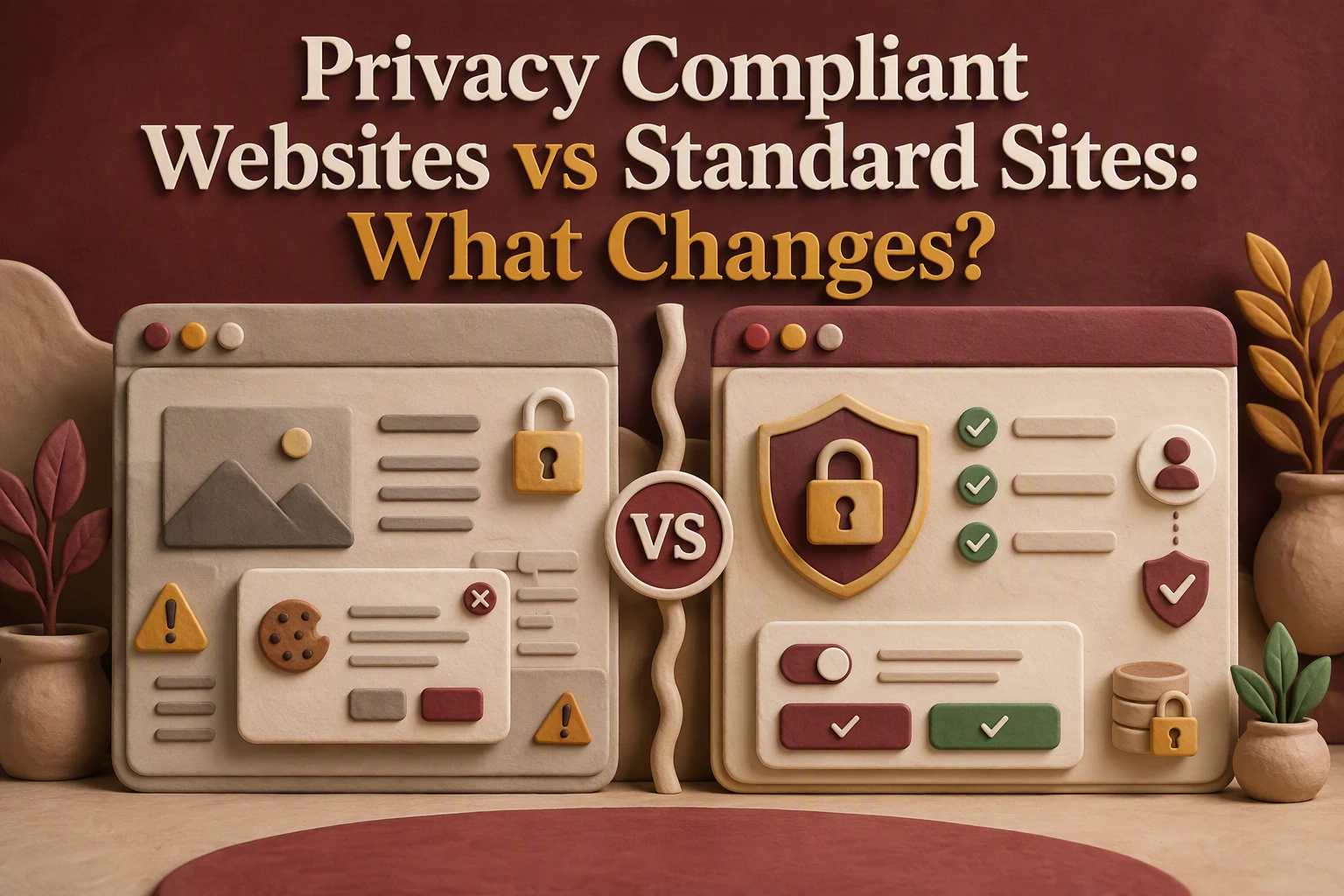
Quick Summary: A privacy-compliant site cuts data collection to only what’s needed-like a contact form asking just for name, email, and message, not extra details-and blocks optional tracking until users opt in. Standard sites often collect more than necessary and bury privacy notices in footers, leaving gaps that California’s CCPA rules can expose. The real cost comes later: fixing broken consent flows or facing enforcement after a vendor or plugin quietly adds trackers. For businesses handling leads, ads, or California customers, privacy-first design avoids these risks by baking controls into the site from the start.
A contact form shows the real difference. A standard site may collect first and explain later. Privacy-first design limits fields, states the purpose, and blocks optional tracking until a visitor chooses. For California firms facing CCPA rules, privacy-first design changes data flow, vendor control, and upkeep. This comparison helps you choose privacy-first design or a tightly audited standard site.
Privacy-Compliant Websites vs Standard Sites: At a Glance
| Privacy-compliant website | Standard website | |
|---|---|---|
| Design approach | Privacy-first requirements are built into planning, UX, development, and maintenance. | Privacy is commonly handled as a later legal or technical add-on. |
| Data collection | Collects only information needed for a stated purpose. | Forms and integrations may request more information than the immediate purpose requires. |
| Tracking and cookies | Optional tools are classified, controlled, and tested against user choices. | Analytics, pixels, embeds, and cookies may load by default unless configured otherwise. |
| User notices and controls | Clear notices appear at or before collection, with accessible privacy and opt-out paths. | A footer privacy link or generic banner may not match actual data behavior. |
| Ongoing maintenance | Forms, scripts, vendors, policies, and security are reviewed after changes. | Privacy gaps can reappear when plugins, forms, campaigns, or vendors change. |
How Privacy-compliant website and Standard website Compare
Privacy-compliant website
Built for organizations that treat privacy as a design rule, not a patch. It limits data, gives visitors clear choices, and reviews forms and vendors after changes.
![A local business owner reviewing privacy settings on a laptop]
Key strengths
- Clear notices and user controls
- Ongoing tracking and vendor checks
Standard website
Built mainly for marketing, visual appeal, and core functions. Privacy tools often arrive later, so forms, pixels, and new plugins can create gaps over time.
What Changes in the Design and Data Model
Forms, Booking Tools, and Lead Capture
A privacy-first site collects only what each task needs. A contact form may ask for name, email, and message, not a birth date or detailed intake notes. Show a short notice beside each form. California requires covered businesses to explain collection and use practices to consumers under the CCPA.

Purpose, Retention, and Access
Map every field to a clear purpose, storage location, retention rule, and approved staff role.
| Data | Purpose | Access |
|---|---|---|
| Reply to inquiry | Sales lead | |
| Booking time | Confirm appointment | Scheduler |
Remove old leads on schedule. Do not keep data “just in case.”
- Limit form fields.
- Review connected booking tools.
- Document who can export leads.
Also Read: 5 Essential Tips for Selecting a Reliable Website Security Provider
What Changes in Tracking, Notices, and User Choice
Optional Scripts Should Not Be an Invisible Default
A standard site often loads ad pixels and analytics before a visitor acts. A privacy-first site separates required tools from optional tracking.
- Block optional scripts until the user chooses.
- Record and honor that choice.
- Honor Global Privacy Control where required. California DOJ guidance says covered businesses must treat it as a valid opt-out request.

Tip: Test every choice. A banner means little if trackers still fire.
Notices Must Appear Where Data Is Collected
Put clear notices beside contact forms, newsletter signups, bookings, and donation fields. State what you collect, why, and who receives it. The CCPA requires covered businesses to give notice at or before collection. California DOJ outlines these consumer rights.
Also Read: Privacy Compliant Websites: 9 Must-Have Trust Elements
What Changes After Launch
Vendor and Integration Governance
After launch, approve every new form, chat tool, pixel, and booking link before it goes live. Keep a vendor list showing what data each tool receives. California enforcement examples show businesses had to update vendor contracts and stop transfers after Global Privacy Control signals. The Attorney General’s guidance makes this a real operating task.
Tip: A free plugin can quietly add tracking. Treat every update as a privacy review.
Testing Is the Difference Between a Claim and a Control
Test consent choices monthly in a private browser. Confirm blocked tags stay blocked, forms match your notice, and opt-out requests reach the right inbox. California consumers have rights to know, delete, correct, and opt out under the CCPA.
- Record the test date.
- Save screenshots.
- Fix failures before campaigns run.
Also Read: Privacy Compliant Websites vs Privacy-First Landing Pages
Which Website Approach Should You Choose?
Choose a privacy-first website if you collect leads, run ads, use tracking tools, or serve Californians. It builds consent, data controls, and clear notices into the site from day one. Covered businesses must honor valid Global Privacy Control opt-out requests, according to the California Attorney General.
Choose a standard site only if it collects little data and you can review it often.
| Your situation | Better choice |
|---|---|
| Basic brochure site, no tracking | Standard site with regular checks |
| Forms, analytics, ads, or member data | Privacy-first site |
Tip: Privacy-first costs less than rebuilding broken tracking and consent flows later.

Choose Monkey Business for a secure, privacy-ready website with ongoing support handled for you.
Frequently Asked Questions
Q1: Privacy compliant websites vs standard websites?
Privacy-first sites limit data at collection. Standard sites often add notices later, while trackers, forms, and vendor tools still collect too much.
Q2: Do small California businesses need a privacy policy?
Yes. If your site collects personal data, publish a clear policy and match it with real consent and data-handling practices.
Q3: What must change during a redesign?
Review forms, cookies, analytics, embedded tools, opt-out links, vendor contracts, and staff steps for data requests.
Conclusion
Privacy-first sites limit data at the source, document vendors, and support user rights. California’s CCPA guidance confirms these rights matter.